

Advanced AI Training for regulatory affairs teams
StreamAlive helps 9x the audience engagement in your Virtual Instructor-led Trainings (VILT).
Make your instructor-led Advanced AI training more fun with polls, word clouds, spinner wheels and more
Works inside your existing PowerPoint presentation
Install the StreamAlive app for PowerPoint and see your slides come to life as people participate in your interactions
AI generates audience interactions for you
Let our AI scan your presentation and automatically come up with relevant questions based on the content. Or spend two hours coming up with your own questions, your choice!
Built to work with MS Teams and Zoom
Native apps for Teams and Zoom so you never have to leave your existing workflows
No QR Codes
Chat-powered interactions means your audience doesn’t need to scan QR codes or look at another screen to participate. They just type in the chat!

Quickly approved by your IT team
StreamAlive’s apps for Teams and Zoom means that they have been through rigorous quality assurance and client safety reviews. You’ll find everything an IT team needs to approve the app within the organization within your StreamAlive account.

So, you've got the exciting task of conducting Advanced AI training for regulatory affairs teams, huh? No worries, were about to spice things up! Here's how we're going to rock that session and keep everyone engaged.
Mapping Fun with Magic Maps
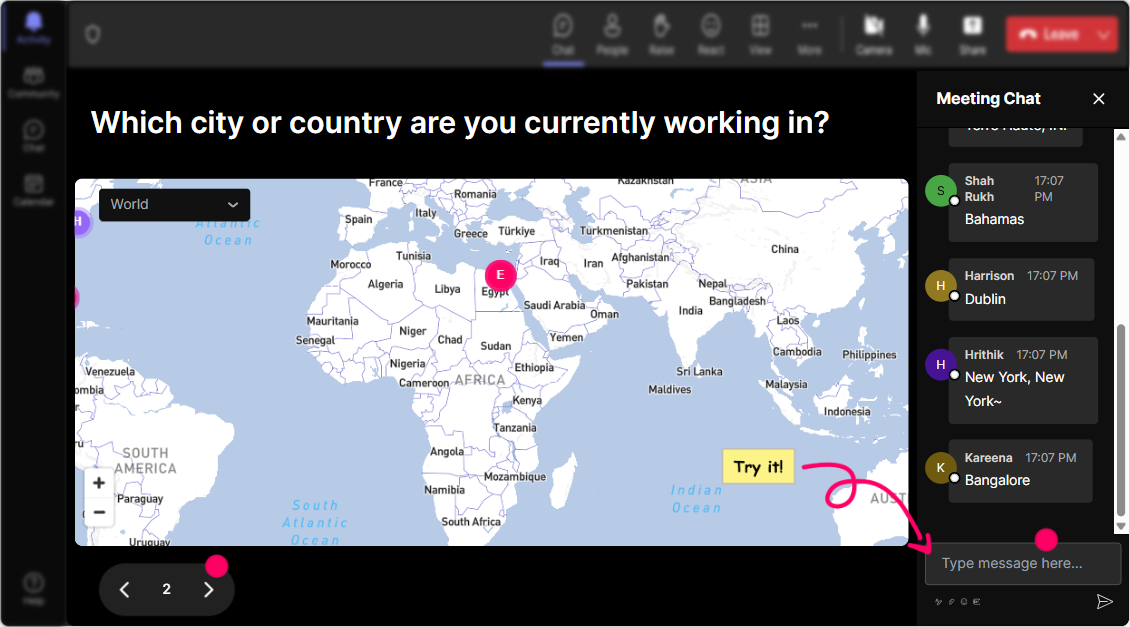
Let's break the ice and get everyone warmed up by literally putting your audience on the map. How about we ask them where theyre tuning in from? Or even get whimsical and ask where they'd teleport for a tech conference? Magic Maps will visualize their locations enhancing the global vibe!
Gauge the Crowds AI Savvy
Kick off your session by finding out how everyone rates their knowledge on Advanced AI. This isnt just about numbers-it taps into their self-perception and sets the tone for tailored interaction throughout.

Feel the Pulse with Wonder Words
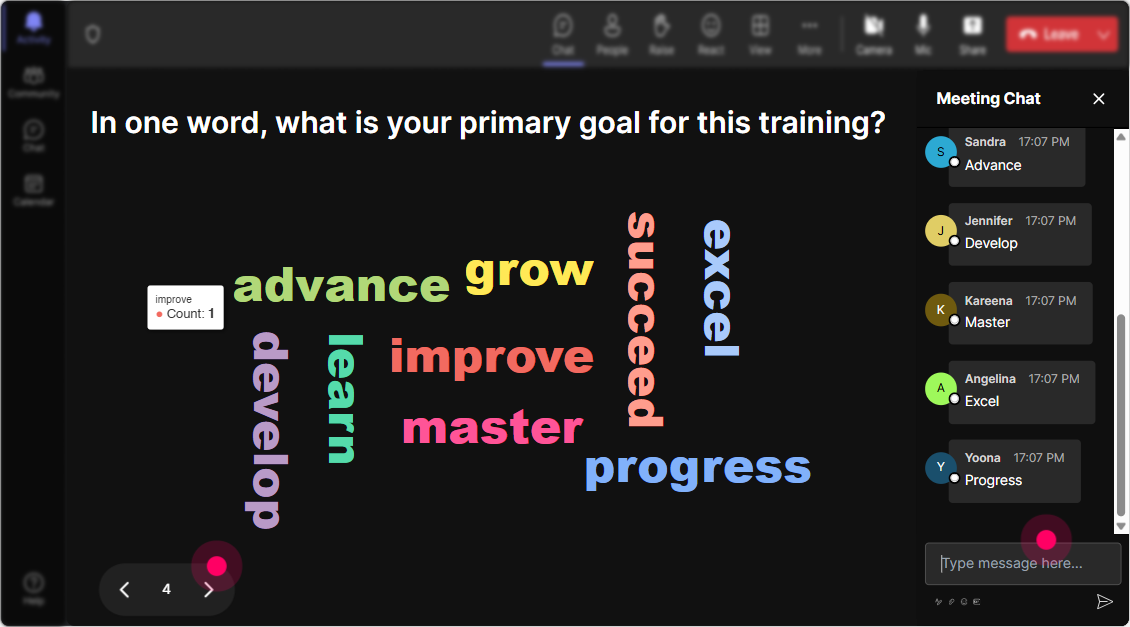
Curious about how your audience feels about diving into AI? Create a word cloud-a live snapshot, if you will-of words like excited, curious, or even daunted. Seeing these feelings in real-time helps tailor your approach.
Lets Talk Impact with Talking Tiles
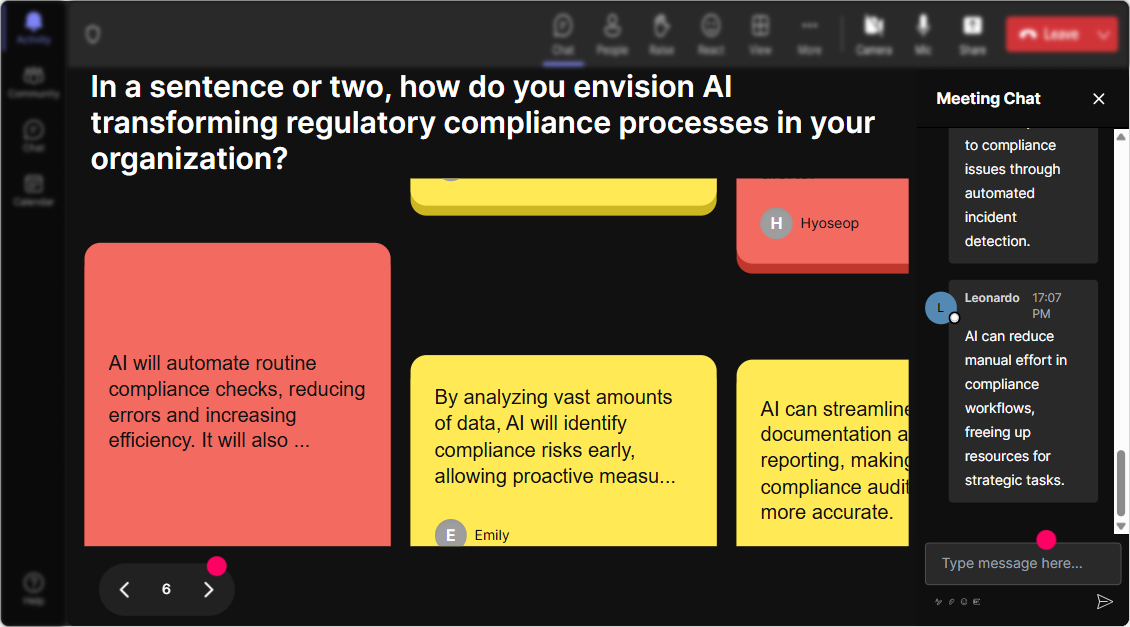
Engage your participants by asking how AI impacts their current roles. Their insights pop up Tetris-style on screen, transforming a simple question into an animated dialogue!
Deep Dive into AI Curiosities
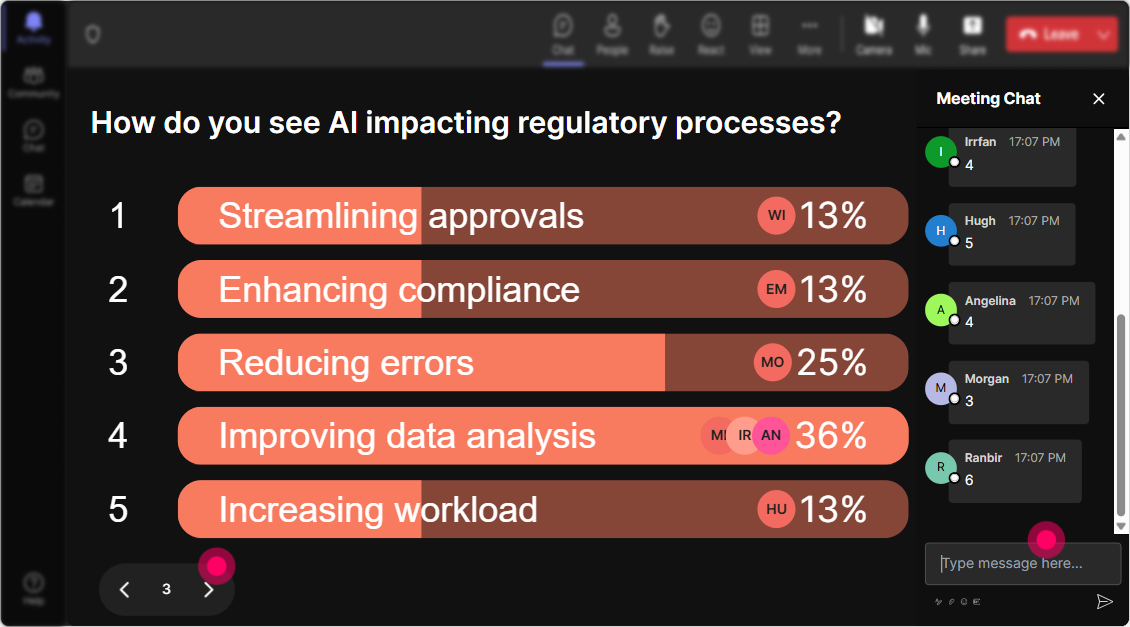
Get structured feedback on what specific areas of Advanced AI theyre eager to explore. Is it Machine Learning, Neural Networks, or AI Regulations? Let the Power Polls guide you to tailor content on the fly.
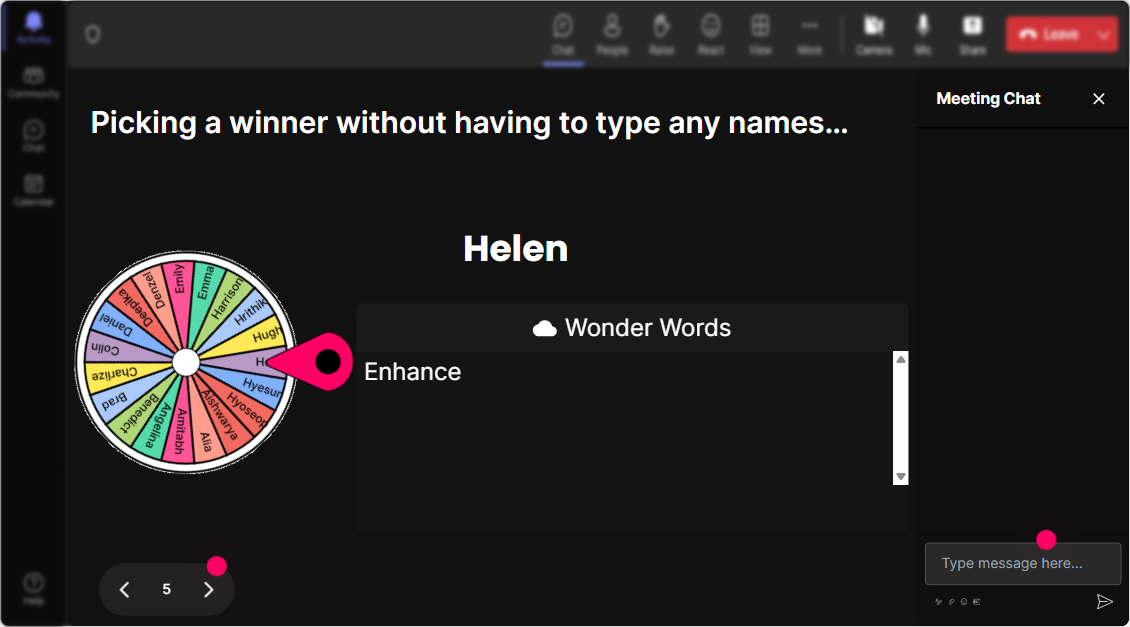
Fates Chance with Spinner Wheel
Add a fun twist by asking for a volunteer to share a thought on AI. Spin the Spinner Wheel to decide who gets to speak! Its spontaneous, involuntary participation made entertaining.
AI Knowledge Check with a Twist
Test their knowledge on AI with a playful quiz. Toss a multiple-choice question related to AI, and see who knows their Neural Networks from their Genetic Algorithms!

Gauge the Crowds AI Savvy
Kick off your session by finding out how everyone rates their knowledge on Advanced AI. This isnt just about numbers-it taps into their self-perception and sets the tone for tailored interaction throughout.
Streamlined Queries with Quick Q&A
StreamAlives Quick Q&A feature swoops in to organize questions from the chat directly on your presentation screen-neat, huh? Stay on track without trawling through threads manually.

Insightful Ending with StreamAlive Analytics
After your engaging adventure into AI, explore how connected your audience felt. StreamAlive Analytics lets you replay interactions, spot your most enthusiastic learners, and share these insights easily with colleagues.

Use StreamAlive in all your training sessions
StreamAlive isn’t just for
Advanced AI
training,
it can also be used for any instructor-led training session
Explore similar traingin ideas: unlocking the potential of StreamAlive
See how StreamAlive transforms live training with engaging events and interactive sessions across industries.

Interactions in action
(it's free)

.svg.png)


