StreamAlive app for PowerPoint

Run polls, word clouds, spinner wheels and more inside your existing PowerPoint slides

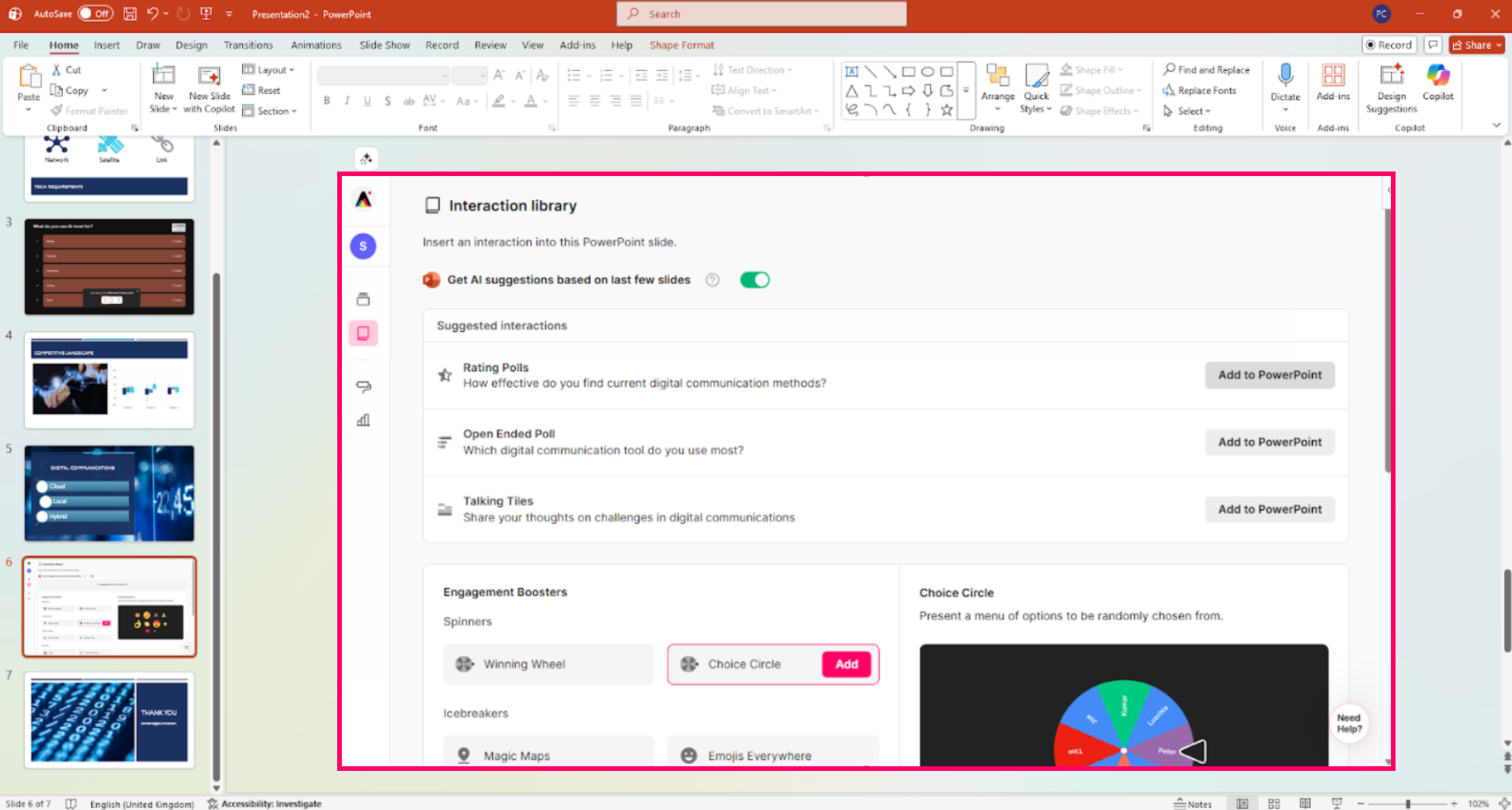
Make your PowerPoint slides interactive with StreamAlive

Add to PowerPoint
There are loads of digital tools you can use to increase engagement in your live online sessions. But there is one that is hands-down my favorite: StreamAlive.
Gwyn Wansbrough - Online Facilitator and Trainer, Breakthrough Facilitation

StreamAlive App for PowerPoint

The easiest way to add polls, word clouds, spinner wheels and more to your existing PowerPoint slides

The old way

  • QR codes
  • Second screens
  • Switching between slides and interactions
  • Recreating your slides in another app

With StreamAlive

Your existing PowerPoint slides enhanced with StreamAlive’s real-time audience interactions.

What it does

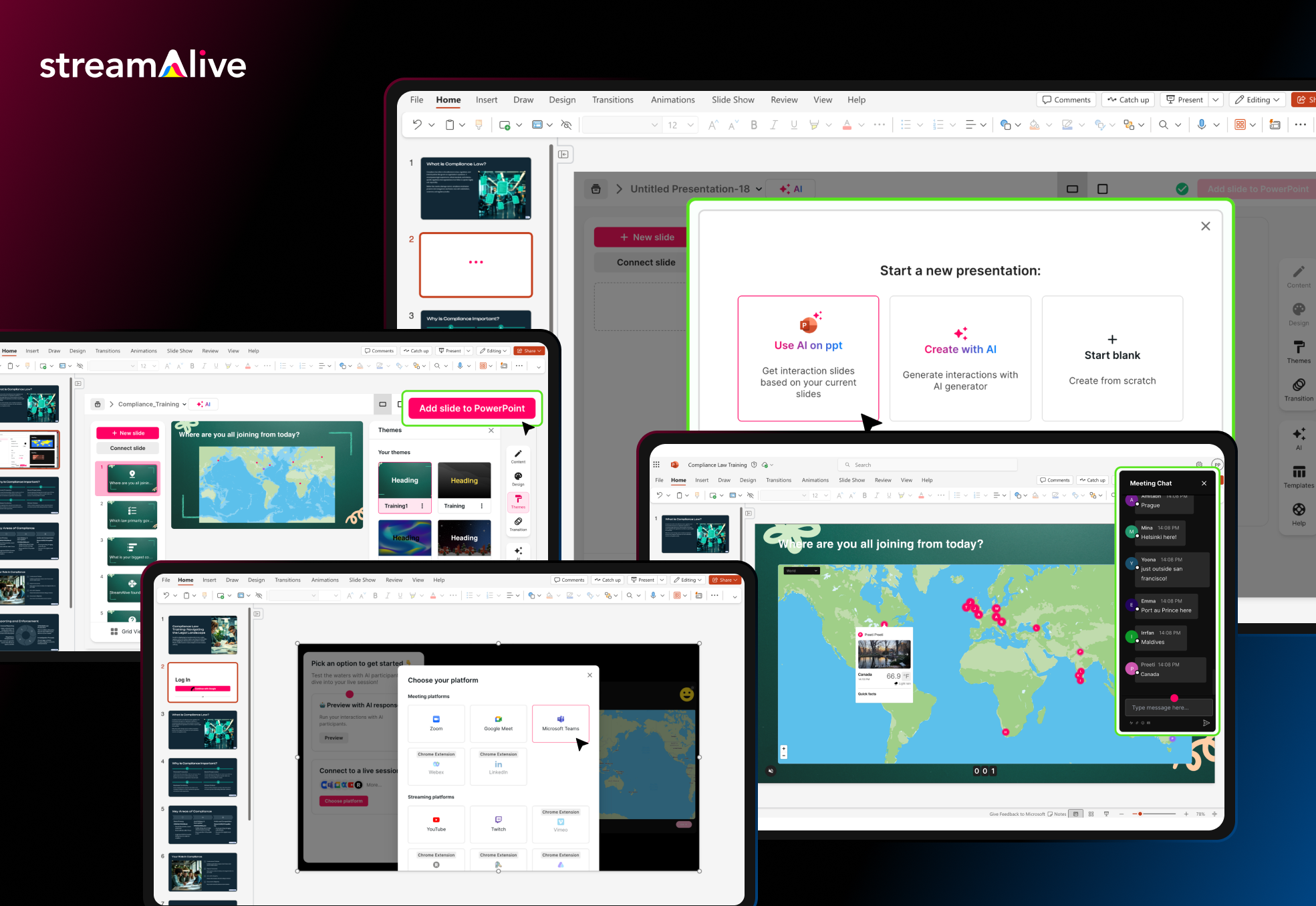
  • When you install the StreamAlive App for PowerPoint you are giving your PowerPoint slides super powers to become interactive in real time.

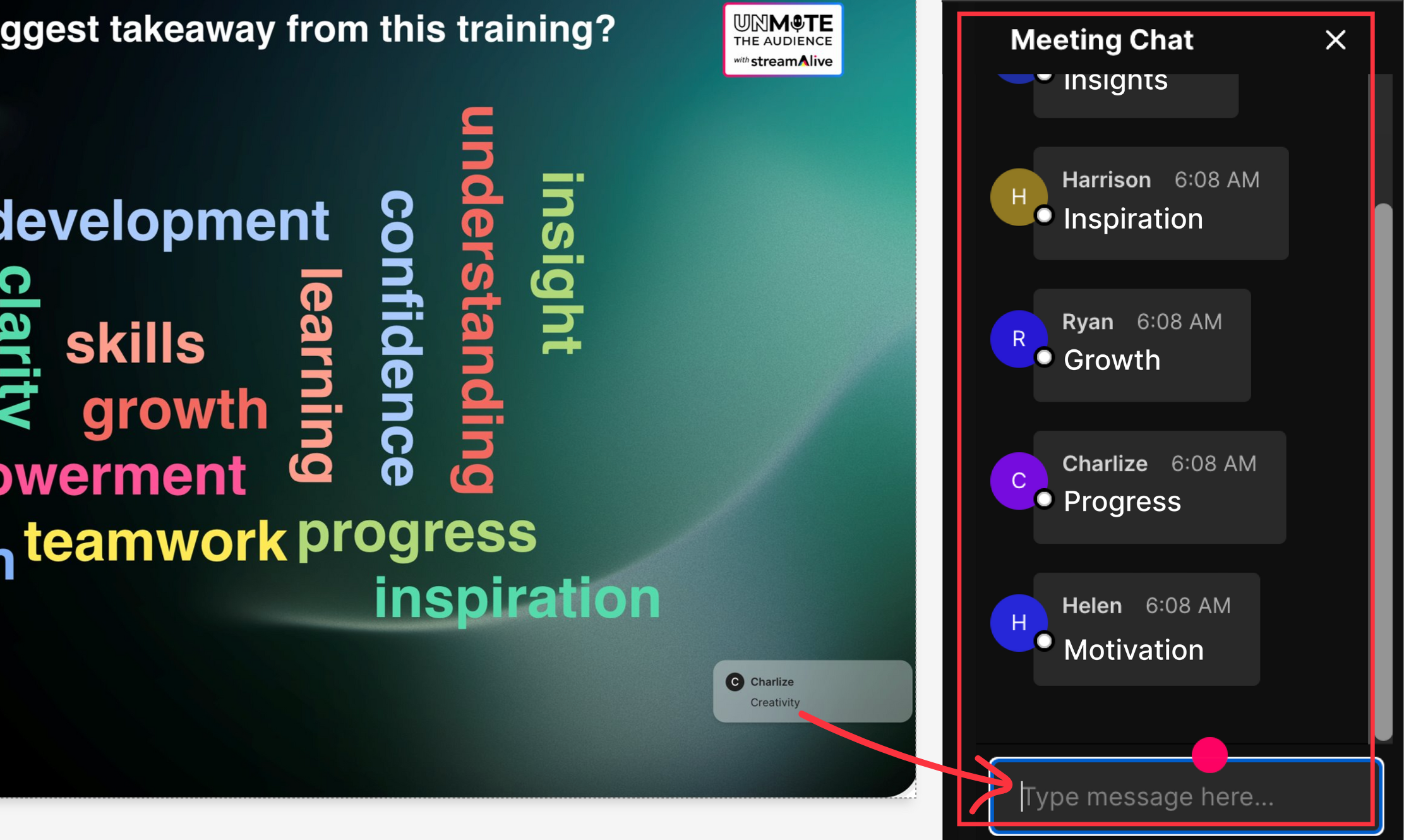
  • There are no QR codes or apps for your audience to use to participate. They just type their response in the chat and StreamAlive automatically updates the interaction in your PowerPoint slide.

How It Works

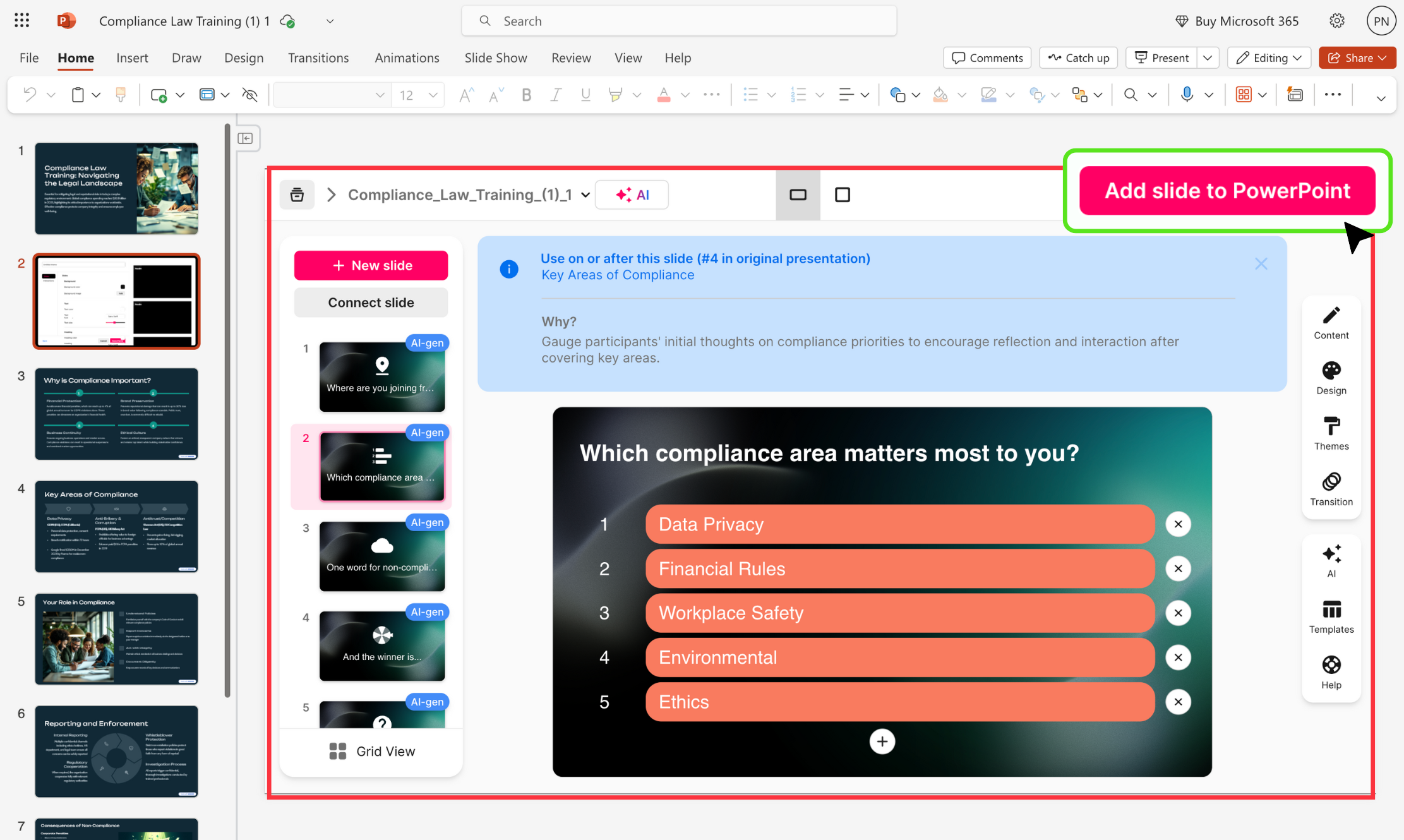
Create: Add as many of StreamAlive’s interactions as you want to your existing presentation.

Connect: Tell StreamAlive to connect to your meeting on Teams, Zoom, Google Meet, etc.

Share: Then share your PowerPoint presentation like you normally do so your audience can see it.

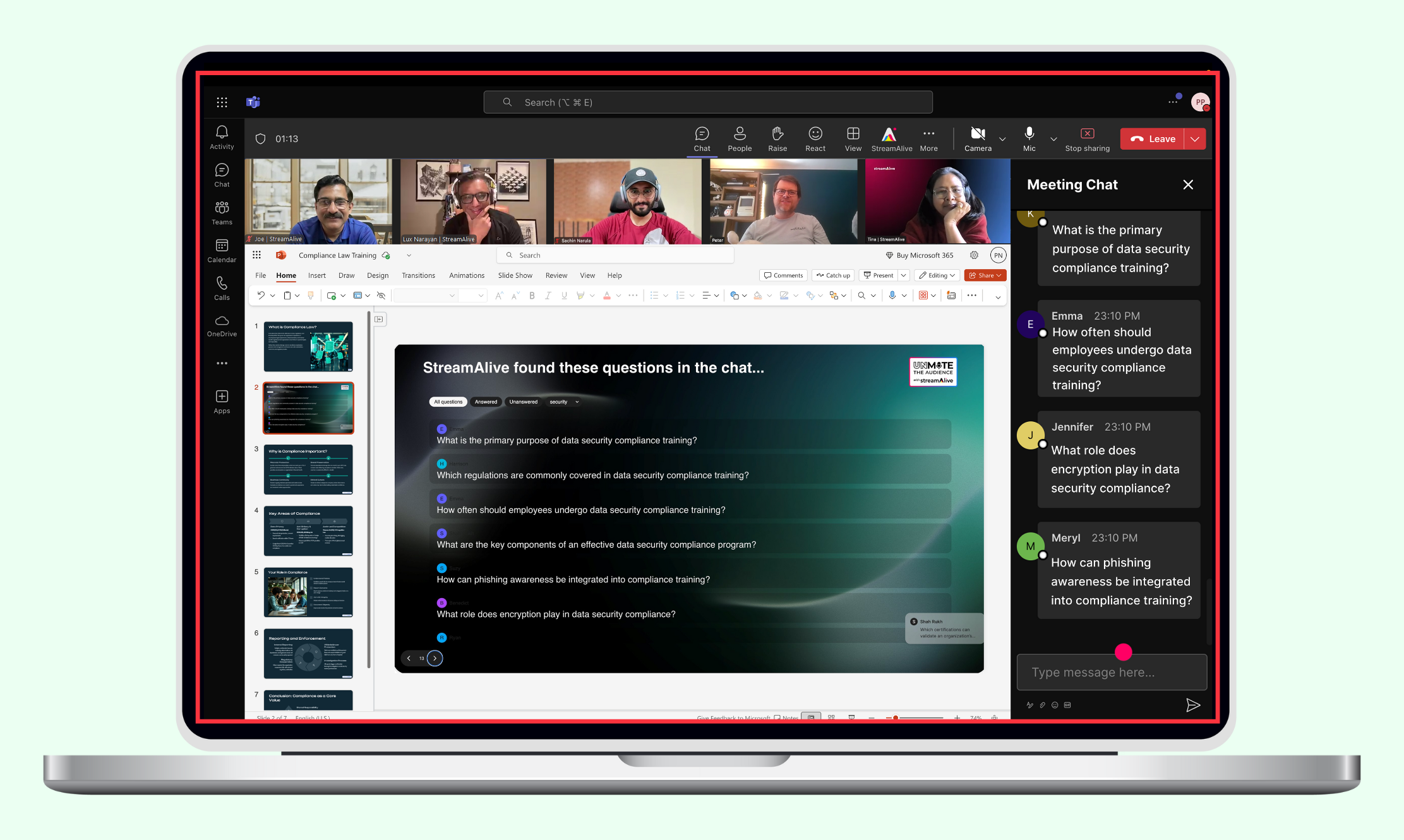
Interact: When one of the StreamAlive interactions are shown on the screen, your audience can type in the chat and the interaction automatically updates in real-time.

Add to PowerPoint

Loved by trainers, instructors, and educators to increase learner engagement

Unlock the Power of StreamAlive
for PowerPoint Engagement

01

Easy to use

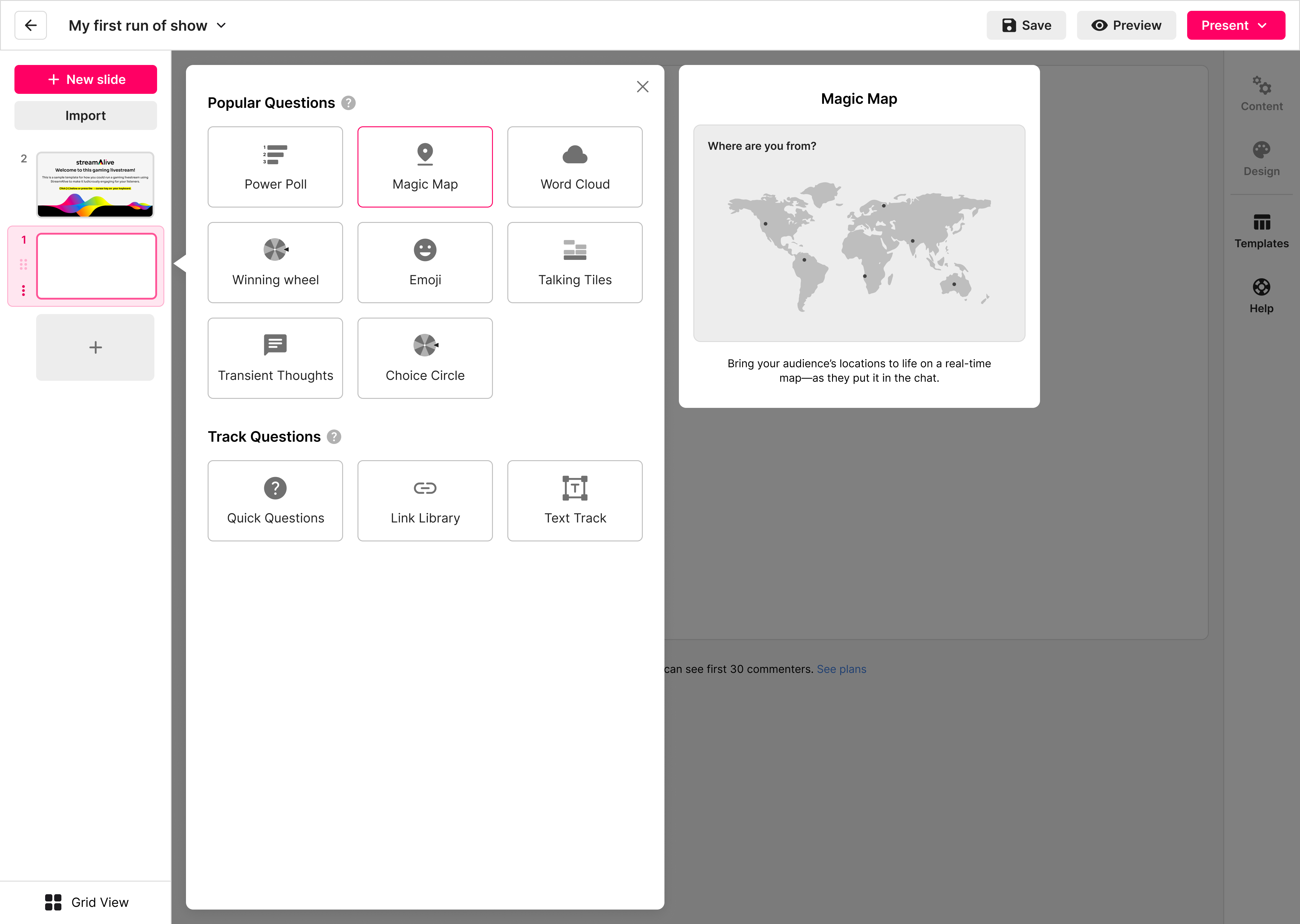
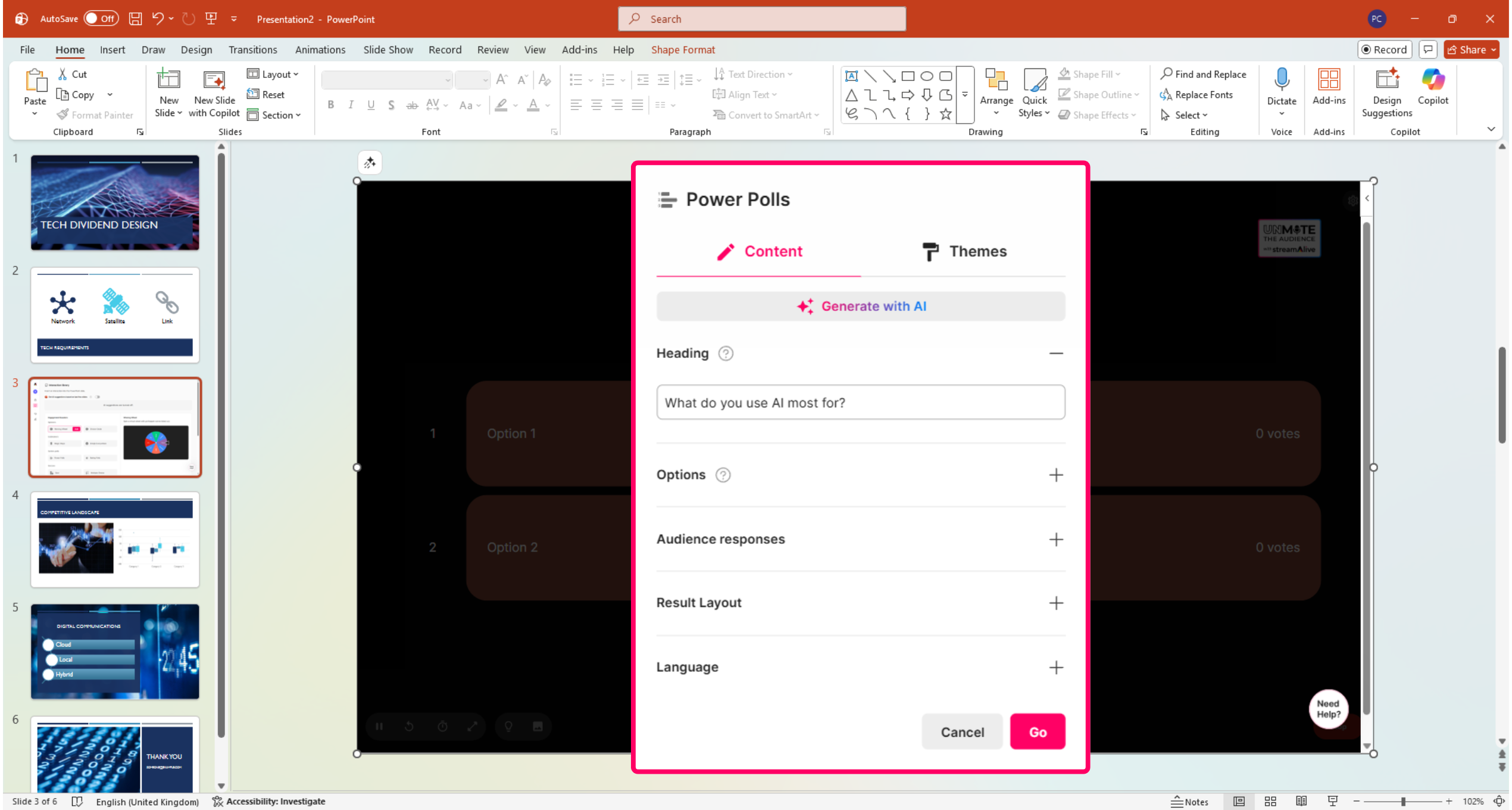
With the StreamAlive App for PowerPoint, you can add polls, maps, word clouds, and more in a few clicks.
Connect StreamAlive to your meeting chat and let the interactions update your slides automatically while you present.

02

Capture questions & links

StreamAlive detects questions and shared links from Zoom, Teams or Google Meet chats and stores them in a question bank.
You can show them on a slide at any time to keep the conversation flowing.

03

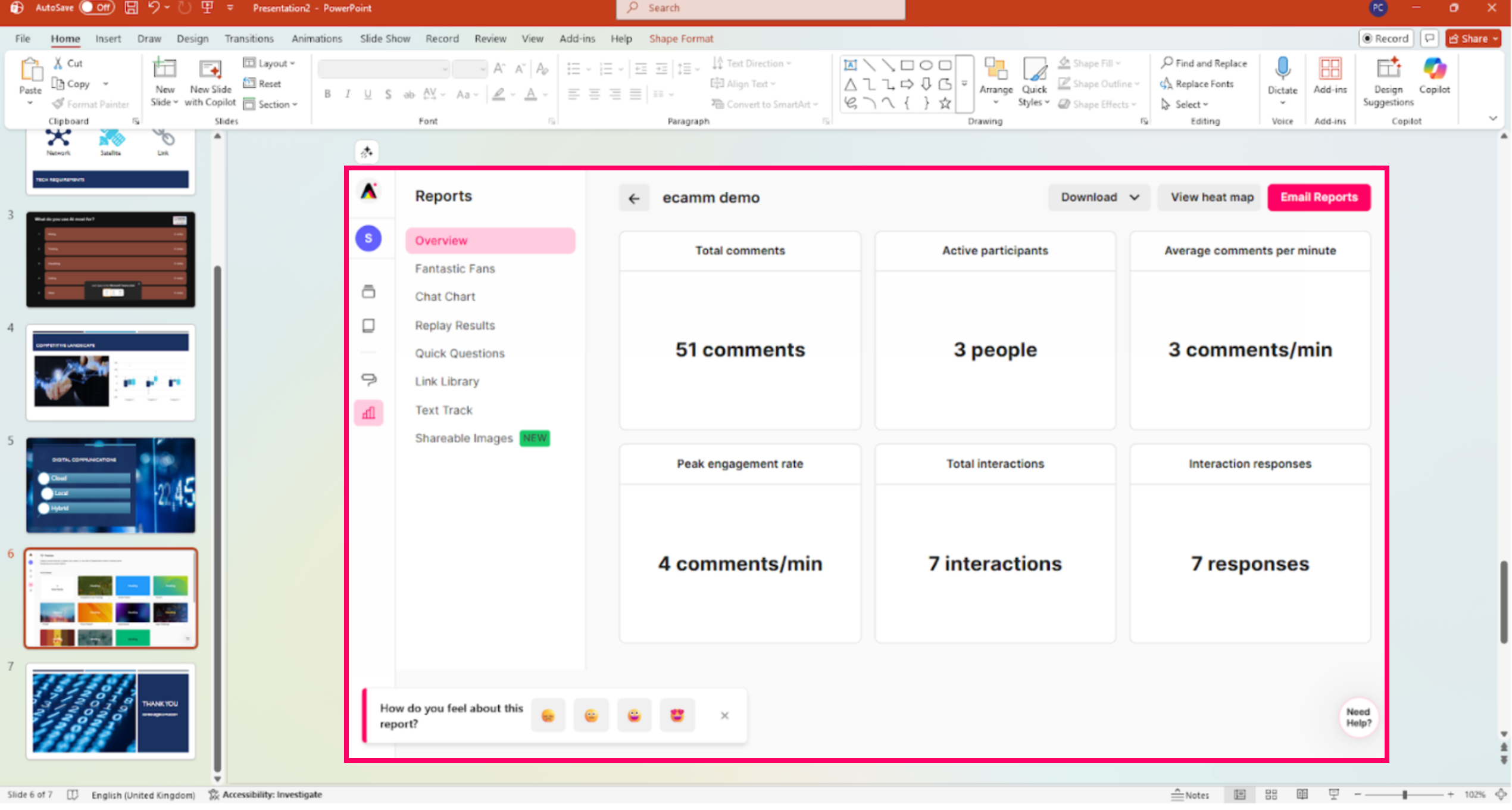
Post-event reports

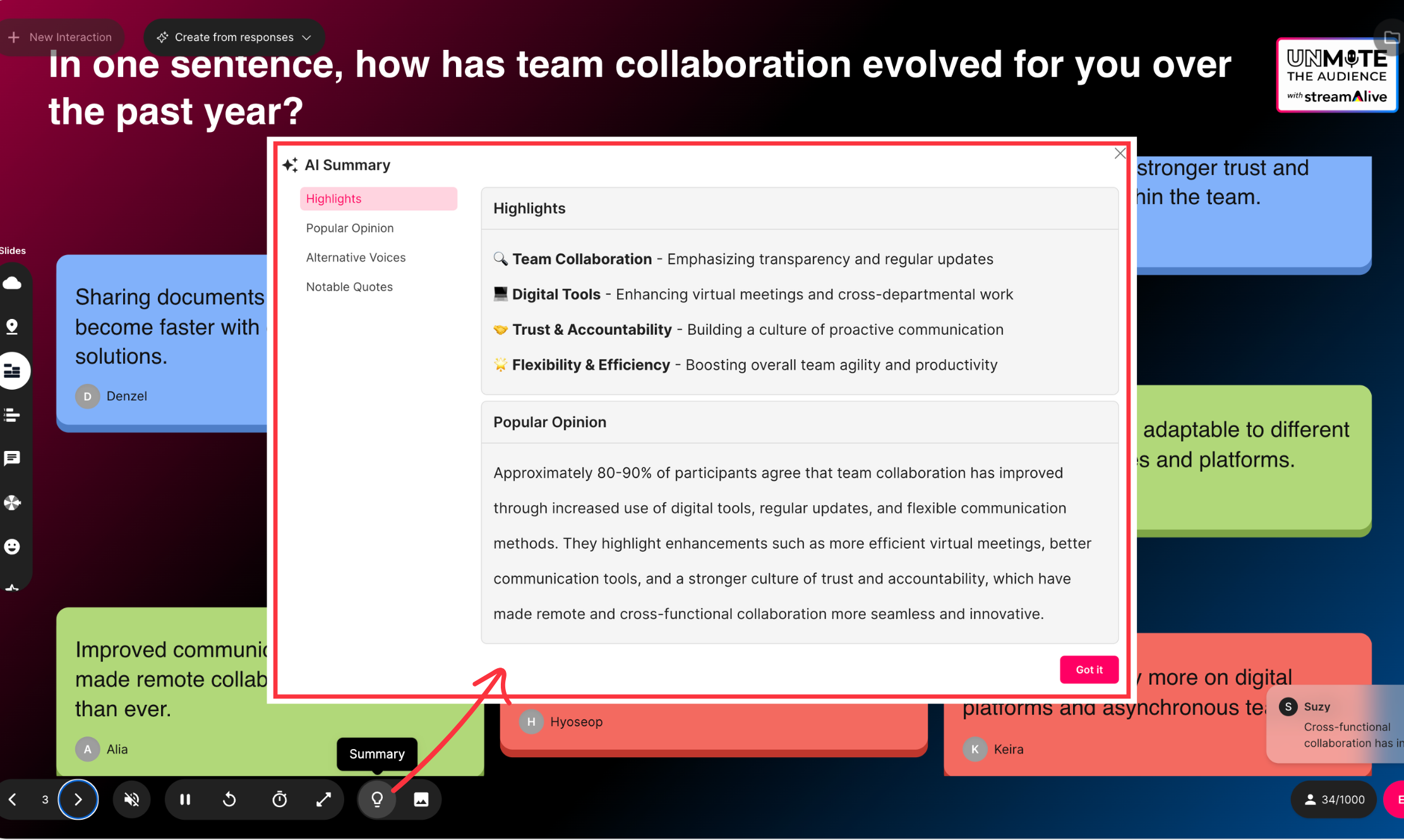
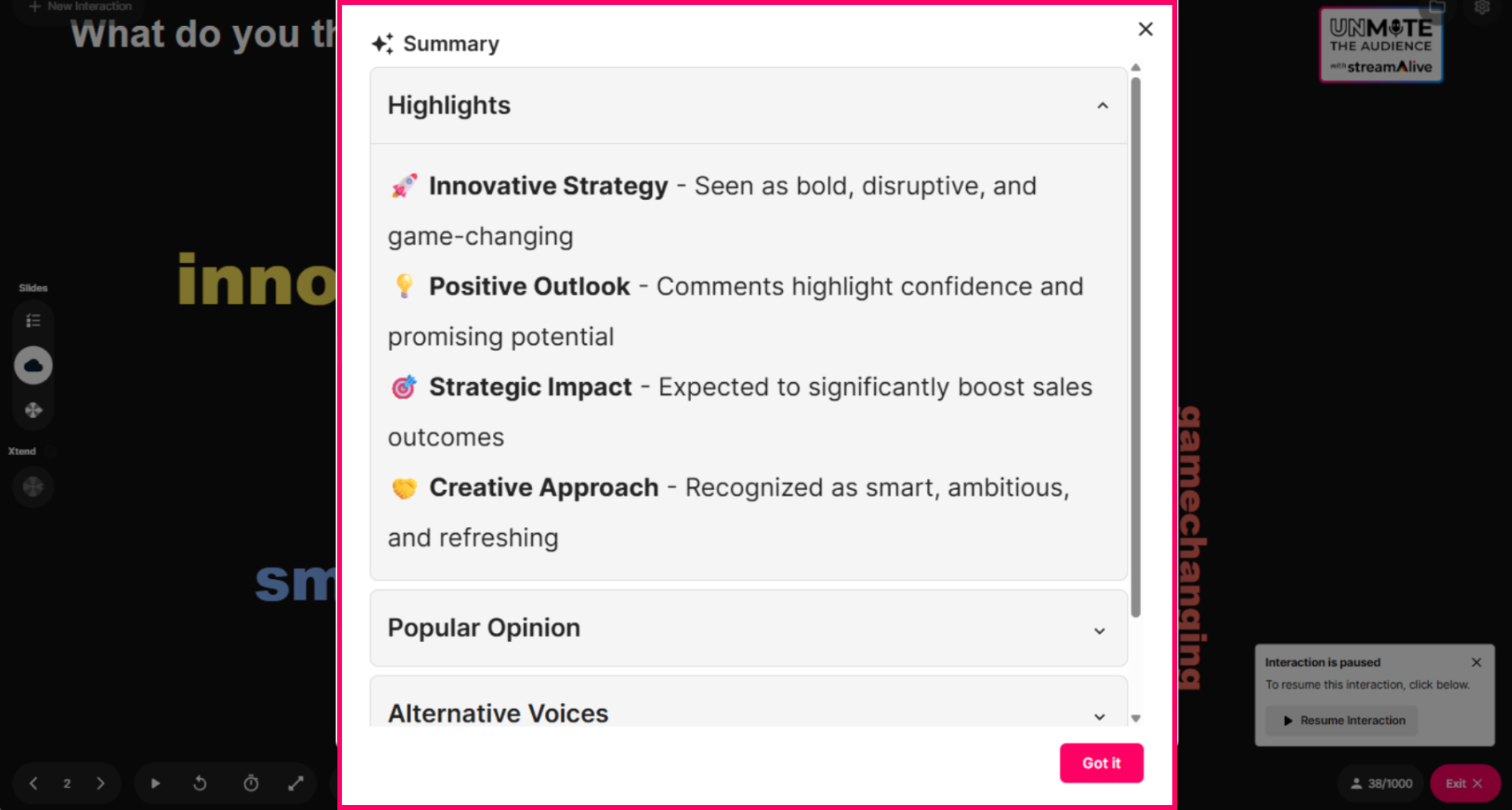
See all your interactions and analytics in your StreamAlive account the moment your session ends.
Download charts or share results on social media or in newsletters to keep the engagement going.

Add to PowerPoint

StreamAlive is used by anyone running a live session

Webinars & Townhalls
Coaching & Education
Livestream Shopping
Entertainment & Gaming

What interactions are possible with StreamAlive?

Winning Wheel

Spin the wheel to pick a winner without uploading your audience list.

Magic Maps

Bring your audience's location to life on a real-time map.

Live Polls

Create unlimited live polls for live session audiences that are online, offline, or hybrid.

Word Clouds

Automatically create word clouds from your webinar and livestream chat.

Talking Tiles

Your audience's thoughts and opinions visualized in a cascading sea of colorful tiles.

Transient Thoughts

Call-out your audience's chat in cool thought bubbles for everyone to see in.

Emojis Everywhere

Unleash a storm of emojis to find out how or what your audience is thinking.

Quick Questions

StreamAlive automatically sniffs out audience questions and collates them for the host.

Link Library

StreamAlive automatically saves any link shared in the chat to be shared afterwards.

Analytics & Reports

Detailed post-event analytics that you can share with your audience.

Install the free StreamAlive App for PowerPoint today
Get it now