

AI implementation Training for telehealth teams
StreamAlive helps 9x the audience engagement in your Virtual Instructor-led Trainings (VILT).
Make your instructor-led AI implementation training more fun with polls, word clouds, spinner wheels and more
Works inside your existing PowerPoint presentation
Install the StreamAlive app for PowerPoint and see your slides come to life as people participate in your interactions
AI generates audience interactions for you
Let our AI scan your presentation and automatically come up with relevant questions based on the content. Or spend two hours coming up with your own questions, your choice!
Built to work with MS Teams and Zoom
Native apps for Teams and Zoom so you never have to leave your existing workflows
No QR Codes
Chat-powered interactions means your audience doesn’t need to scan QR codes or look at another screen to participate. They just type in the chat!

Quickly approved by your IT team
StreamAlive’s apps for Teams and Zoom means that they have been through rigorous quality assurance and client safety reviews. You’ll find everything an IT team needs to approve the app within the organization within your StreamAlive account.

You've been asked to conduct AI implementation training for telehealth teams and you want to make the session fun and interesting. Lets see how to make that happen.
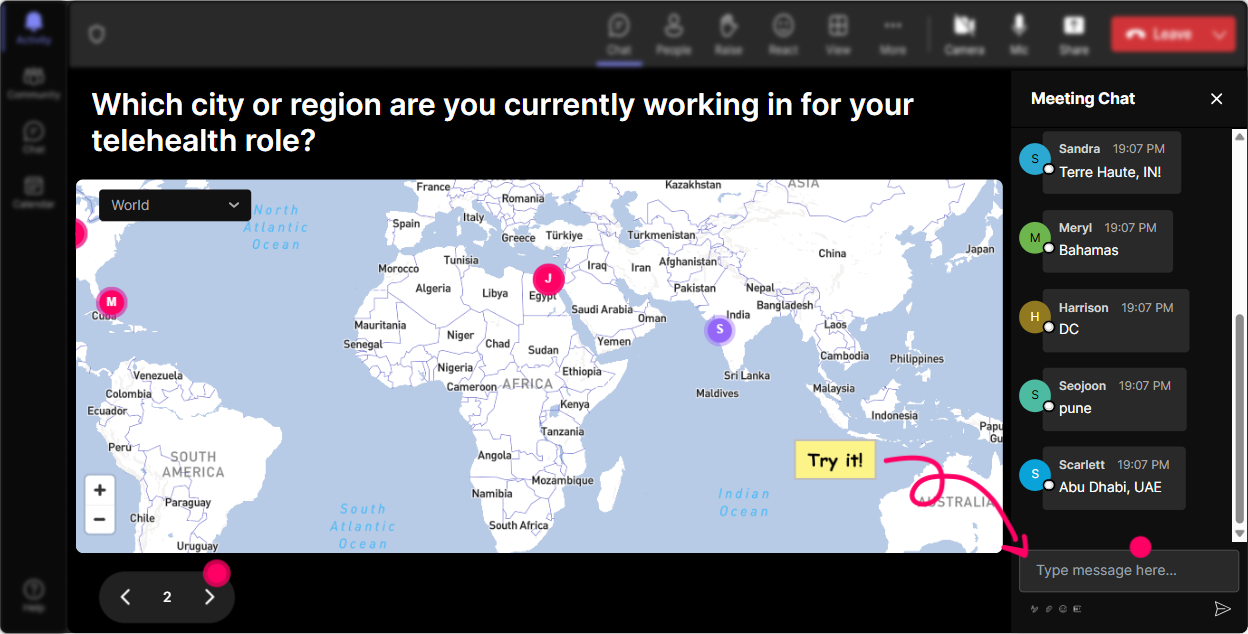
Magic Maps: Speaking of Worldly Connections
Imagine kicking off your telehealth AI training with a Magic Map feature! Ask your participants to share where they're joining from. Its a perfect icebreaker and gives everyone a sense of global community. You could also get creative and ask them about places on earth where they believe AI could have the biggest impact. This way, they'll immediately see how widespread your training's reach is, and you're setting the stage for a lively session.
Rating Polls: Gauging the AI Knowledge
Let's get a sense of where everyone stands. Use a Rating Poll to ask your participants how well they understand AI topics like natural language processing or machine learning. Are they experts, novices, or somewhere in-between? This helps you tailor the rest of your session to their knowledge level, ensuring everyone is on the same page.

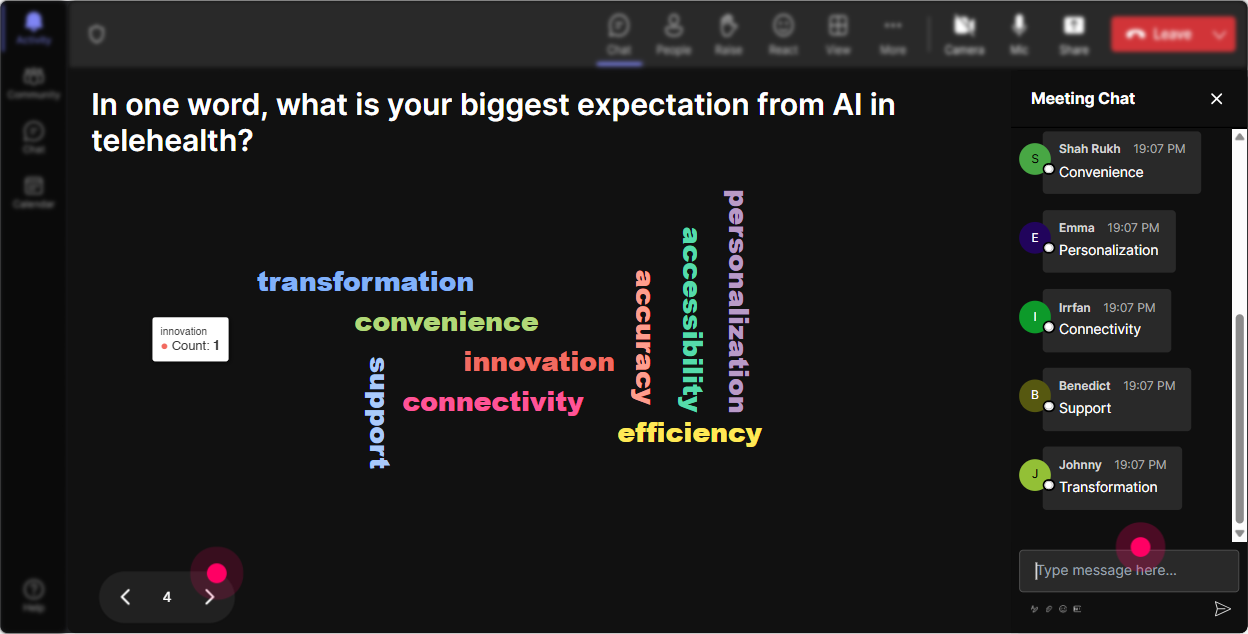
Word Cloud: What's the Vibe on AI?
Get the room buzzing with a live Word Cloud using StreamAlive to ask how participants feel about AI in telehealth. Are they excited, overwhelmed, or perhaps positively curious? It's a quick visual cue to assess and address any anxiety right off the bat, making sure everyone is comfortable as the session progresses.
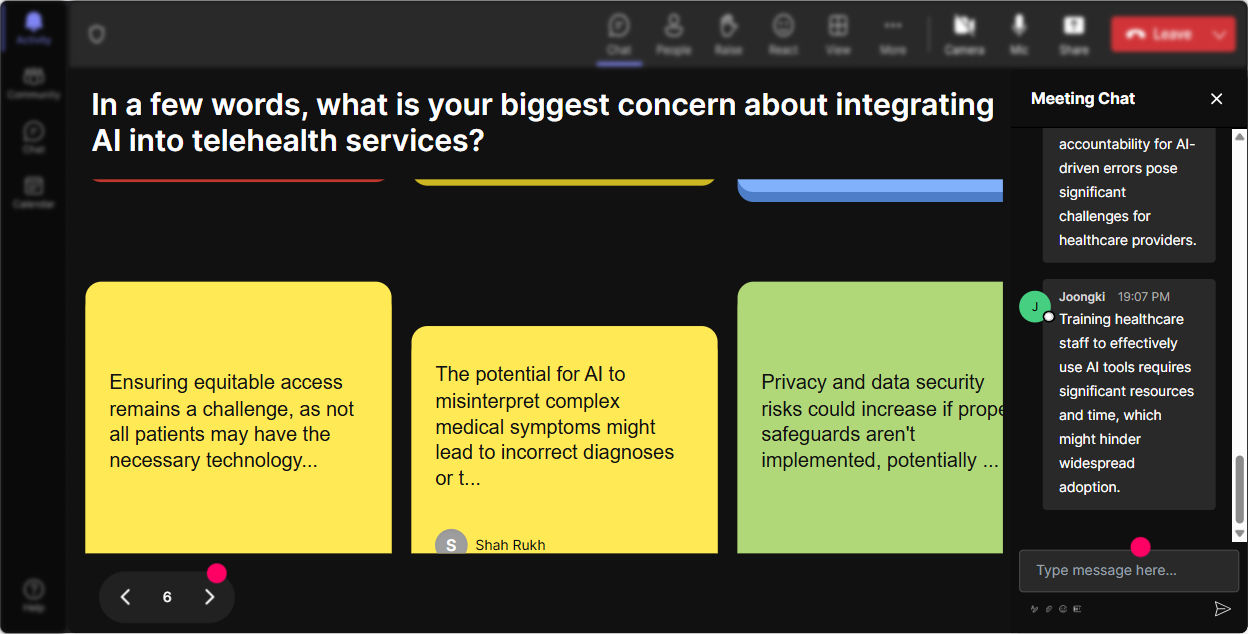
Talking Tiles: Whats AI Doing for You?
Ever wondered how AI is changing the day-to-day of telehealth professionals? Engage your team by asking them about AI's impact on their specific roles, and watch as their colorful responses fall onto the screen, forming a dynamic conversation thats as engaging as it is insightful.
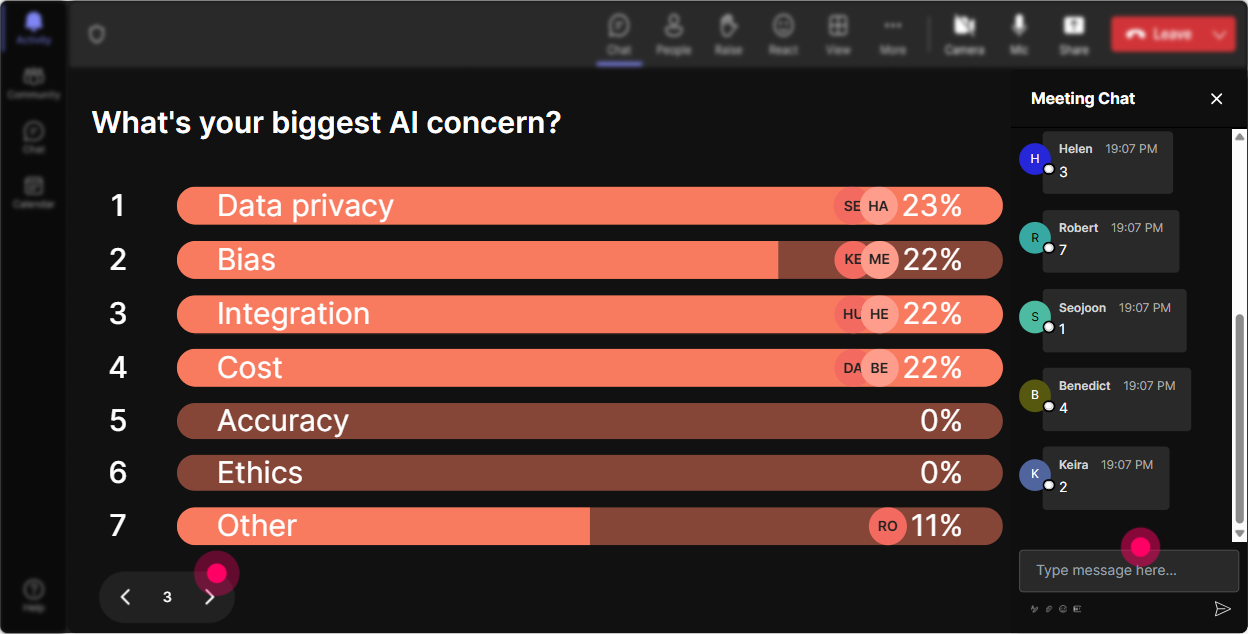
Power Polls: Diving Deeper Into AI Curiosities
Use Power Polls to suss out what specific aspects of AI implementation your team wants to delve into. Could be the ethical implications, the technical know-how, or real-world case studies. Understanding their preferences helps you spend time on what matters most to them, keeping everyone engaged.
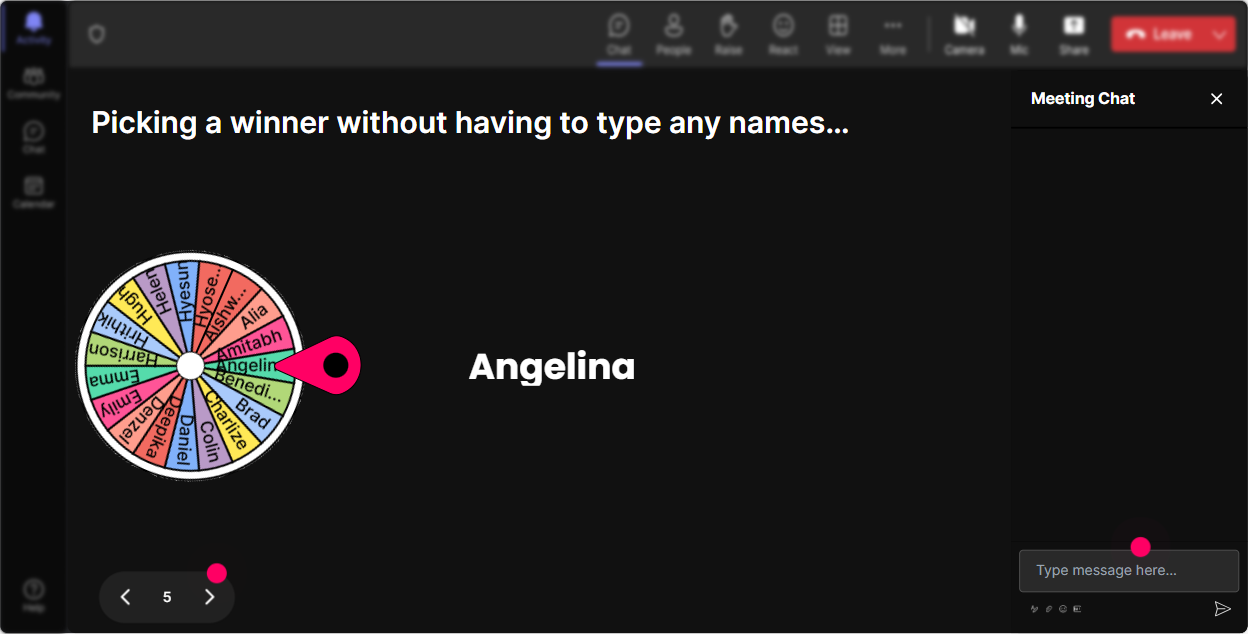
Spinner Wheel: Volunteer Roulette
Looking for someone brave enough to share their experience with AI? Let the Spinner Wheel decide! Its a fun way to gently nudge participants to unmute and bring their voices into the conversation, all while keeping it spontaneous and pressure-free.
Quiz: Testing AI Know-how
Why not spark a little friendly competition? Use a Quiz to ask multiple-choice questions about AI fundamentals in telehealth. Youll quickly see whos brushed up on their facts and who might need additional resources after the training, all while keeping energy levels high.

Rating Polls: Gauging the AI Knowledge
Let's get a sense of where everyone stands. Use a Rating Poll to ask your participants how well they understand AI topics like natural language processing or machine learning. Are they experts, novices, or somewhere in-between? This helps you tailor the rest of your session to their knowledge level, ensuring everyone is on the same page.
Quick Questions: Seamless Q&A
No more fumbling around with a separate Q&A box! StreamAlive swoops in to scoop up questions directly from the chat. It makes managing and responding to questions during your AI training smooth and efficient, so you can keep the session flowing.

Analytics: The Data Behind Engagement
Post-session, dive into StreamAlives analytics to see how well you kept your audience engaged. Discover which parts of your session sparked the most interest and engagement. Thank your top fans, and share these insights with your team to continually refine your training approach.

Use StreamAlive in all your training sessions
StreamAlive isn’t just for
AI implementation
training,
it can also be used for any instructor-led training session
Explore similar traingin ideas: unlocking the potential of StreamAlive
See how StreamAlive transforms live training with engaging events and interactive sessions across industries.

Interactions in action
(it's free)

.svg.png)


