

AI prompt engineering Training for CRM teams
StreamAlive helps 9x the audience engagement in your Virtual Instructor-led Trainings (VILT).
Make your instructor-led AI prompt engineering training more fun with polls, word clouds, spinner wheels and more
Works inside your existing PowerPoint presentation
Install the StreamAlive app for PowerPoint and see your slides come to life as people participate in your interactions
AI generates audience interactions for you
Let our AI scan your presentation and automatically come up with relevant questions based on the content. Or spend two hours coming up with your own questions, your choice!
Built to work with MS Teams and Zoom
Native apps for Teams and Zoom so you never have to leave your existing workflows
No QR Codes
Chat-powered interactions means your audience doesn’t need to scan QR codes or look at another screen to participate. They just type in the chat!

Quickly approved by your IT team
StreamAlive’s apps for Teams and Zoom means that they have been through rigorous quality assurance and client safety reviews. You’ll find everything an IT team needs to approve the app within the organization within your StreamAlive account.

Youve been asked to conduct AI prompt engineering training for CRM teams and you want to make the session fun and interesting. Lets see how to make that happen.
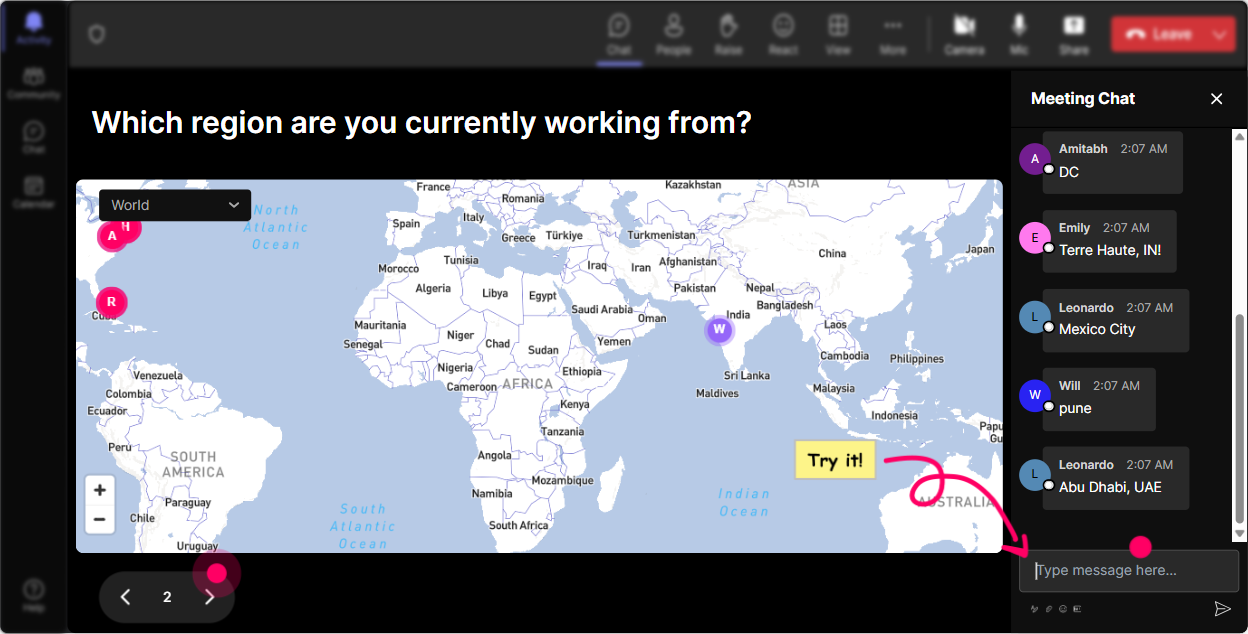
Put Your Audience on the Map
Break the ice with Magic Maps by asking everyone where theyre joining from. This not only sets a friendly tone but visually connects everyone on the map. Imagine asking them a fun earth-related question like their dream travel destination or a city theyd teleport to. The map will light up with colors, showing a cluster of dreams and origins-an engaging start thats sure to captivate.
Gauge AI Knowledge Levels
With Rating Polls, easily find out what everyones existing knowledge of AI prompt engineering is. Ask them to rate their understanding on a scale of 1 to 10. Its a fast, visual feedback tool thats perfect for tailoring your session to the right level.

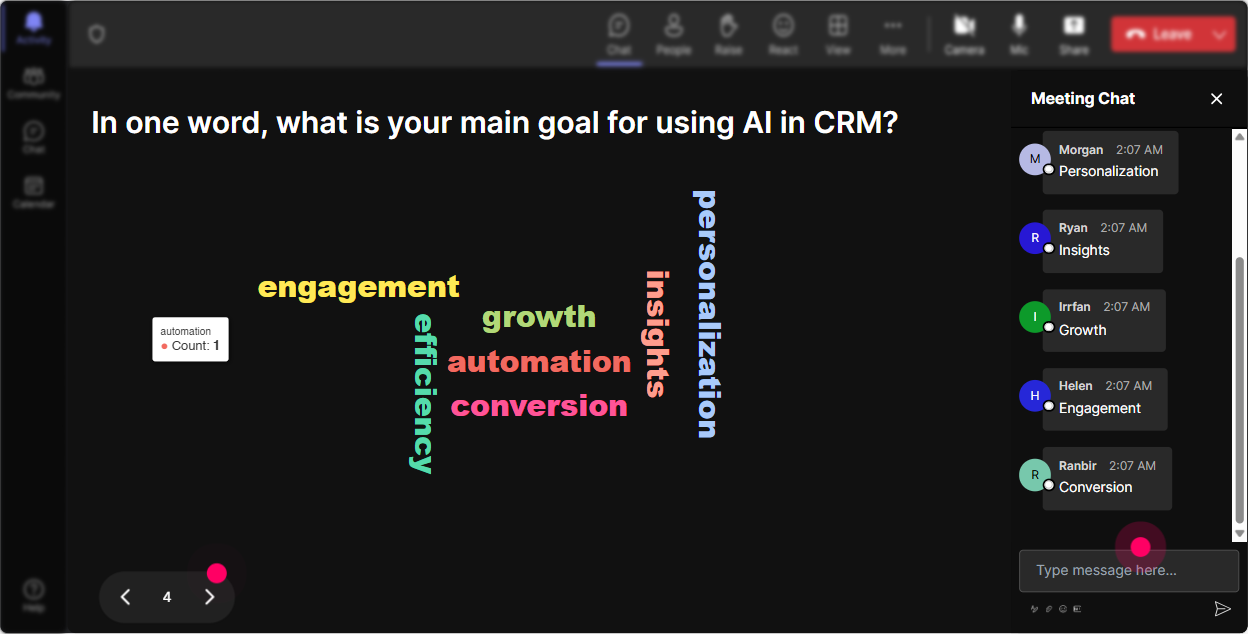
Capture the Buzz Words
Whats the general vibe towards AI prompt engineering in the room? Use a word cloud to capture this. Ask your audience to share a word that describes how they feel about the topic-excited, intimidated, curious? Watch as the words grow, letting you gauge the mood instantly.
Engage with Dynamic Conversations
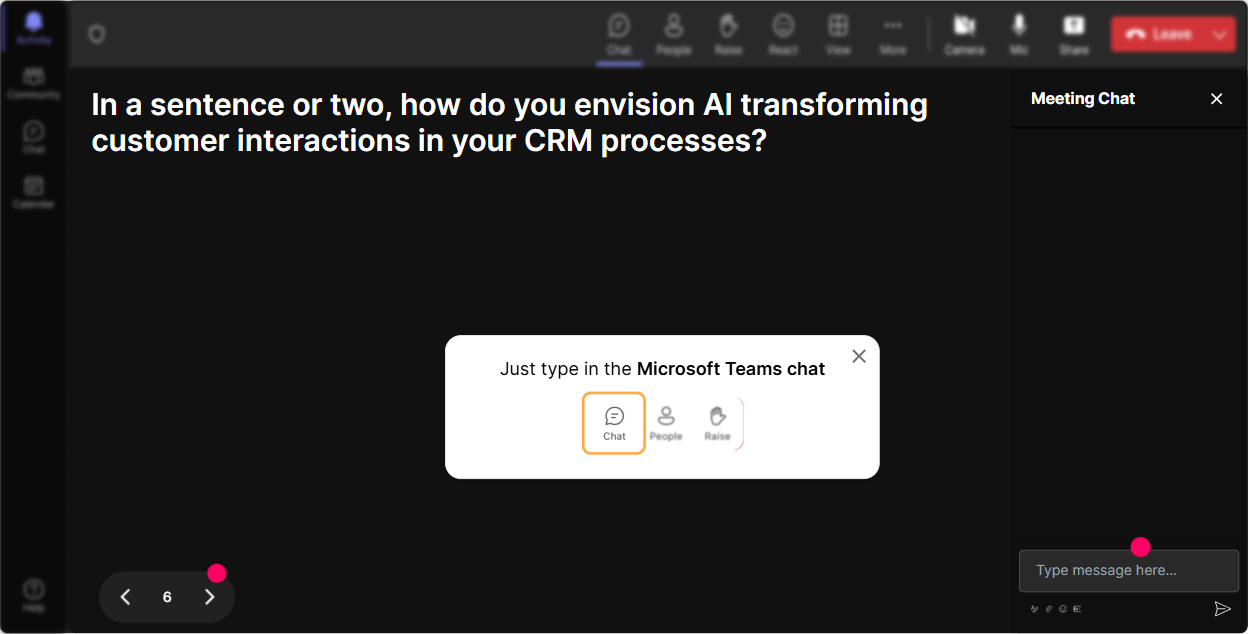
Use Talking Tiles to explore the impact AI has on different job roles. Ask everyone how AI prompt engineering changes their day-to-day tasks. Their responses will dynamically tumble down the screen, sparking more conversations and insights as you go.
Uncover Learning Interests
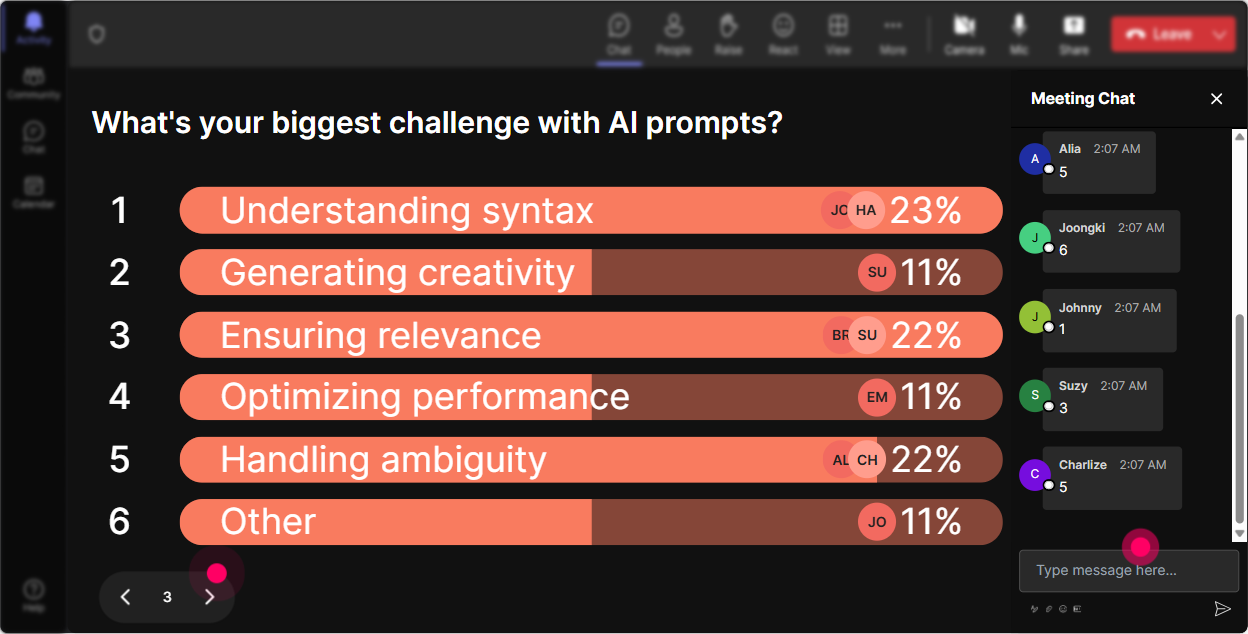
Polls are your go-to for understanding what aspect of AI prompt engineering people are most eager to learn about. Let them vote on topics like data modeling, language processing, or real-time analytics. This helps you focus your training on what really matters to them.
Spice It Up with Randomness
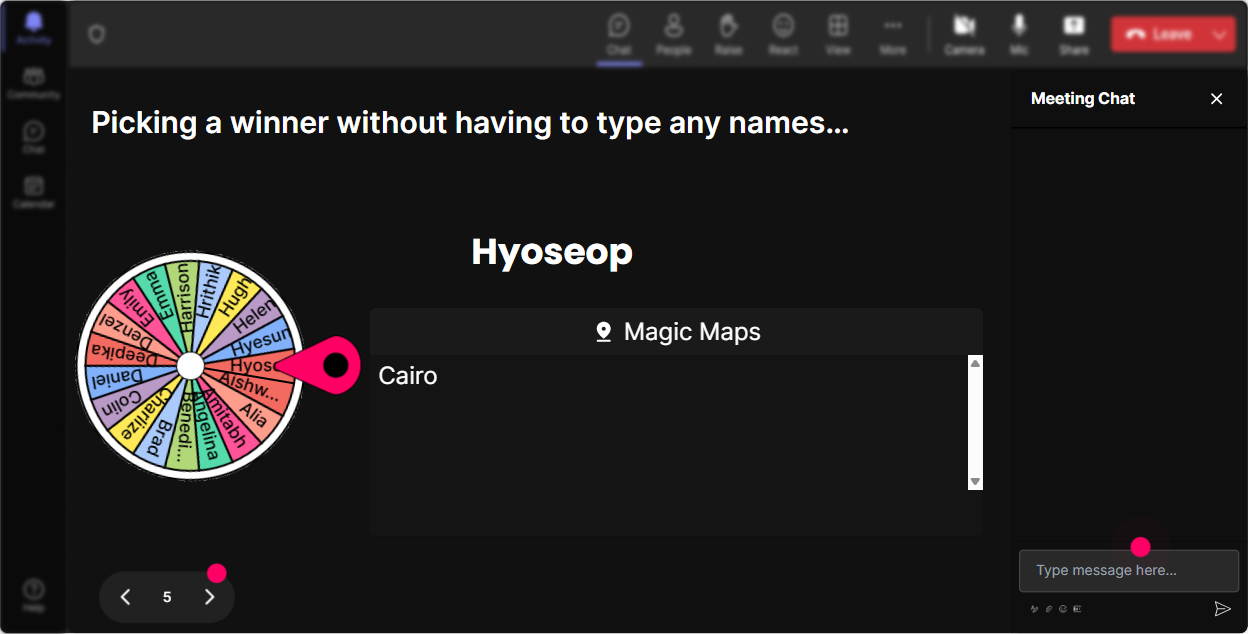
Introduce a bit of fun with the Spinner Wheel by choosing a volunteer at random to share their thoughts. Ask a question and watch the excitement build as the wheel decides who gets the spotlight. Its a playful way to keep your audience on their toes.
Test and Educate Simultaneously
Want to test their knowledge on the spot? Use a Quiz to ask a multiple-choice question about AI prompt engineering-a fantastic way to reinforce learning. Reveal the correct answer live, and discuss why its the right choice for a more interactive learning experience.

Gauge AI Knowledge Levels
With Rating Polls, easily find out what everyones existing knowledge of AI prompt engineering is. Ask them to rate their understanding on a scale of 1 to 10. Its a fast, visual feedback tool thats perfect for tailoring your session to the right level.
Seamless Q&A Flow
StreamAlive will make handling questions a breeze. As questions come in, theyre automatically flagged from the chat and displayed clearly. No need for a separate Q&A box-just answer them naturally as they flow into your discussion.

Analyze Engagement Effortlessly
Post-session, dig into the Analytics to see who your top fans were and when engagement peaked. Share these insights with your team via email or delve into specifics on Teams. This way, you continuously improve how you engage your audience.

Use StreamAlive in all your training sessions
StreamAlive isn’t just for
AI prompt engineering
training,
it can also be used for any instructor-led training session
Explore similar traingin ideas: unlocking the potential of StreamAlive
See how StreamAlive transforms live training with engaging events and interactive sessions across industries.

Interactions in action
(it's free)

.svg.png)


