

AI risk Training for marketing teams
StreamAlive helps 9x the audience engagement in your Virtual Instructor-led Trainings (VILT).
Make your instructor-led AI risk training more fun with polls, word clouds, spinner wheels and more
Works inside your existing PowerPoint presentation
Install the StreamAlive app for PowerPoint and see your slides come to life as people participate in your interactions
AI generates audience interactions for you
Let our AI scan your presentation and automatically come up with relevant questions based on the content. Or spend two hours coming up with your own questions, your choice!
Built to work with MS Teams and Zoom
Native apps for Teams and Zoom so you never have to leave your existing workflows
No QR Codes
Chat-powered interactions means your audience doesn’t need to scan QR codes or look at another screen to participate. They just type in the chat!

Quickly approved by your IT team
StreamAlive’s apps for Teams and Zoom means that they have been through rigorous quality assurance and client safety reviews. You’ll find everything an IT team needs to approve the app within the organization within your StreamAlive account.

Youve been tasked with conducting an AI risk training session for a group of eager marketing professionals, and youre looking to sprinkle some intrigue and excitement into the day. The solution is here, let's dive in.
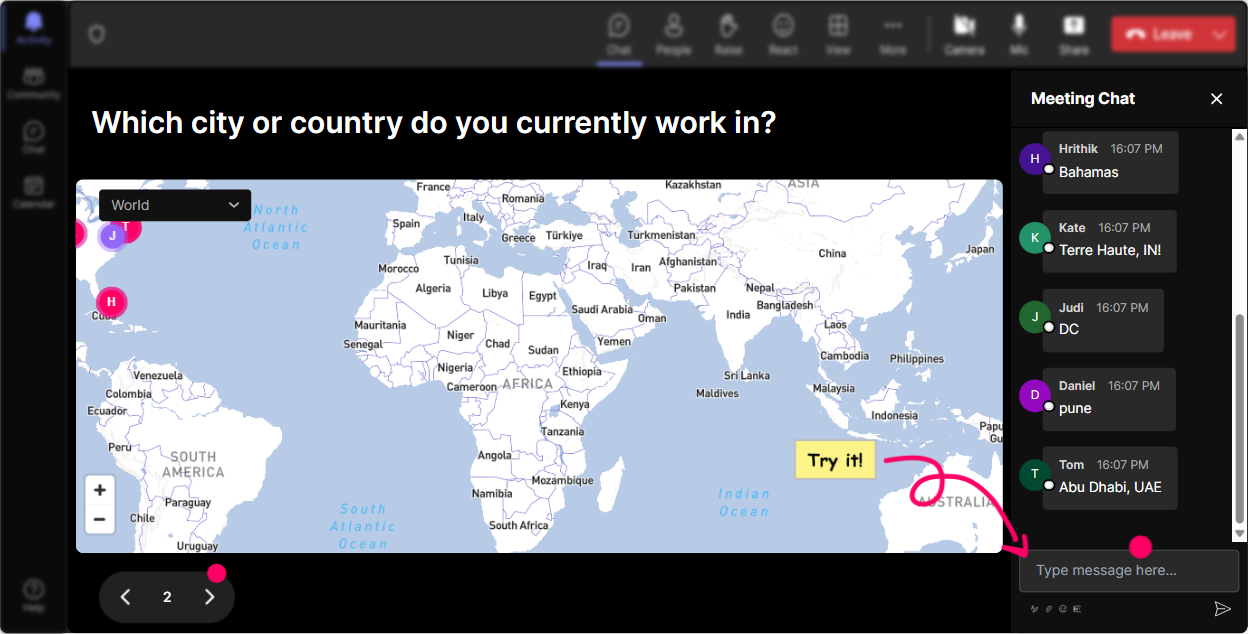
Put Your Audience on the Map
Start your training session with a splash by using Magic Maps. Ask your participants to share where they are joining the session from or inquire about dream destinations theyd like to visit. This icebreaker not only warms up the audience but makes everyone feel connected despite being miles apart.
Gauge AI Knowledge with Rating Polls
Discover what your participants already know about AI risks. By using the Rating Poll, you can ask attendees to rate their understanding of AI risks on a scale from 1 to 5. This gives you a quick view of your teams baseline understanding, helping you tailor the rest of your session to cover any gaps.

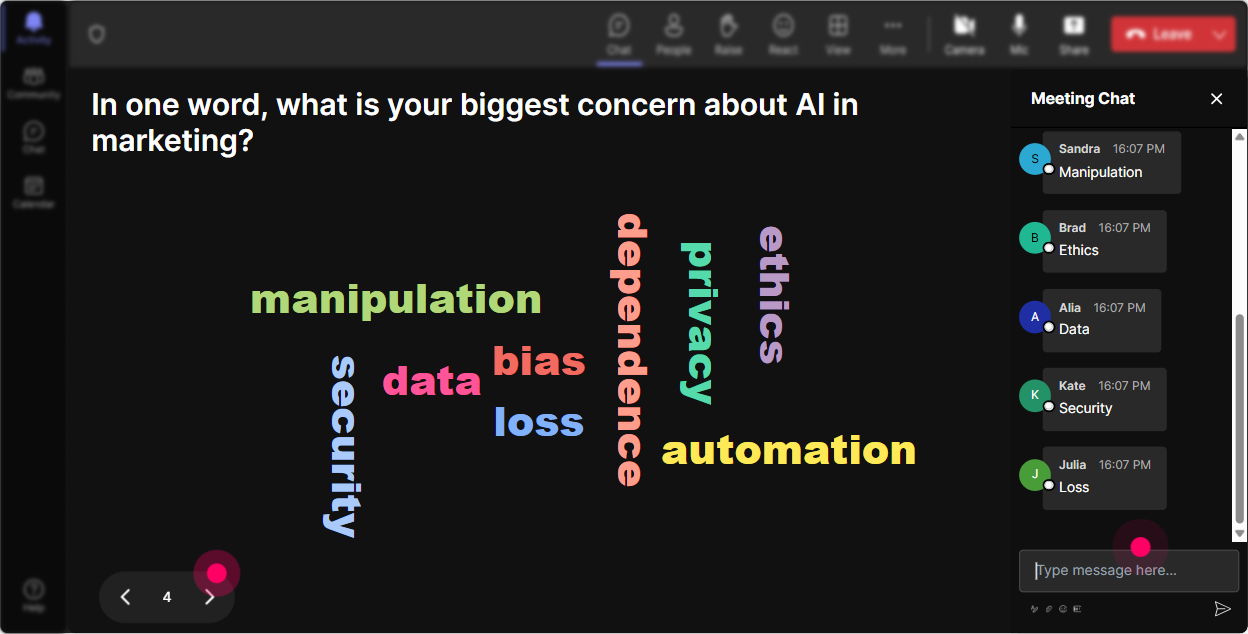
Feel the Pulse with Word Clouds
Wondering how your team feels about diving into AI risk? Let them express it through Wonder Words. Ask them to describe AI risks in one or two words, and watch a real-time word cloud form, showcasing sentiments like excited, nervous, confused, or curious.
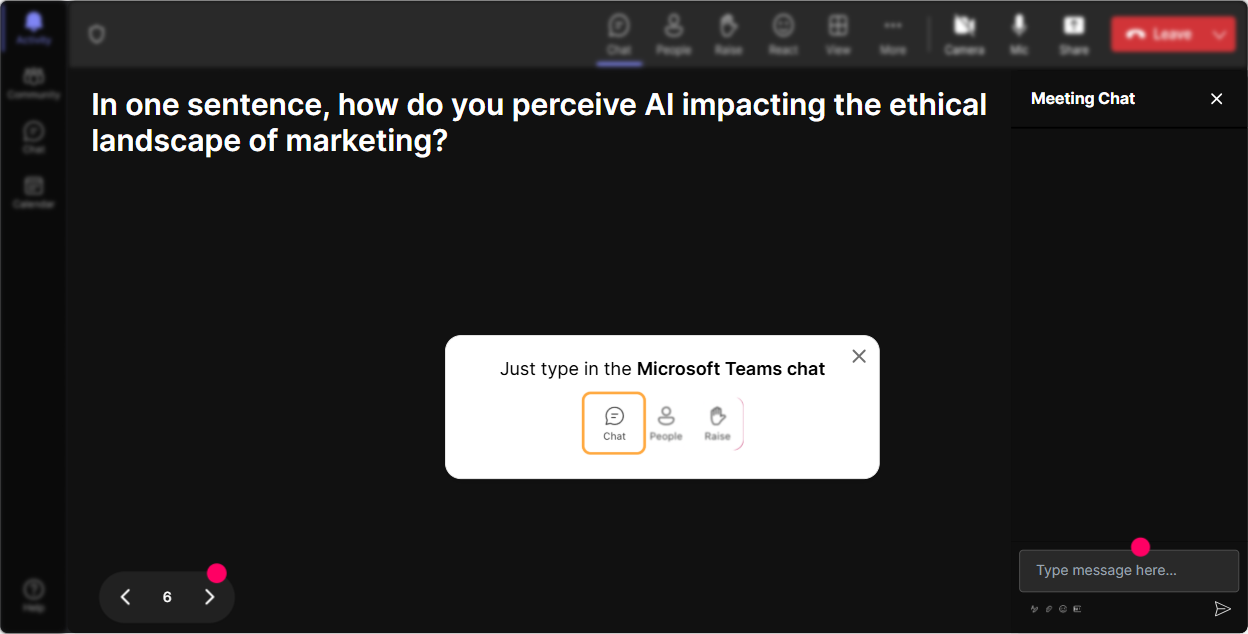
Talking Tiles for Impact Stories
Open the floor for impactful reactions by using Talking Tiles. Ask your attendees to share how AI risk might impact their specific roles, and watch their responses cascade down the screen, Tetris style. It's a fabulous way to visualize the conversation!
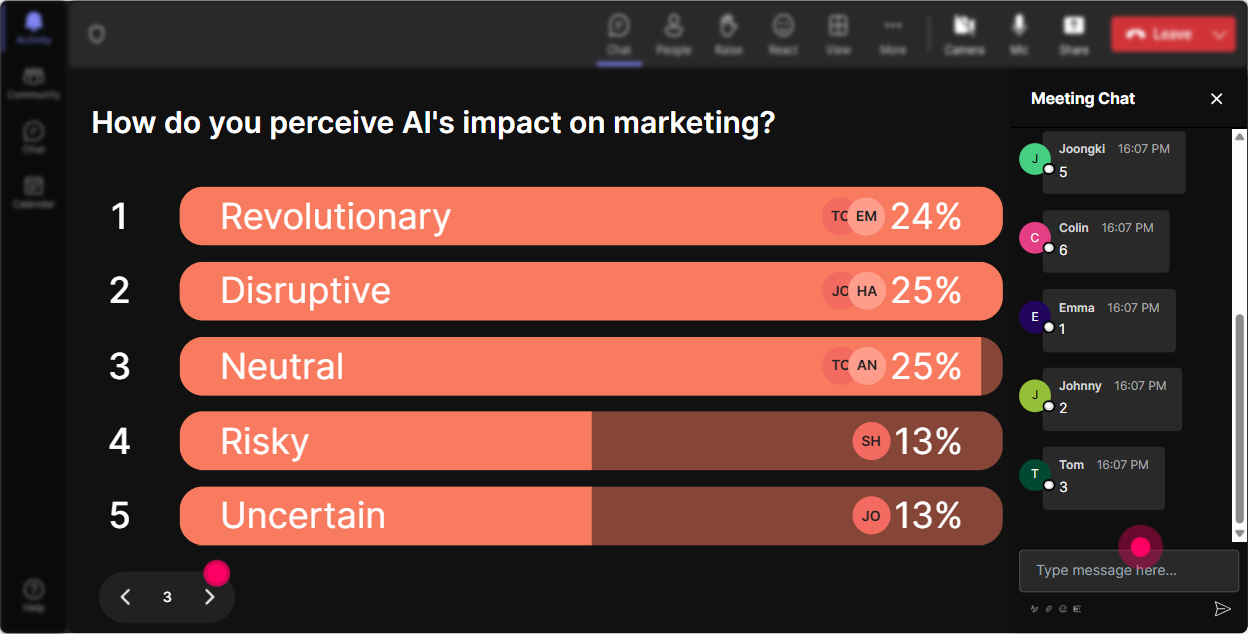
Curiosity Poll: Whats the Hot Topic?
Use Power Polls to unravel which aspect of AI risk piques the most interest among your marketers. Is it data privacy, regulatory issues, or ethical concerns? Knowing their preference allows you to steer the session towards the topics that matter most.
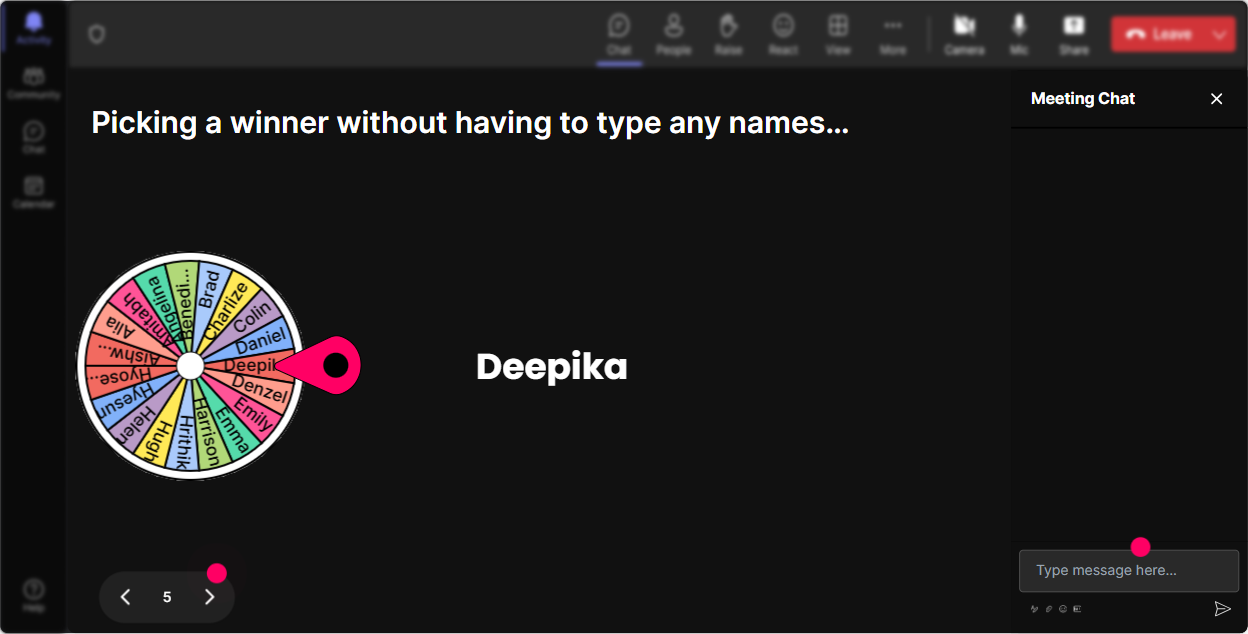
Let the Spinner Decide!
Spice things up with the Spinner Wheel when you need a volunteer to voice their opinions or answer a question. Let fate choose who will speak, adding an element of surprise and participation excitement to your session.
Put Knowledge to the Test with Quizzes
Engage your audience in a friendly competition by throwing in a Quiz round. Pose a multiple-choice question on AI risks, like what constitutes a significant risk factor, and let them select their answer from the chat. Reveal the correct option to validate the learning process.

Gauge AI Knowledge with Rating Polls
Discover what your participants already know about AI risks. By using the Rating Poll, you can ask attendees to rate their understanding of AI risks on a scale from 1 to 5. This gives you a quick view of your teams baseline understanding, helping you tailor the rest of your session to cover any gaps.
Seamless Question Handling with Q&A
Make sure every burning question gets answered with StreamAlives Q&A feature. It detects questions from the chat effortlessly, ensuring you address participants' doubts and curiosities without missing a beat, keeping the flow natural and inclusive.

Measure Engagement with Analytics
After the session wraps up, dive into StreamAlives analytics to see how engaged your audience was throughout. Find out who participated the most and which parts of the training captured the audience's attention the best, so you can keep improving your future sessions.

Use StreamAlive in all your training sessions
StreamAlive isn’t just for
AI risk
training,
it can also be used for any instructor-led training session
Explore similar traingin ideas: unlocking the potential of StreamAlive
See how StreamAlive transforms live training with engaging events and interactive sessions across industries.

Interactions in action
(it's free)

.svg.png)


