

AI tools Training for manufacturing compliance teams
StreamAlive helps 9x the audience engagement in your Virtual Instructor-led Trainings (VILT).
Make your instructor-led AI tools training more fun with polls, word clouds, spinner wheels and more
Works inside your existing PowerPoint presentation
Install the StreamAlive app for PowerPoint and see your slides come to life as people participate in your interactions
AI generates audience interactions for you
Let our AI scan your presentation and automatically come up with relevant questions based on the content. Or spend two hours coming up with your own questions, your choice!
Built to work with MS Teams and Zoom
Native apps for Teams and Zoom so you never have to leave your existing workflows
No QR Codes
Chat-powered interactions means your audience doesn’t need to scan QR codes or look at another screen to participate. They just type in the chat!

Quickly approved by your IT team
StreamAlive’s apps for Teams and Zoom means that they have been through rigorous quality assurance and client safety reviews. You’ll find everything an IT team needs to approve the app within the organization within your StreamAlive account.

Imagine youre all set to conduct AI tools training for manufacturing compliance teams, but you want to make the session fun, engaging, and impactful. So, how can you ensure everyone leaves the session feeling informed and energized? Lets explore some awesome engagement strategies!
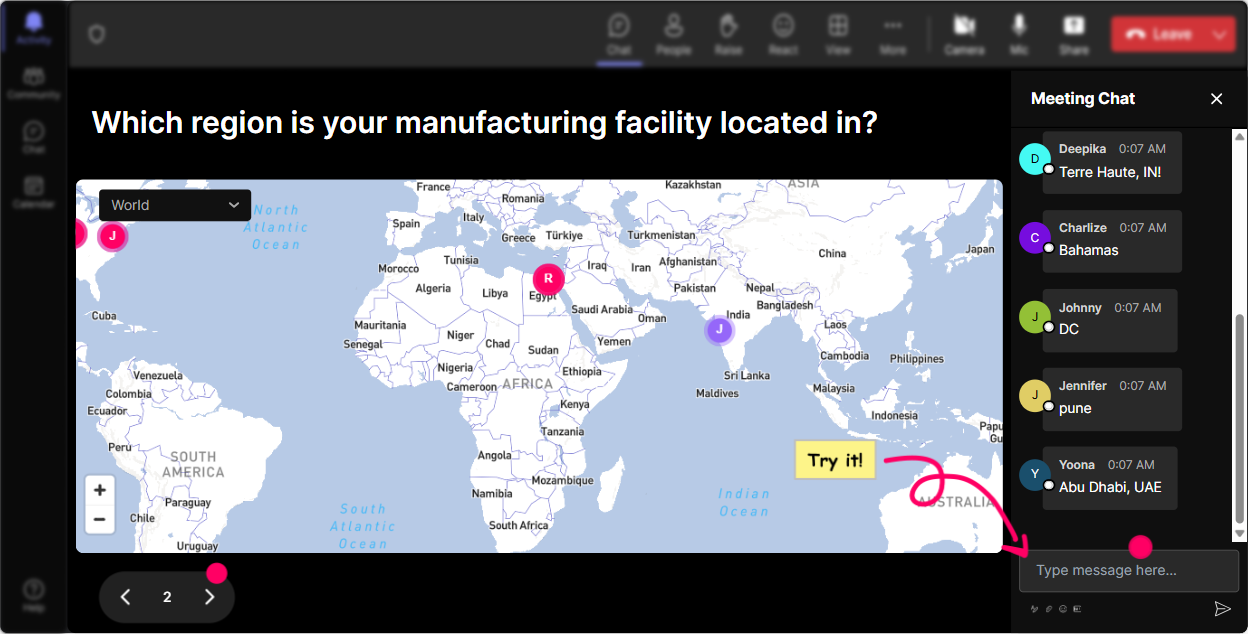
Putting Everyone on the Map
Lets break the ice right at the start! Ask everyone to type their current location, dream travel spot, or a memorable city theyve visited into the chat. Watch as Magic Maps lights up with dots across the globe, instantly connecting everyone on a visual map. Its a great way to kick things off with fun geography trivia!
Gauge Their AI Familiarity
Want to quickly assess how familiar everyone is with AI tools? Run a Rating Poll! Ask participants to rate their knowledge level of AI tools from 1 to 5. Youll get a quick visual of their confidence levels, allowing you to adjust your content accordingly.

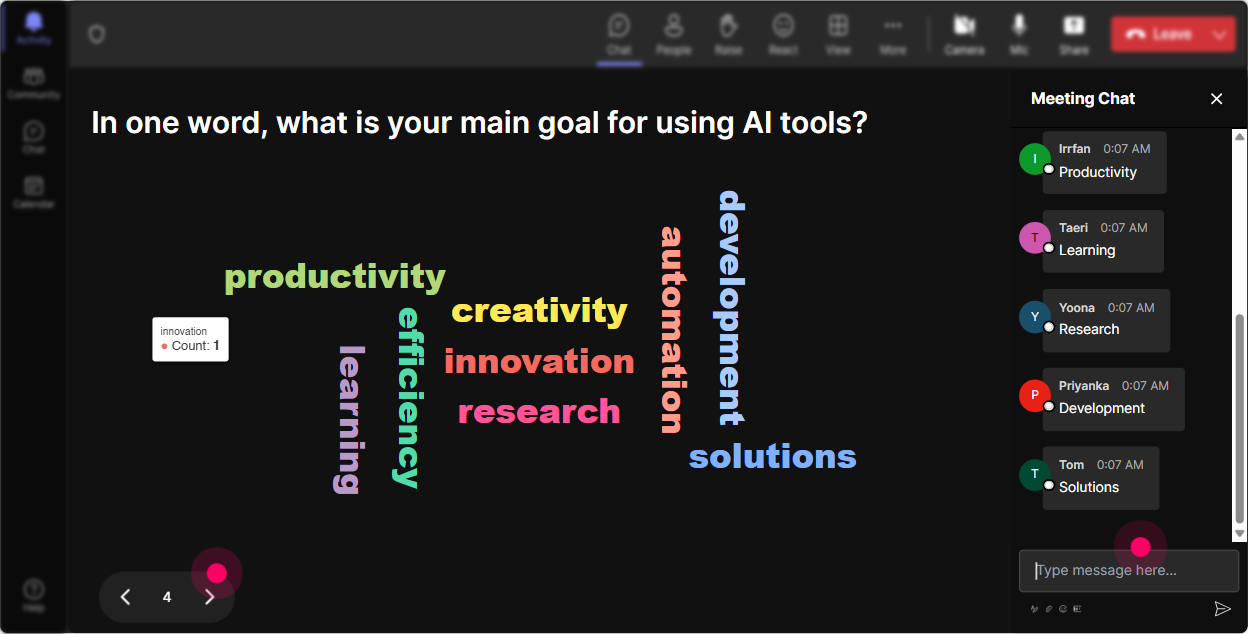
Feel the AI Training Vibes
Curious about how everyone feels about AI tools training? Use the Wonder Words feature to create a word cloud! Participants can share their feelings like excited, curious, or maybe even intimidated. Youll get a pulse of the emotional undercurrent in the room. Plus, its a great way to start a discussion!
Visualize AI Impact
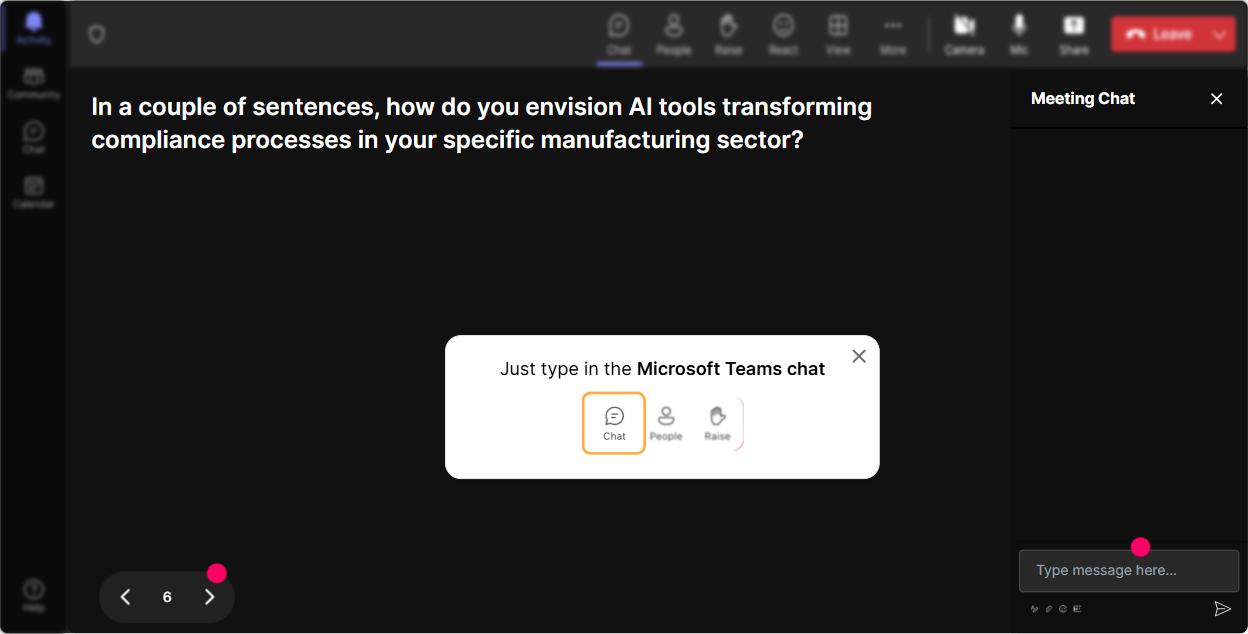
Wondering how AI tools are impacting individual roles? Use Talking Tiles to gather detailed insights. Ask participants to share a sentence or two on how AI tools affect their job. Their answers cascade down the screen like Tetris tiles, creating a dynamic visual display of diverse insights!
Nail Down Interests
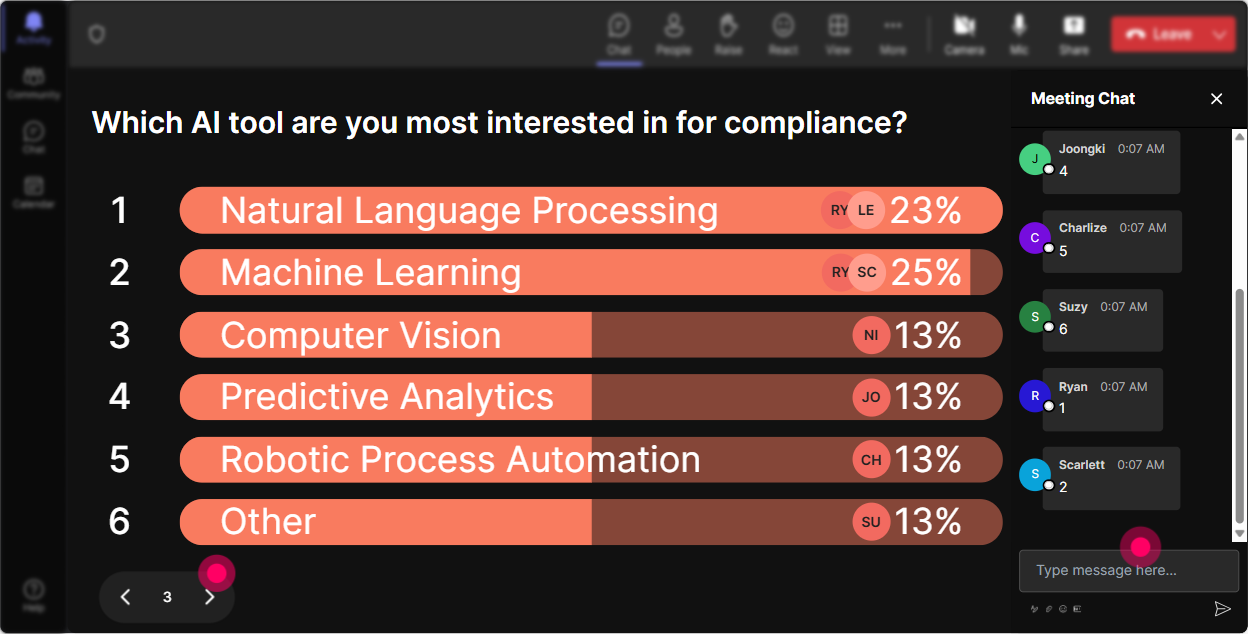
Looking to tailor your session to what the audience most wants to learn? Run a quick poll asking which aspect of AI tools theyd like to dive deeper into-be it automation, compliance checks, or new innovations. It helps you focus on the topics of greatest interest!
The Fun Chart of Fate
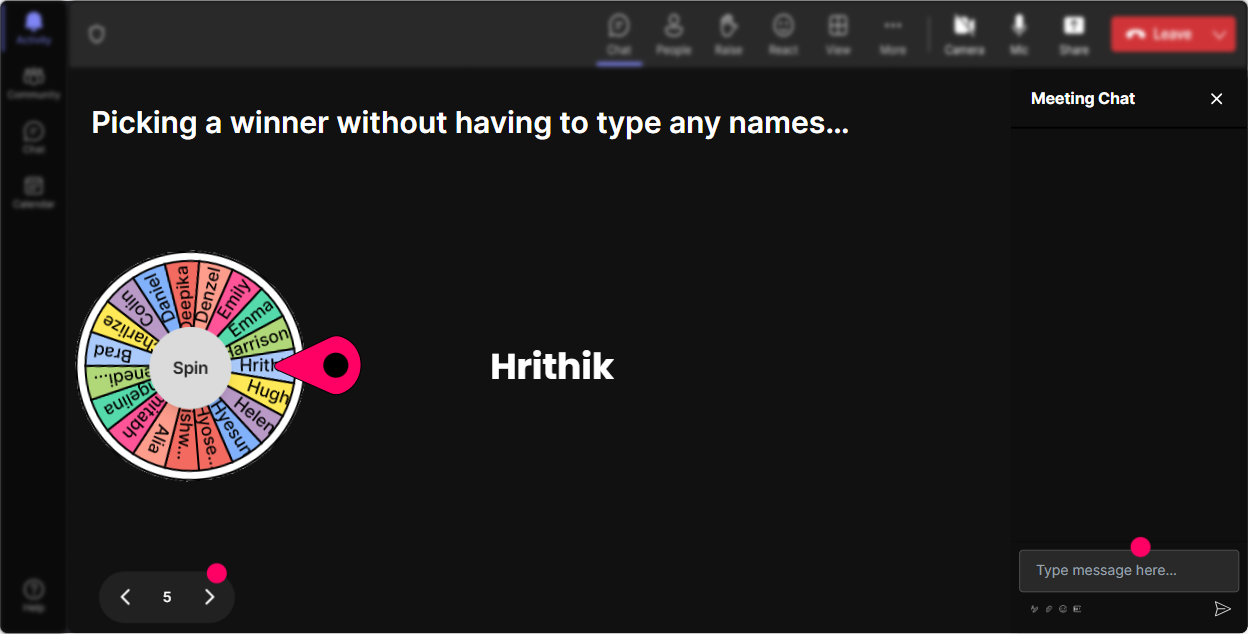
Need a volunteer to answer a question or share an experience? Use the Spinner Wheel! It randomly selects a willing participant from those whove interacted, adding a fun twist to the session while ensuring active involvement.
Test Their AI Knowledge
Throw in a knowledge check with a Quiz feature. Pose a multiple-choice question about AI tools related to manufacturing compliance-like Which AI tool best supports workflow automation? This keeps the session interactive and reinforces learning!

Gauge Their AI Familiarity
Want to quickly assess how familiar everyone is with AI tools? Run a Rating Poll! Ask participants to rate their knowledge level of AI tools from 1 to 5. Youll get a quick visual of their confidence levels, allowing you to adjust your content accordingly.
Streamlined Queries
Forget managing multiple dialogues; let StreamAlive handle it. As questions roll in during your session, Quick Questions automatically collects them, making it super easy for you to address audience inquiries. No need for separate Q&A boxes!

Know Your Audience
After the session, delve into StreamAlives analytics to see which parts resonated the most, identify your star participants, and note down key engagement stats. You can even share these insights with teams or stakeholders through email for feedback and improvements. Its a perfect tool for reflecting on and enhancing your sessions!

Use StreamAlive in all your training sessions
StreamAlive isn’t just for
AI tools
training,
it can also be used for any instructor-led training session
Explore similar traingin ideas: unlocking the potential of StreamAlive
See how StreamAlive transforms live training with engaging events and interactive sessions across industries.

Interactions in action
(it's free)

.svg.png)


