

Applied AI Training for nursing staff
StreamAlive helps 9x the audience engagement in your Virtual Instructor-led Trainings (VILT).
Make your instructor-led Applied AI training more fun with polls, word clouds, spinner wheels and more
Works inside your existing PowerPoint presentation
Install the StreamAlive app for PowerPoint and see your slides come to life as people participate in your interactions
AI generates audience interactions for you
Let our AI scan your presentation and automatically come up with relevant questions based on the content. Or spend two hours coming up with your own questions, your choice!
Built to work with MS Teams and Zoom
Native apps for Teams and Zoom so you never have to leave your existing workflows
No QR Codes
Chat-powered interactions means your audience doesn’t need to scan QR codes or look at another screen to participate. They just type in the chat!

Quickly approved by your IT team
StreamAlive’s apps for Teams and Zoom means that they have been through rigorous quality assurance and client safety reviews. You’ll find everything an IT team needs to approve the app within the organization within your StreamAlive account.

Imagine you've got the task of conducting an Applied AI training for nursing staff and you want to make it memorable and engaging. Lets dive into how you can nail that!
Map Those Locations
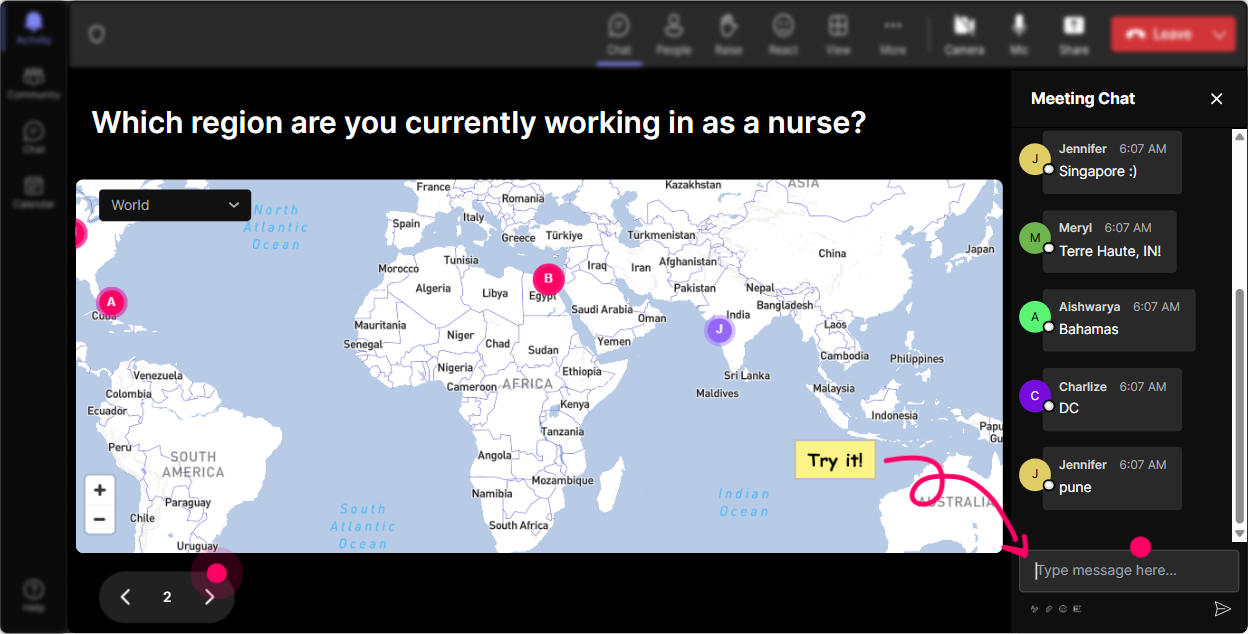
Kick-off the session by putting everyone on the Magic Maps. Ask, 'Wheres everyone tuning in from today?' to create a real-time map. You might find it fun to see nurses from different corners or even familiar spots on the map.
Gauge Their Familiarity
Use a Rating Poll to discover everyone's current knowledge level of Applied AI. Is it 1 - 'Whats AI again?' or 5 - 'Im ready to build a robot'? This will guide you in tweaking your session accordingly.

Feel the Vibe
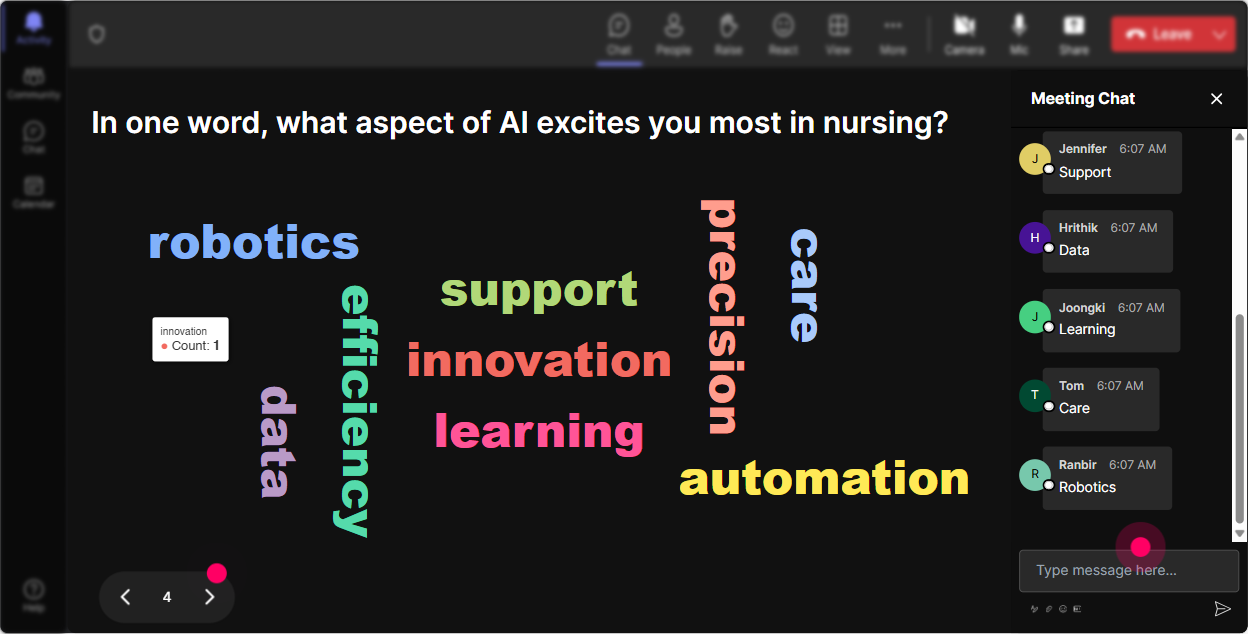
Tap into a Word Cloud to see how folks feel about the upcoming training. Are they excited, anxious, or somewhere in-between? This will give you a pulse on the rooms mood.
Lets Get Talking
Start a conversation about the impact of AI in their daily roles with Talking Tiles. What are people seeing or feeling? Watch their thoughts cascade down the screen like in Tetris!

Curate Their Curiosity
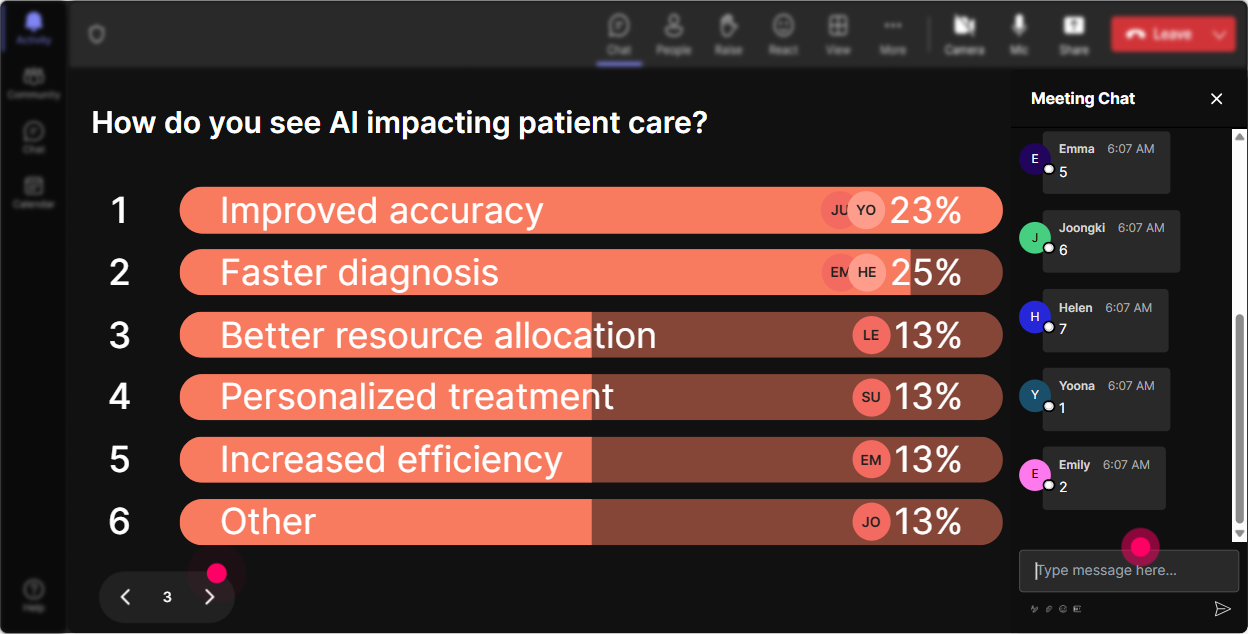
Throw out a Power Poll to determine which AI topics intrigue them most. Is it patient data management or virtual health assistants? Tailor parts of your session to these interests.
Volunteer Roulette
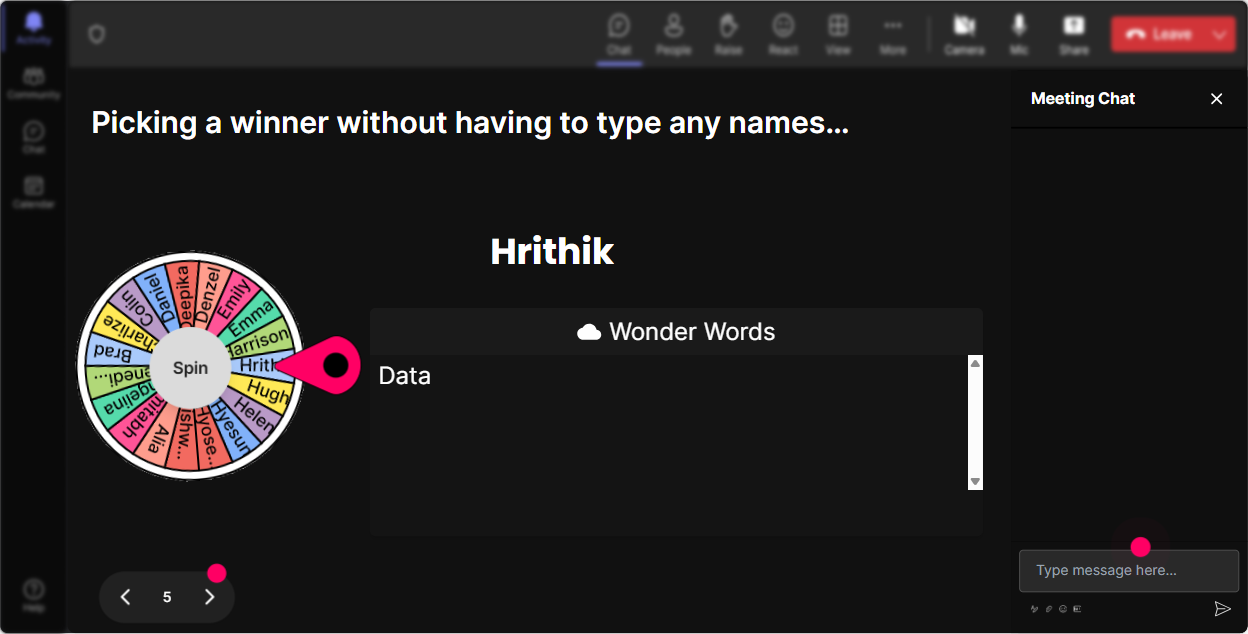
Use the Spinner Wheel to pick a volunteer when asking open-ended questions. This adds an element of surprise and fair play-everyones in for a chance!
Test Their Knowledge
Wrap up a section with a Quiz asking 'Which of these is a benefit of AI in healthcare?' Its fun, informative, and checks learning effectively.

Gauge Their Familiarity
Use a Rating Poll to discover everyone's current knowledge level of Applied AI. Is it 1 - 'Whats AI again?' or 5 - 'Im ready to build a robot'? This will guide you in tweaking your session accordingly.
Seamless Q&A
No need for a separate Q&A session! StreamAlives feature automatically highlights questions from the chat, so you can easily address them during your presentation without missing a beat.

Reflect and Improve
Post-session, delve into StreamAlives analytics to see what held the audience's attention. Identify your champions of engagement and share insights with your team through Teams or Email.

Use StreamAlive in all your training sessions
StreamAlive isn’t just for
Applied AI
training,
it can also be used for any instructor-led training session
Explore similar traingin ideas: unlocking the potential of StreamAlive
See how StreamAlive transforms live training with engaging events and interactive sessions across industries.

Interactions in action
(it's free)

.svg.png)


