

Cybersecurity Training for credit providers
StreamAlive helps 9x the audience engagement in your Virtual Instructor-led Trainings (VILT).
Make your instructor-led Cybersecurity training more fun with polls, word clouds, spinner wheels and more
Works inside your existing PowerPoint presentation
Install the StreamAlive app for PowerPoint and see your slides come to life as people participate in your interactions
AI generates audience interactions for you
Let our AI scan your presentation and automatically come up with relevant questions based on the content. Or spend two hours coming up with your own questions, your choice!
Built to work with MS Teams and Zoom
Native apps for Teams and Zoom so you never have to leave your existing workflows
No QR Codes
Chat-powered interactions means your audience doesn’t need to scan QR codes or look at another screen to participate. They just type in the chat!

Quickly approved by your IT team
StreamAlive’s apps for Teams and Zoom means that they have been through rigorous quality assurance and client safety reviews. You’ll find everything an IT team needs to approve the app within the organization within your StreamAlive account.

Youve got the task of leading a Cybersecurity session for credit providers and you dont want it to be just another hour of slides. Let's shake things up! Incorporate fun and interaction using StreamAlive to keep your audience engaged and excited. Ready? Let's dive in!
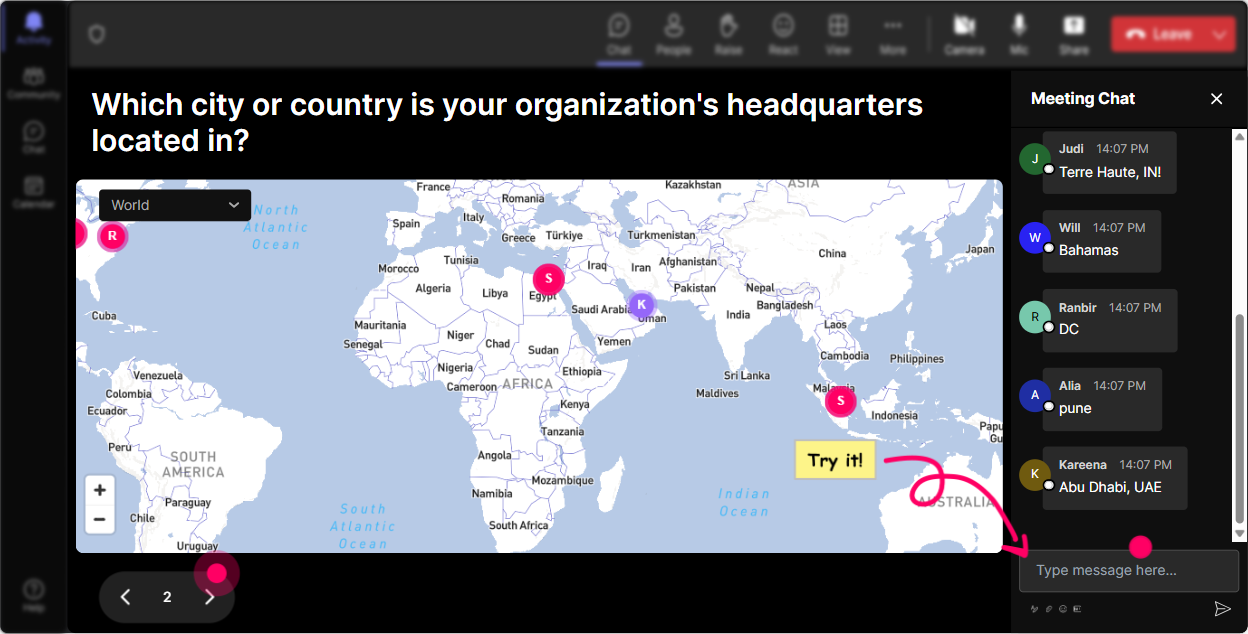
Magic Maps: Put Your Audience On The Map
Kickstart your Cybersecurity training by asking your audience where theyre joining from using StreamAlives Magic Maps. Picture this: a real-time global map lighting up with locations-its a great way to break the ice! Or dive deeper and ask them about the most memorable tech challenge they've solved or a dream cybersecurity conference they'd love to attend worldwide. This gets people talking and makes the start of your session personal and engaging.
Rating Polls: Assess Cyber Knowledge
Use Rating Polls to gauge your audiences current understanding of Cybersecurity. Ask things like 'On a scale of 1 to 5, how confident are you in your understanding of cyber threats?' Its a quick way to get insights on where everyone stands so you know how to tailor the rest of your session.

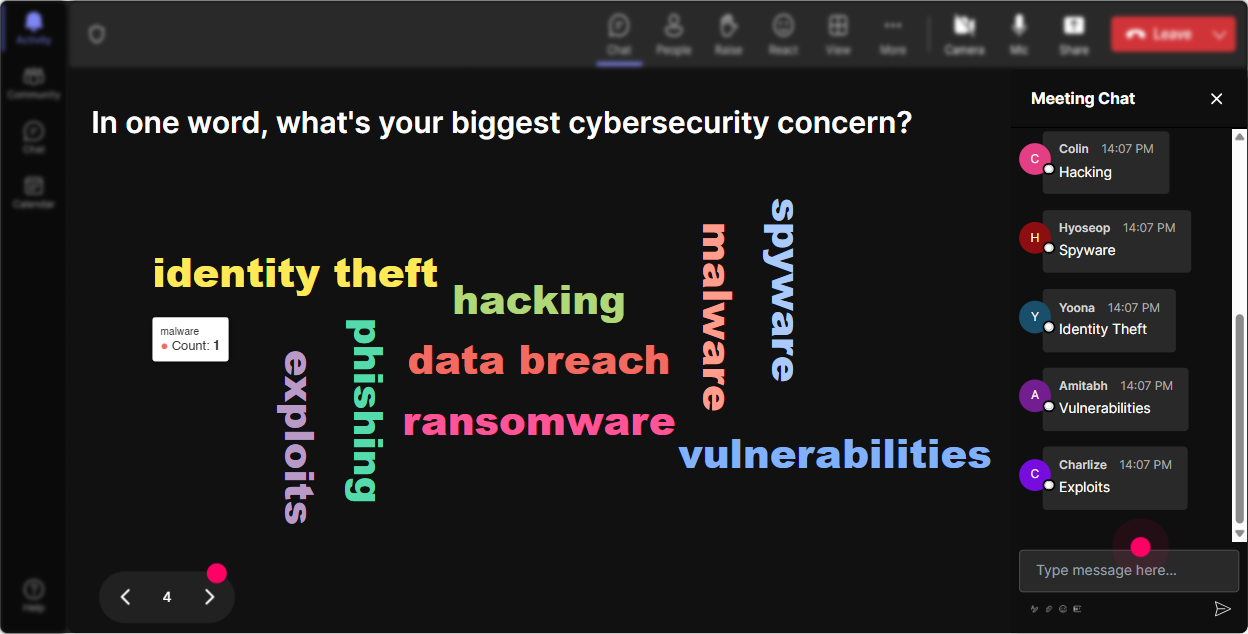
Wonder Words: Gauge the Vibes
Create an exciting word cloud to capture how participants feel about Cybersecurity. Throw out a question like, 'Whats your biggest fear about cybersecurity in credit provision?' As words like 'data breach' or 'hacking' pop up larger than others, you get a quick visual of collective feelings that you can address as you train.
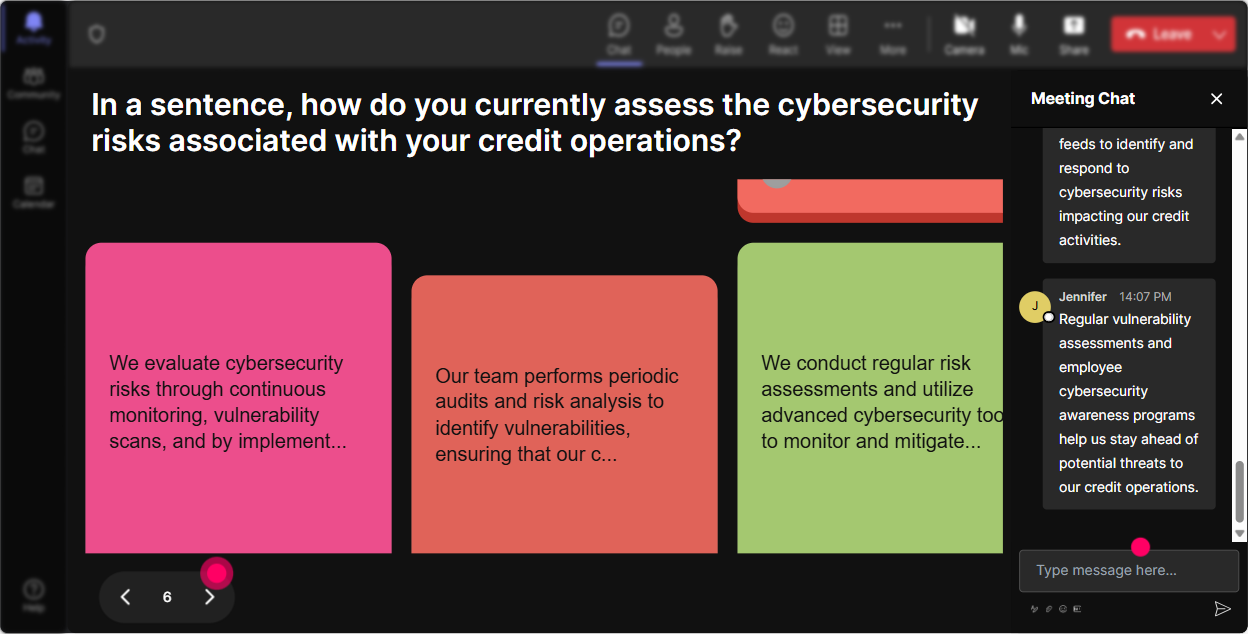
Talking Tiles: Visualize Impact
Ask your attendees to share how Cybersecurity impacts their daily jobs. Their responses cascade down the screen in dynamic Tiles, showing not only their points of view but also encouraging interaction. You might see responses like 'prevention of fraud' or 'data protection,' bringing visual life to the chat!
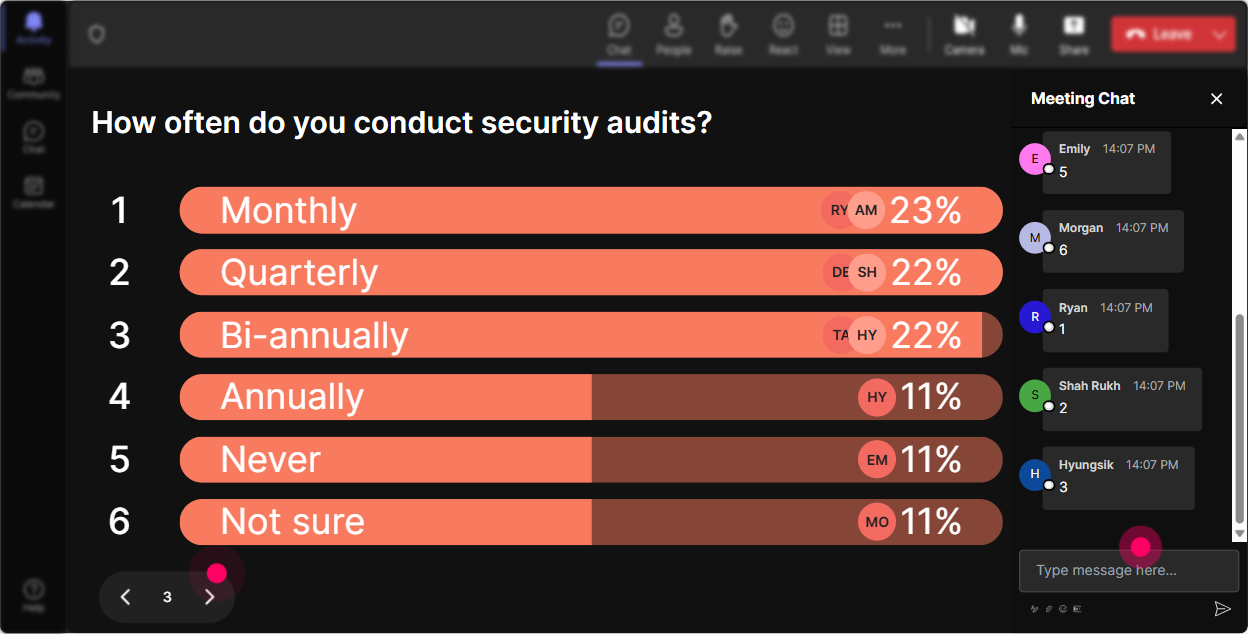
Power Polls: Dive Deeper
Start a Power Poll to find out which aspect of Cybersecurity people want to understand better. Maybe its 'encryption,' 'password security,' or 'incident response.' This gets everyone involved from the get-go, and you can prioritize topics based on their curiosity.
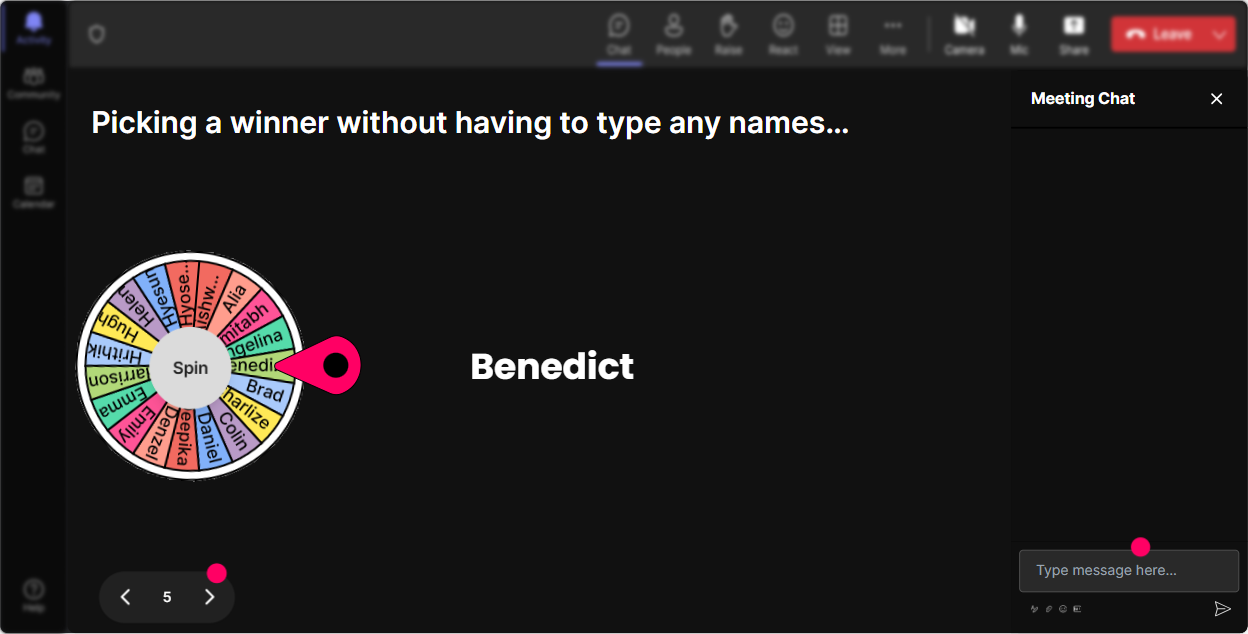
Winner Wheel: Choose Your Voice
Looking for some brave souls to share their Cybersecurity stories? Let the Winner Wheel do the talking. Spin the wheel to select a random participant to unmute and share their experiences. Its spontaneous, fun, and adds a little luck into the mix!
Quiz: Quickfire Knowledge Check
Time for a quick quiz! Pose a multiple-choice question like, 'Which of the following is not a common type of cyber threat?' Engage everyone by letting them select an answer in the chat. This checks their knowledge and refreshes what theyve learned in an interactive format.

Rating Polls: Assess Cyber Knowledge
Use Rating Polls to gauge your audiences current understanding of Cybersecurity. Ask things like 'On a scale of 1 to 5, how confident are you in your understanding of cyber threats?' Its a quick way to get insights on where everyone stands so you know how to tailor the rest of your session.
Quick Questions: Streamlined Q&A
Streamline your Q&A by using StreamAlives Quick Questions. You dont need an extra Q&A box; it automatically picks up on-chat queries and displays them for all to see. This way, you won't miss a single question! Smooth, eh?

Analytics: Measure Engagement
Once your session is over, dive into StreamAlives analytics. See which parts of your Cybersecurity presentation held the crowds focus and identify who the top engaged members were. You can even send interaction insights via Teams or Email-adding more value post-session.

Use StreamAlive in all your training sessions
StreamAlive isn’t just for
Cybersecurity
training,
it can also be used for any instructor-led training session
Explore similar traingin ideas: unlocking the potential of StreamAlive
See how StreamAlive transforms live training with engaging events and interactive sessions across industries.

Interactions in action
(it's free)

.svg.png)


