

Practical AI Training for talent acquisition teams
StreamAlive helps 9x the audience engagement in your Virtual Instructor-led Trainings (VILT).
Make your instructor-led Practical AI training more fun with polls, word clouds, spinner wheels and more
Works inside your existing PowerPoint presentation
Install the StreamAlive app for PowerPoint and see your slides come to life as people participate in your interactions
AI generates audience interactions for you
Let our AI scan your presentation and automatically come up with relevant questions based on the content. Or spend two hours coming up with your own questions, your choice!
Built to work with MS Teams and Zoom
Native apps for Teams and Zoom so you never have to leave your existing workflows
No QR Codes
Chat-powered interactions means your audience doesn’t need to scan QR codes or look at another screen to participate. They just type in the chat!

Quickly approved by your IT team
StreamAlive’s apps for Teams and Zoom means that they have been through rigorous quality assurance and client safety reviews. You’ll find everything an IT team needs to approve the app within the organization within your StreamAlive account.

Imagine you've been selected to lead a Practical AI training session for a talent acquisition team. Naturally, you want it to be engaging and lively. Let's dive into how StreamAlive can make that happen!
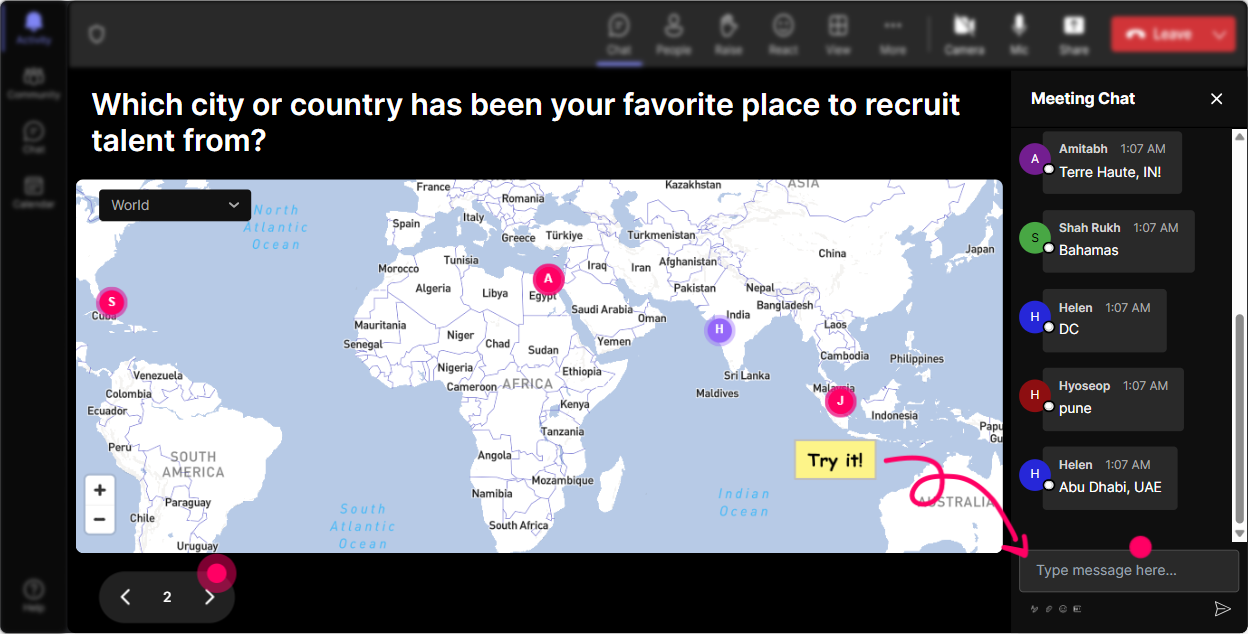
Put Your Participants on the Map!
Start your training by asking participants to shout out where they're tuning in from. Use StreamAlive's Magic Maps to sprinkle some geographical magic on the screen. A real-time map builds as locations pop up in the chat, breaking the ice. Questions like 'Where are you joining us from?' or 'What's your dream AI hub city?' can set the tone.
Gauge AI Knowledge Instantly
Launch a quick Rating Poll at the beginning. Ask something like, 'On a scale of 1 to 10, how familiar are you with Practical AI?' Its a visual pulse check to know your starting point, letting you tailor the depth of your session accordingly.

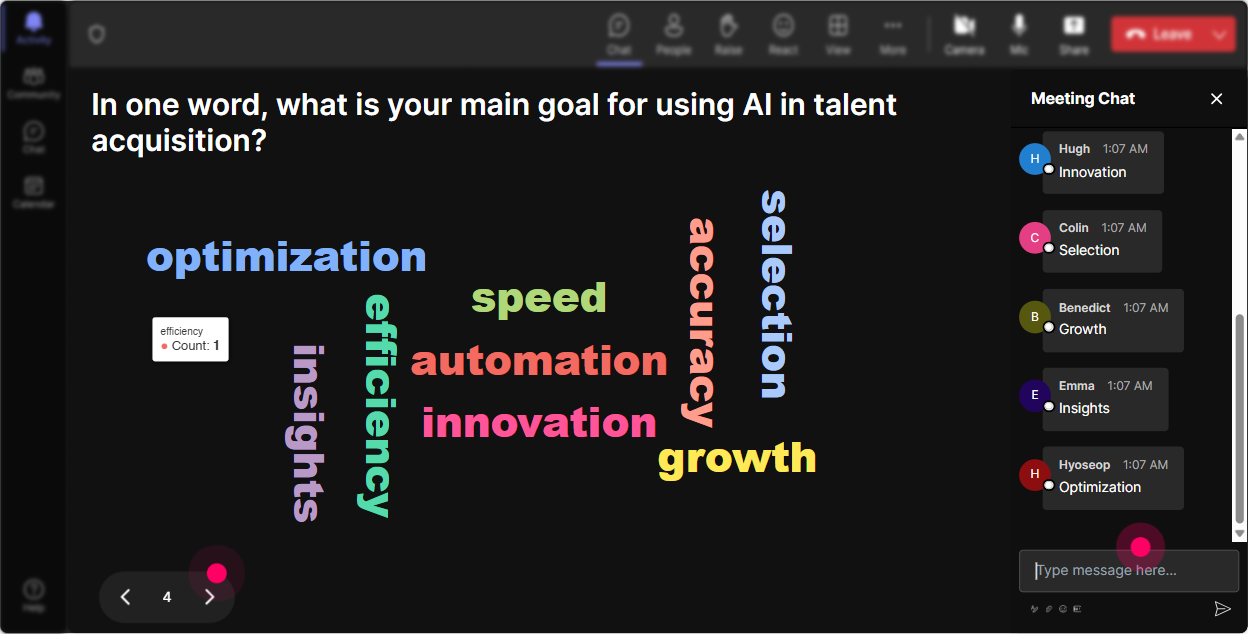
Capture the Room's Mood with a Word Cloud
Use Wonder Words to see how folks feel about the training. Ask, 'In one word, whats your opinion on Practical AI in recruitment?' Words like 'excited,' 'curious,' or 'cautious' swell and shrink, giving visual feedback that's immediate and impactful.
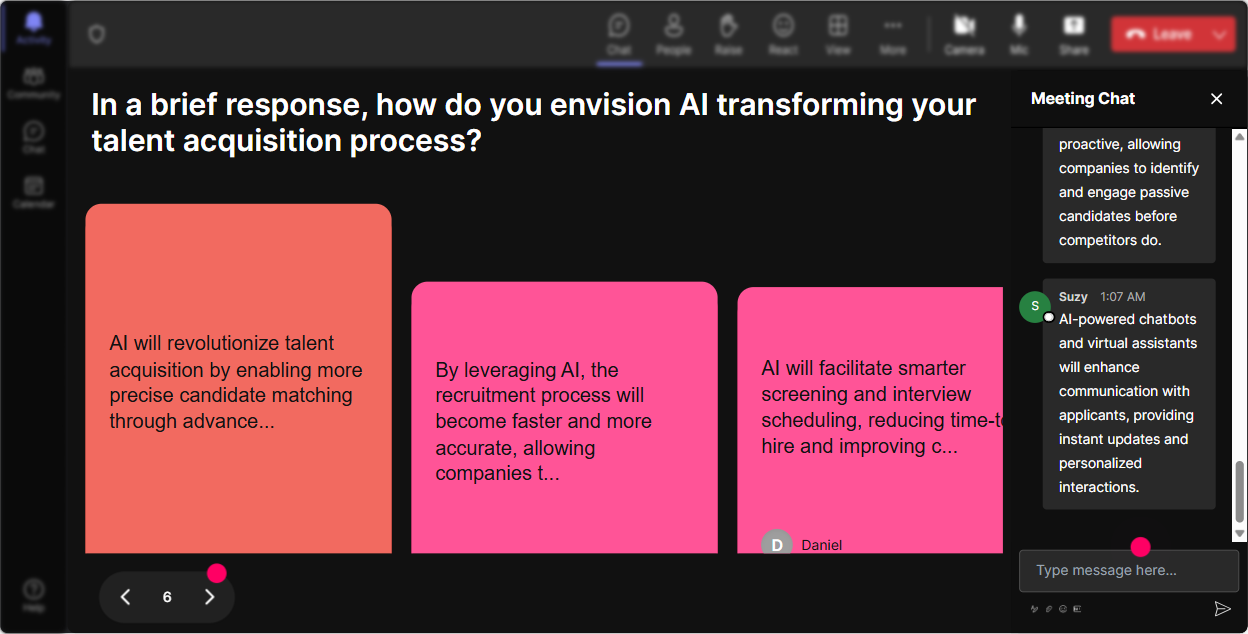
Bring Ideas to Life with Talking Tiles
Turn chat responses into falling tiles on screen with Talking Tiles. Ask something like, 'How is AI reshaping your role?' As answers flow in, they cascade down the screen Tetris-style, adding a dynamic yet thoughtful edge to your session.
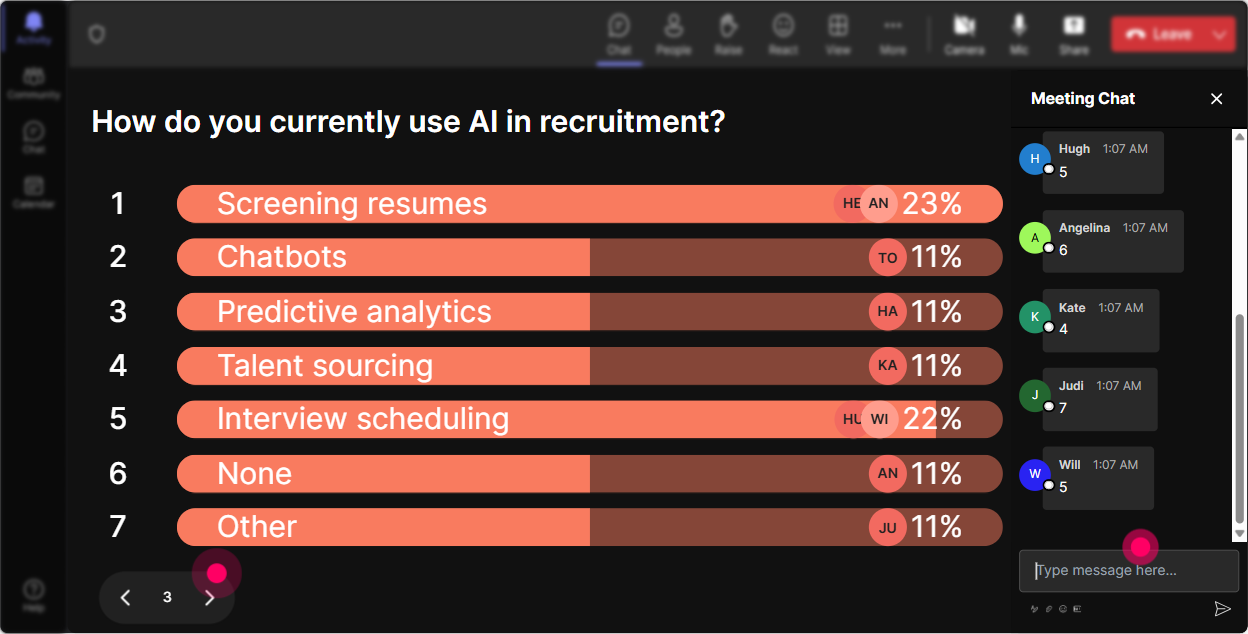
Uncover Burning Questions with Power Polls
Pose a Power Poll to uncover what aspects of AI intrigue your audience. Try asking, 'What AI topics should we deep-dive into?' Whether it's automation in screening resumes or AI ethics, let the poll guide your session priorities.
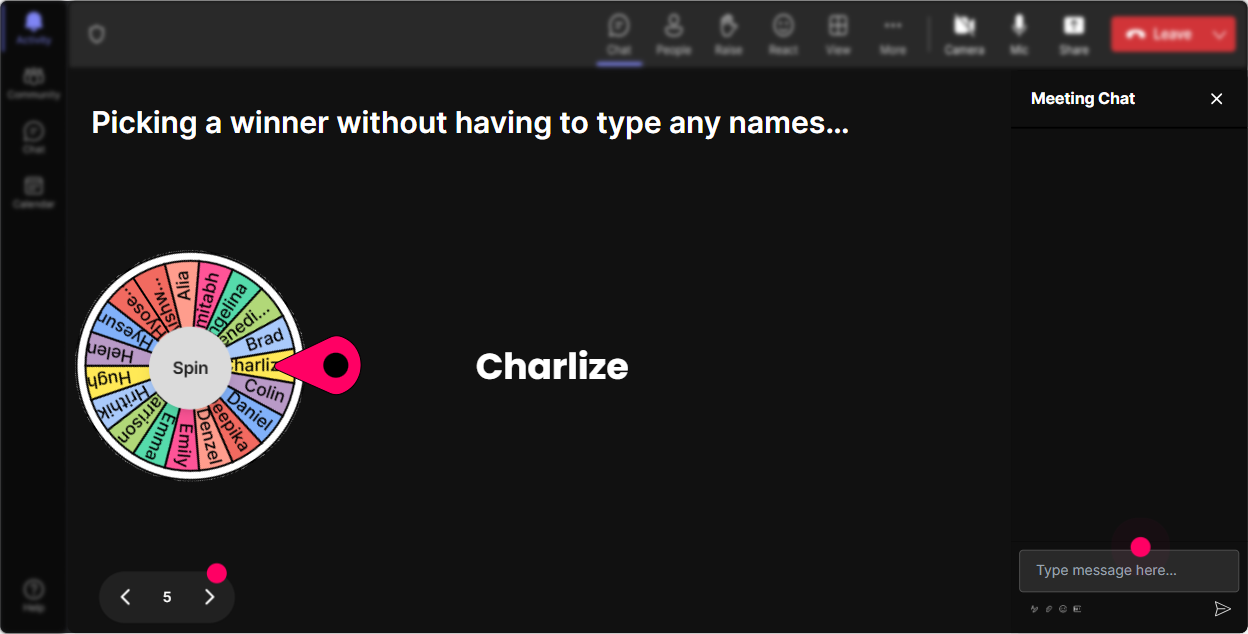
Add a Spin of Chance with a Spinner Wheel
Make querying interactive by picking random participants to unmute and share insights! Just set criteria and let the Spinner Wheel choose a lucky name or question tag from the chat - perfect for lowering that participation hurdle!
Make Learning Fun with Quizzes
Test your groups know-how with a quick, interactive quiz. Try a question like, 'Which of these is NOT an AI application in recruitment?' and list plausible answers. Watch as responses roll in, then reveal the right choice for an educational light bulb moment.

Gauge AI Knowledge Instantly
Launch a quick Rating Poll at the beginning. Ask something like, 'On a scale of 1 to 10, how familiar are you with Practical AI?' Its a visual pulse check to know your starting point, letting you tailor the depth of your session accordingly.
Seamless Q&A with Quick Questions
Instead of scanning chats, let StreamAlive's Quick Questions magically display inquiries. Whether its clarifying an AI concept or addressing tools, this feature ensures nothing slips through the cracks, all while keeping the flow uninterrupted.

Wrap it Up with Insightful Analytics
After your session, dive into detailed analytics to see what resonated. Discover who engaged most, what sparked interaction, and easily share these insights with your team to refine and perfect future trainings.

Use StreamAlive in all your training sessions
StreamAlive isn’t just for
Practical AI
training,
it can also be used for any instructor-led training session
Explore similar traingin ideas: unlocking the potential of StreamAlive
See how StreamAlive transforms live training with engaging events and interactive sessions across industries.

Interactions in action
(it's free)

.svg.png)


