

Role-based AI Training for growth teams
StreamAlive helps 9x the audience engagement in your Virtual Instructor-led Trainings (VILT).
Make your instructor-led Role-based AI training more fun with polls, word clouds, spinner wheels and more
Works inside your existing PowerPoint presentation
Install the StreamAlive app for PowerPoint and see your slides come to life as people participate in your interactions
AI generates audience interactions for you
Let our AI scan your presentation and automatically come up with relevant questions based on the content. Or spend two hours coming up with your own questions, your choice!
Built to work with MS Teams and Zoom
Native apps for Teams and Zoom so you never have to leave your existing workflows
No QR Codes
Chat-powered interactions means your audience doesn’t need to scan QR codes or look at another screen to participate. They just type in the chat!

Quickly approved by your IT team
StreamAlive’s apps for Teams and Zoom means that they have been through rigorous quality assurance and client safety reviews. You’ll find everything an IT team needs to approve the app within the organization within your StreamAlive account.

Imagine you're gearing up for a Role-based AI training session with a group of growth teams. The challenge? Keeping everyone tuned in and excited! Enter StreamAlive, your new best friend for audience engagement.
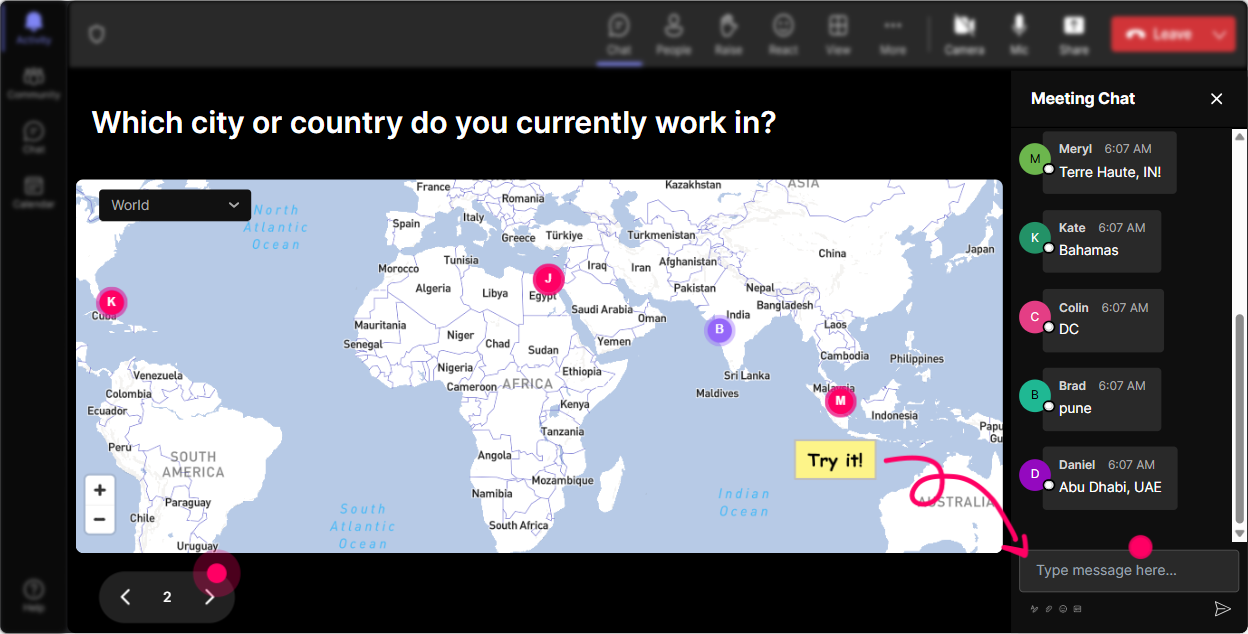
Magic Maps: Let's Get Geographical!
Starting your training session with a bang is crucial, and what better way than to use Magic Maps? Encourage everyone to share where they're joining from. Not only does this break the ice, but its also a fantastic way to initiate conversation on the global impact and reach of Role-based AI. For instance, "Where in the world are you joining us from today?" This makes everyone part of the global picture while setting the stage for learning.
Gauge Knowledge with Rating Polls
Before diving deep, it's essential to know where your audience stands. Use Rating Polls to get a quick snapshot of everyone's current understanding of Role-based AI. "On a scale of 1 to 10, how much do you know about Role-based AI?" Tailor your session to meet them at their level!

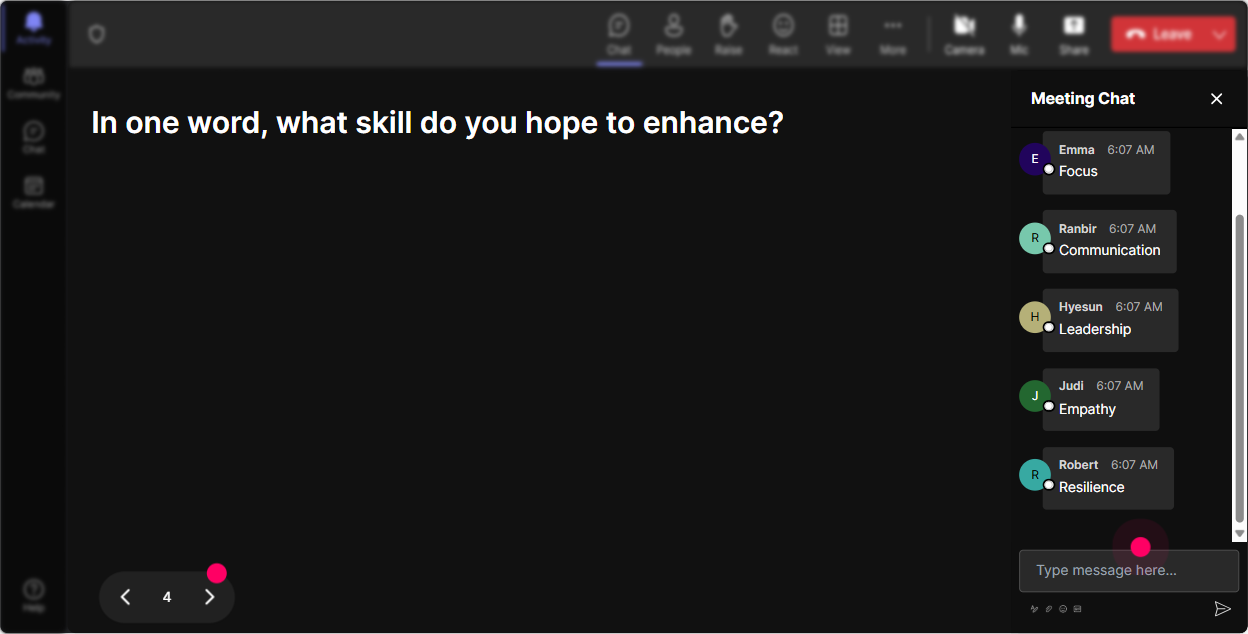
Express Feelings with Word Clouds
Word Clouds can reveal hidden feelings. Ask your audience, "What one word describes how you feel about Role-based AI?" You get a real-time pulse, and seeing words like "excited" or "overwhelmed" can guide the session's tone to either allay fears or build on excitement.
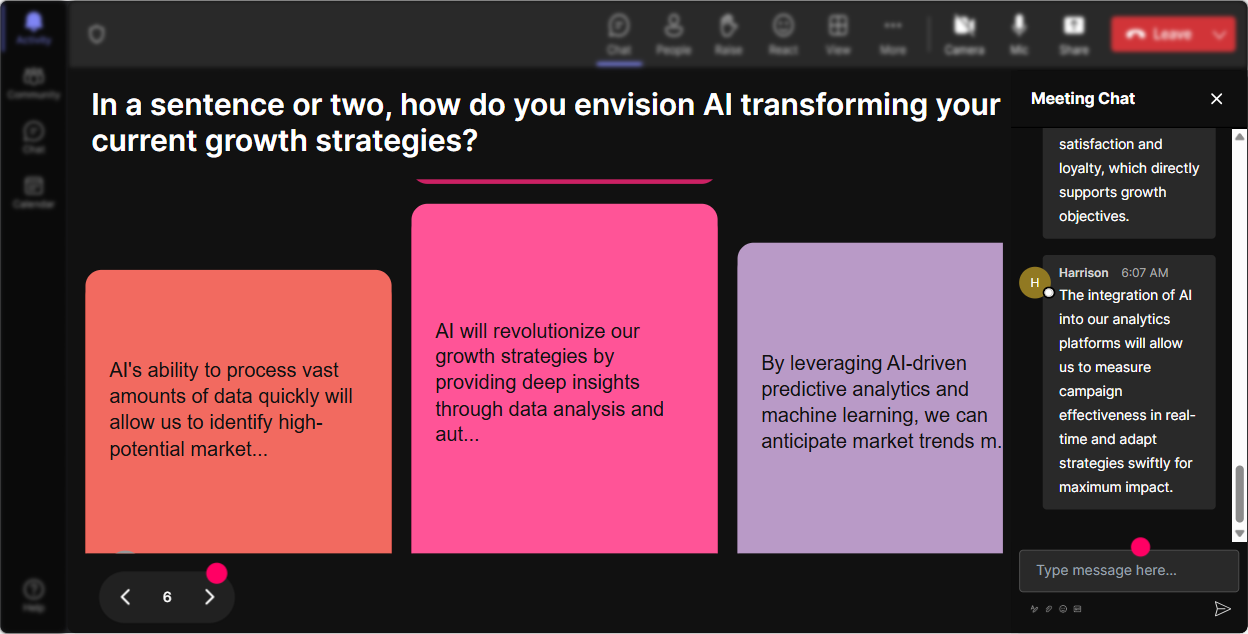
Dive Deep with Talking Tiles
Discuss the transformative potential of Role-based AI on individual roles using Talking Tiles. Ask, "How has Role-based AI impacted your job?" As responses pile up like a Tetris game on screen, you'll spark a rich discussion and gain insights into the audience's real-world experiences.
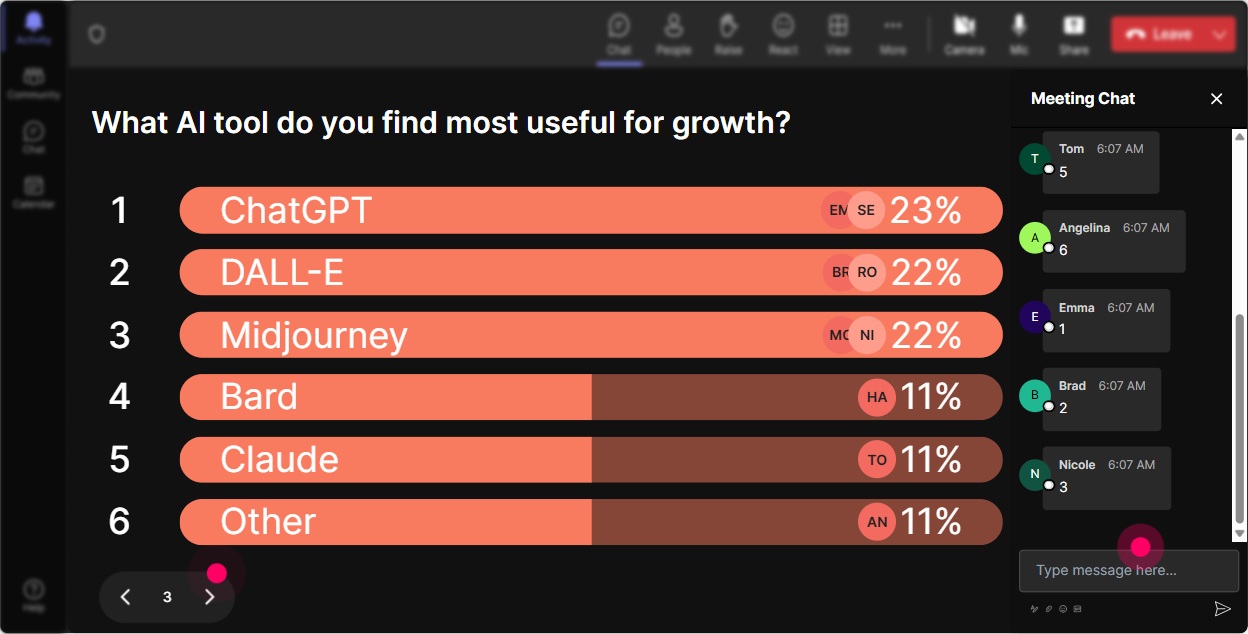
Discover Interests with Polls
Engage your audience by finding out what aspects of Role-based AI they are most curious about. "Which of these areas do you want to explore more?" This helps you craft an intuitive session based on what participants are truly interested in.
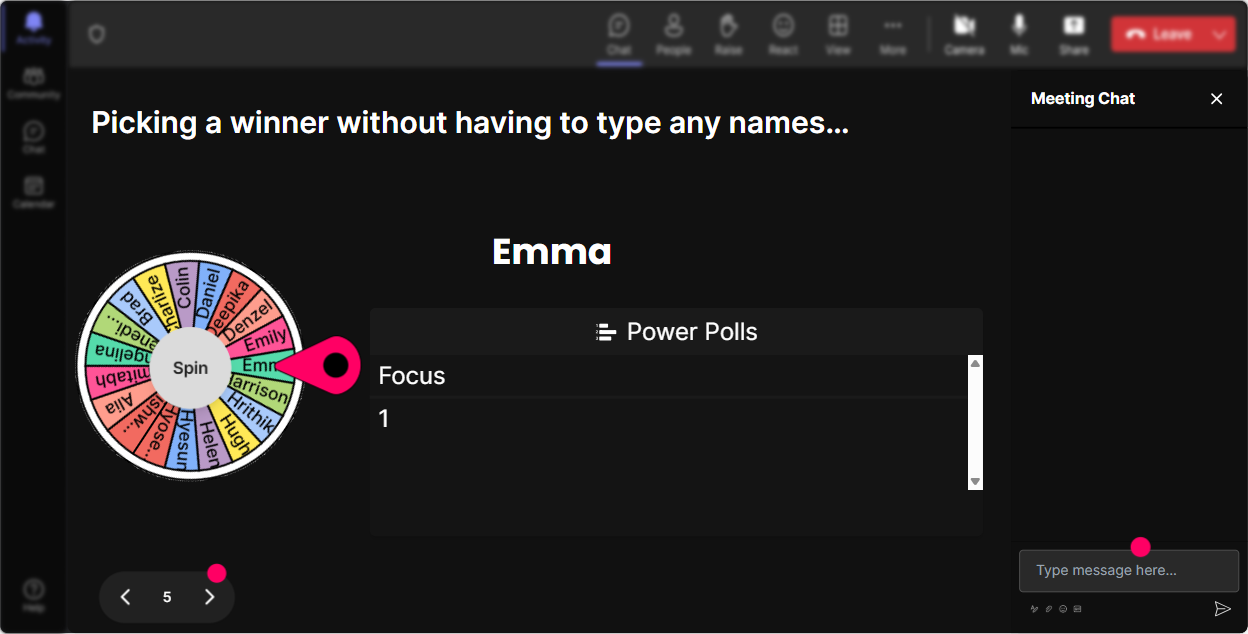
Volunteer Selection Magic with Spinner Wheel
Encourage participation without the awkward pause. Use the Spinner Wheel to choose a volunteer to share their perspective or answer a question. "Lets see who the lucky speaker is...!" This feature adds excitement and a bit of fun to audience participation.
Boost Engagement with Quizzes
Sprinkle in a few quizzes to keep the energy high. Ask a thought-provoking multiple-choice question about Role-based AI-like whats the correct sequence in AI model development? Show the right answer and spur a short discussion to reinforce learning.

Gauge Knowledge with Rating Polls
Before diving deep, it's essential to know where your audience stands. Use Rating Polls to get a quick snapshot of everyone's current understanding of Role-based AI. "On a scale of 1 to 10, how much do you know about Role-based AI?" Tailor your session to meet them at their level!
Seamless Q&A with StreamAlive
No more fumbling through dozens of chat questions. StreamAlives Q&A gathers them effortlessly, allowing you to answer in a smooth, flowing manner. "Lets dive into these questions that StreamAlive has picked up for us." Its straightforward and keeps the session interactive.

Analyze Engagement with Analytics
Post-session, leverage Analytics to see which parts of your training captured the audiences attention. Identify top contributors and send out personalized follow-ups. "Did we keep the energy up throughout? Who contributed the most?" These insights are gold for your next session.

Use StreamAlive in all your training sessions
StreamAlive isn’t just for
Role-based AI
training,
it can also be used for any instructor-led training session
Explore similar traingin ideas: unlocking the potential of StreamAlive
See how StreamAlive transforms live training with engaging events and interactive sessions across industries.

Interactions in action
(it's free)

.svg.png)


