

AI integration Training for clinical documentation teams
StreamAlive helps 9x the audience engagement in your Virtual Instructor-led Trainings (VILT).
Make your instructor-led AI integration training more fun with polls, word clouds, spinner wheels and more
Works inside your existing PowerPoint presentation
Install the StreamAlive app for PowerPoint and see your slides come to life as people participate in your interactions
AI generates audience interactions for you
Let our AI scan your presentation and automatically come up with relevant questions based on the content. Or spend two hours coming up with your own questions, your choice!
Built to work with MS Teams and Zoom
Native apps for Teams and Zoom so you never have to leave your existing workflows
No QR Codes
Chat-powered interactions means your audience doesn’t need to scan QR codes or look at another screen to participate. They just type in the chat!

Quickly approved by your IT team
StreamAlive’s apps for Teams and Zoom means that they have been through rigorous quality assurance and client safety reviews. You’ll find everything an IT team needs to approve the app within the organization within your StreamAlive account.

Youve been asked to conduct AI integration training for clinical documentation teams and you want to make the session fun and interesting. Lets see how to make that happen.
Interactive Magic Maps
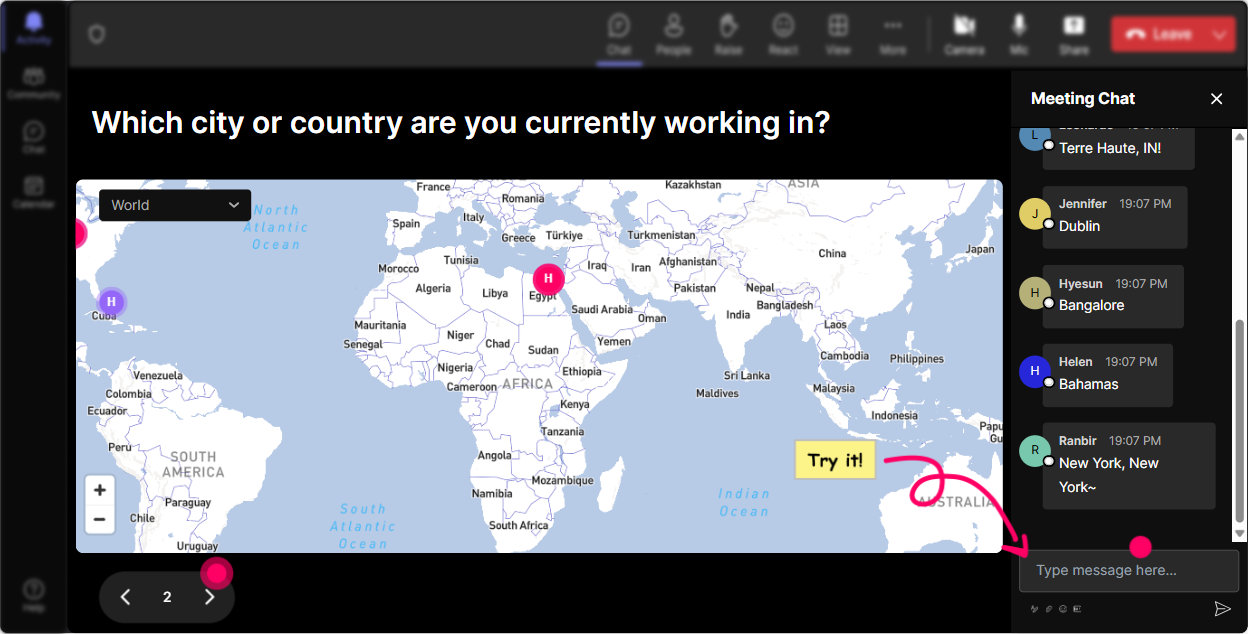
Break the ice by starting your session asking everyone "Where in the world are you joining us from today?" As everyone enters their locations, watch as StreamAlives Magic Maps plots them in real-time. This not only kicks off the session with a sense of community but visually shows your audience the breadth of participation. Maybe even spice it up by asking "If you could teleport anywhere on earth right now for a quick AI insight, where would it be?"
Pulse-Checking Rating Polls
Gauge everyone's starting point with a quick poll - "How comfortable are you with integrating AI into your daily tasks? Rate from 1-5!" This gives instant insights into where your audience stands, helping you tailor your session accordingly. With StreamAlives dynamic display, participants see collective sentiment moving in real-time, facilitating an understanding of the group's baseline knowledge.

Mood Mapping Word Clouds
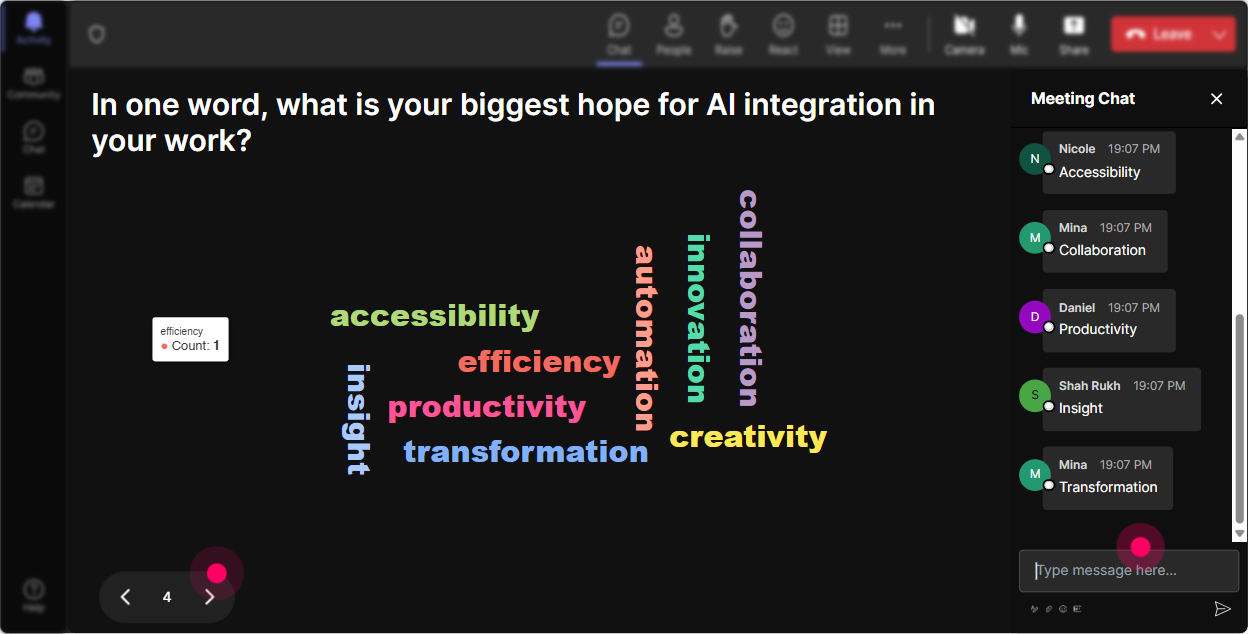
"Whats your one word to describe AI integration training today?" As responses pour in, see the real-time word cloud emerge. Are people feeling 'excited', 'curious', or 'nervous'? This visual representation instantly tells you the rooms vibe, helping you address feelings or misconceptions on the fly.
Dynamic Talking Tiles
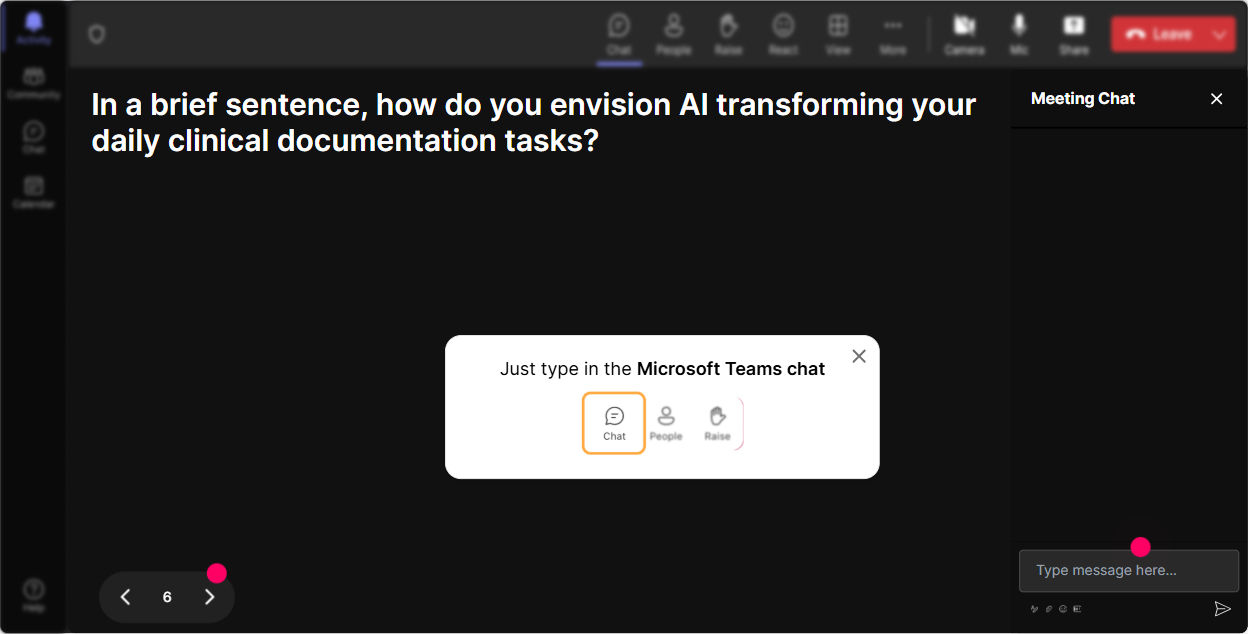
Get a feel for how AI impacts roles by asking: "In one sentence, how does AI integration affect your job?" With Talk Tiles, witness responses cascade down the screen like a game, making the conversation lively and visually engaging. It not only boosts participation but allows for a fun visual storytelling experience.
Curiosity-Driven Polls
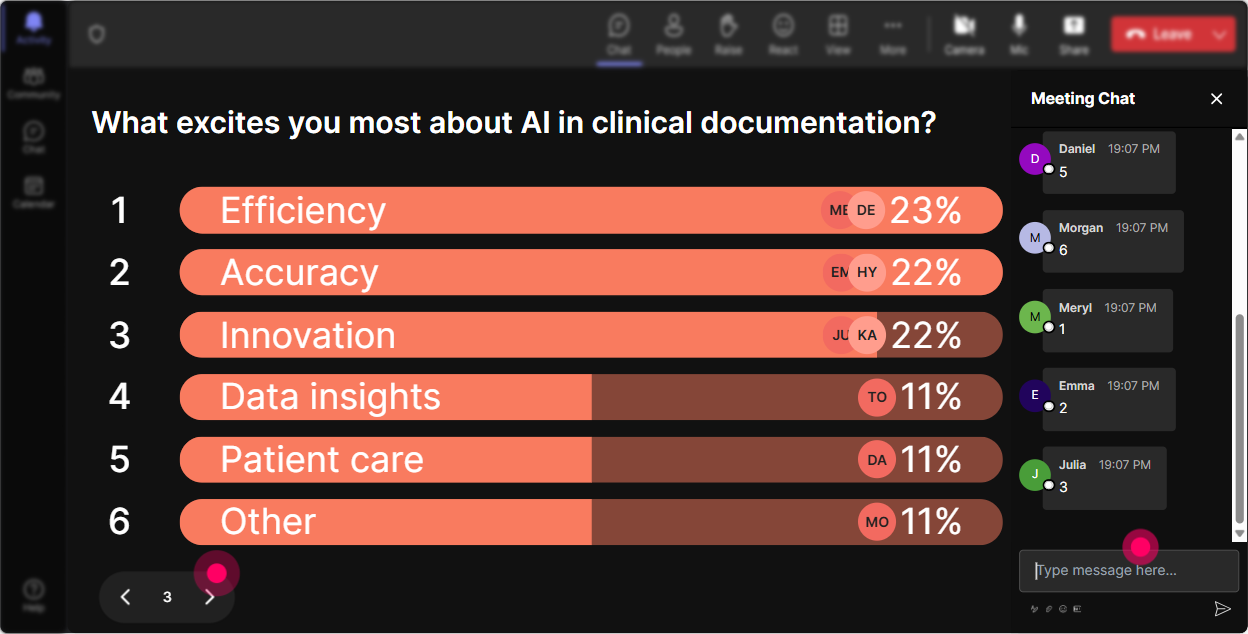
Ask your audience "What aspect of AI integration are you most curious about?" offering options like Machine Learning, Data Security, or Efficiency Improvement. This not only sparks discussion but informs you which topics to focus on for maximum interest and impact during your session.
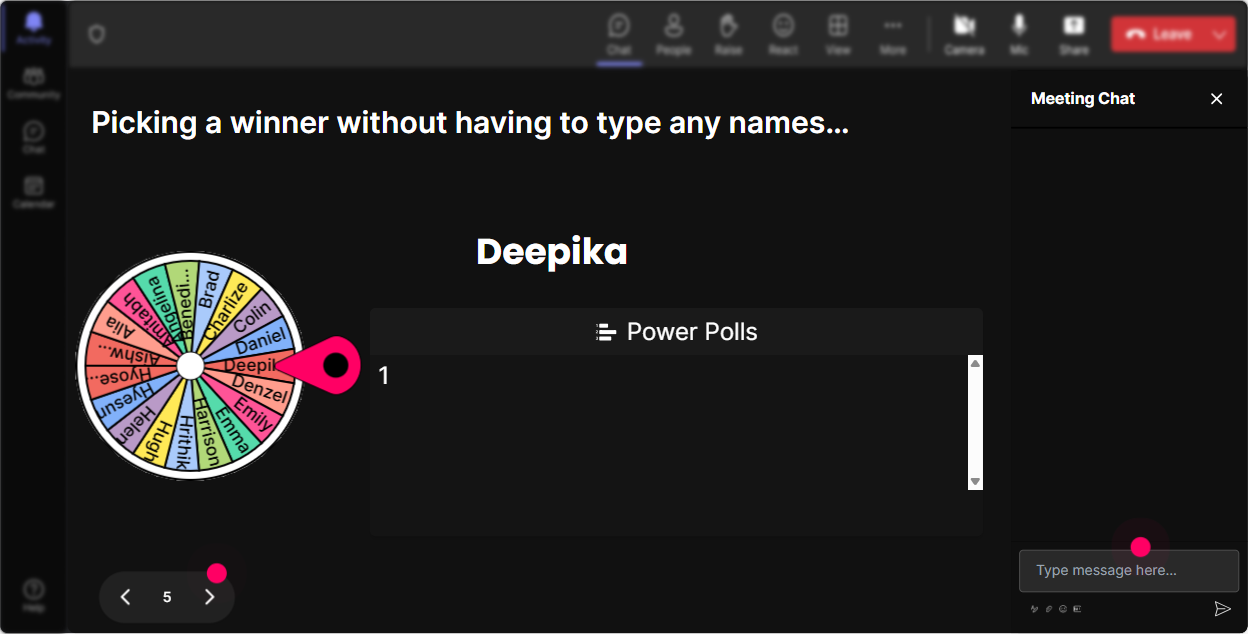
Fate Decider Spinner Wheel
Want someone to share their thoughts? Use StreamAlive's Spinner Wheel to choose a volunteer. Pose a question and let the wheel randomly pick who gets the floor. It adds an element of suspense and fun, encouraging everyone to engage actively because, who knows, they might be next!
Engaging Quiz Challenges
Test their knowledge and make learning interactive with a multiple-choice quiz. For example, "Which of the following is not a benefit of AI in clinical documentation?" Not only does this check understanding, but it also re-engages the learners through interactive participation and friendly competition.

Pulse-Checking Rating Polls
Gauge everyone's starting point with a quick poll - "How comfortable are you with integrating AI into your daily tasks? Rate from 1-5!" This gives instant insights into where your audience stands, helping you tailor your session accordingly. With StreamAlives dynamic display, participants see collective sentiment moving in real-time, facilitating an understanding of the group's baseline knowledge.
Seamless Q&A Sessions
StreamAlive makes it super simple to manage questions with Quick Questions no separate tool needed. It automatically gathers questions from the chat, displaying them in an orderly fashion for addressing later. This ensures vital queries aren't lost in the chat haze, clearly keeping the session focused and inclusive.

Insightful Analytics
After your session, dive into StreamAlives analytics to see which parts resonated the most or needed fine-tuning. Discover your session's top fans those who engaged most potential leads for deeper sessions. And with chat replay, analyze what sparked the most interest so your future sessions can shine even brighter.

Use StreamAlive in all your training sessions
StreamAlive isn’t just for
AI integration
training,
it can also be used for any instructor-led training session
Explore similar traingin ideas: unlocking the potential of StreamAlive
See how StreamAlive transforms live training with engaging events and interactive sessions across industries.

Interactions in action
(it's free)

.svg.png)


