

AI regulation Training for solution architects
StreamAlive helps 9x the audience engagement in your Virtual Instructor-led Trainings (VILT).
Make your instructor-led AI regulation training more fun with polls, word clouds, spinner wheels and more
Works inside your existing PowerPoint presentation
Install the StreamAlive app for PowerPoint and see your slides come to life as people participate in your interactions
AI generates audience interactions for you
Let our AI scan your presentation and automatically come up with relevant questions based on the content. Or spend two hours coming up with your own questions, your choice!
Built to work with MS Teams and Zoom
Native apps for Teams and Zoom so you never have to leave your existing workflows
No QR Codes
Chat-powered interactions means your audience doesn’t need to scan QR codes or look at another screen to participate. They just type in the chat!

Quickly approved by your IT team
StreamAlive’s apps for Teams and Zoom means that they have been through rigorous quality assurance and client safety reviews. You’ll find everything an IT team needs to approve the app within the organization within your StreamAlive account.

Youve been asked to conduct AI regulation training for solution architects and you want to make the session fun and interesting. Lets see how to make that happen.
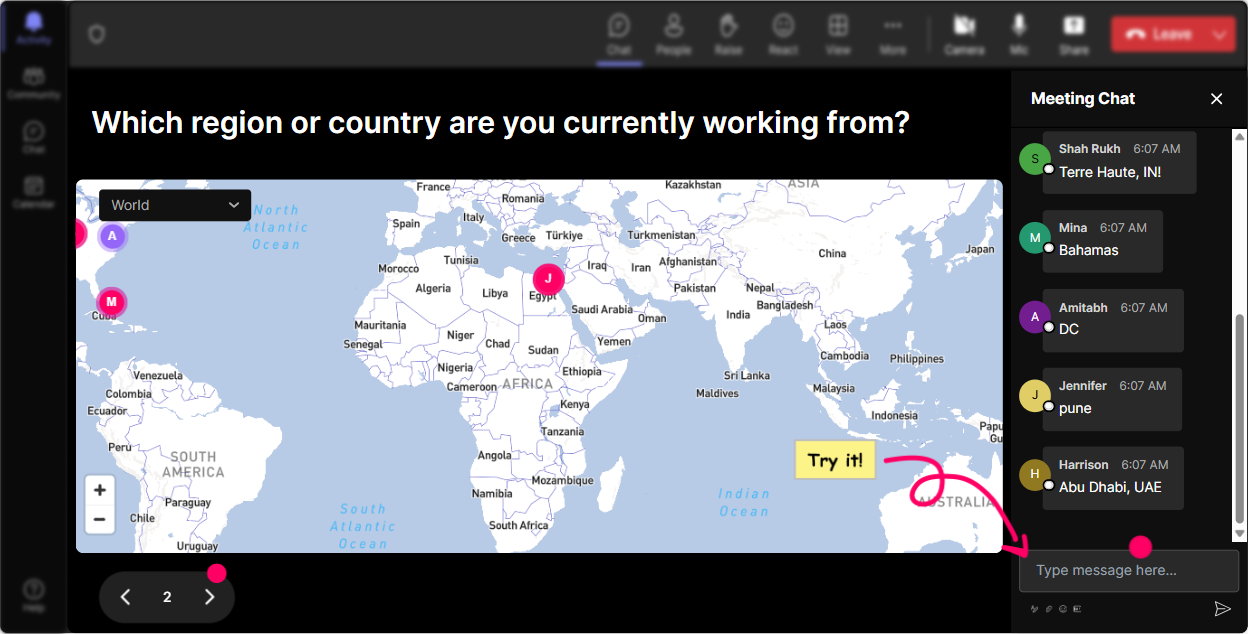
Kick Off with Magic Maps
Break the ice right from the get-go by putting your audience on the map. Start your AI regulation training by asking everyone where theyre tuning in from or a dream destination theyd love to visit. Solution architects might get a kick out of fantasizing where AI will take us next while seeing their virtual footprint on a Magic Map. This not only promotes participation but also sets an engaging tone for the rest of your session.
Gauge Initial Insight with Rating Polls
Find out what everyones knowledge of AI regulation is by running a quick Rating Poll. Ask them to rate their confidence level or understanding of current AI regulations on a numeric scale. This will give you a sense of the room and allow you to tailor your session to fill in the knowledge gaps effectively.

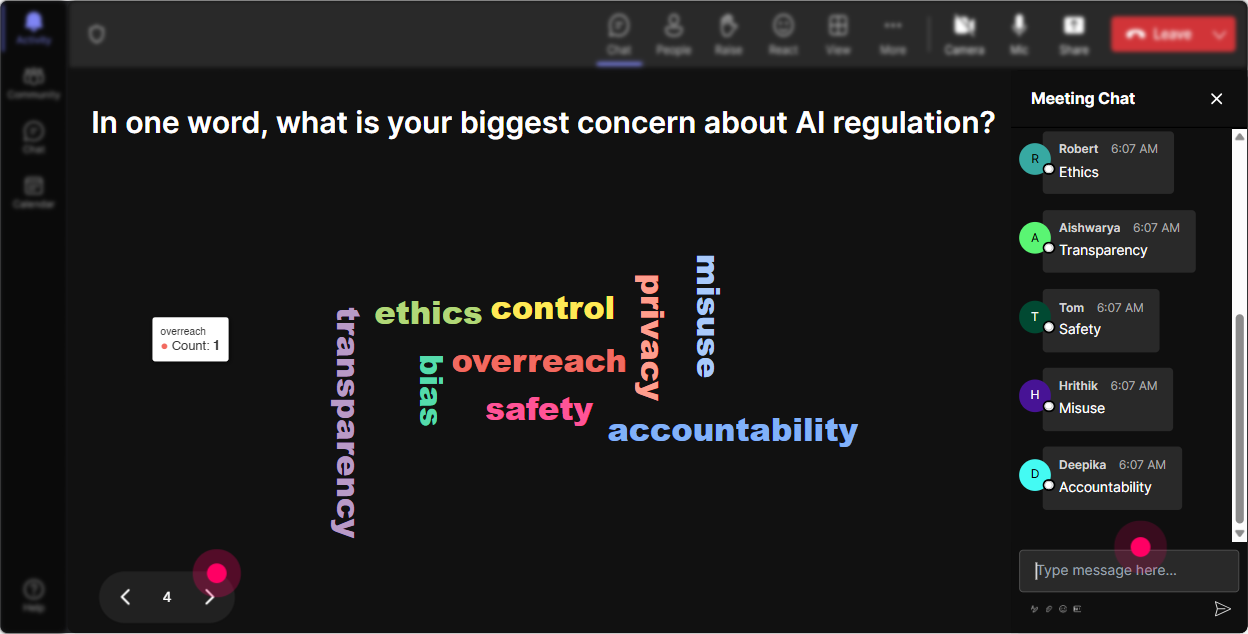
Explore Emotions with Word Clouds
How do people feel about AI regulation training? Curious? Confused? Anxious? Use a Word Cloud to let them express these emotions in a fun visual way. As they type in their one-word responses, watch which emotions bubble to the top as larger words. This insight is valuable for understanding the audience's sentiment towards the topic.
Dive Deep with Talking Tiles
Capture detailed thoughts on AI regulation impact using Talking Tiles. Use this fun, dynamic feature to ask a question like, "What challenges do you foresee in implementing AI regulations in your upcoming projects?" Watch as their responses cascade down the screen, adding a lively visual dynamic to their input.

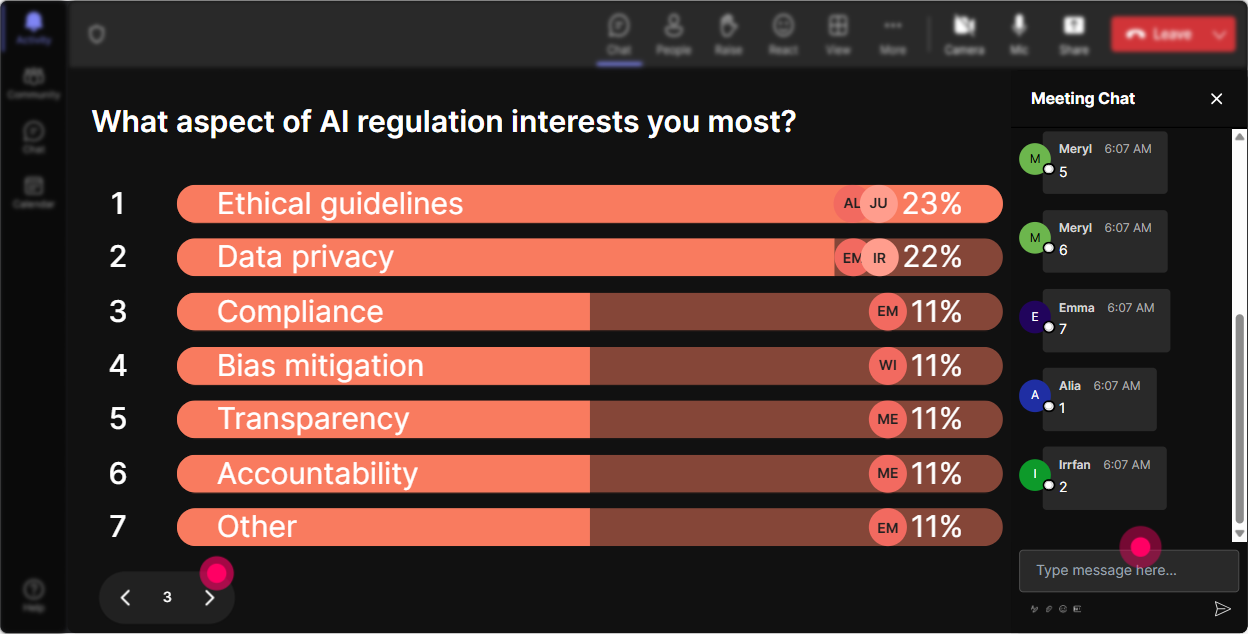
Prioritize with Power Polls
Find out which aspect of AI regulation your audience is most interested in by running a Power Poll. Offer topics like 'data privacy', 'impact on job functions', or 'ethical concerns' and see which resonates most. This ensures that the session focuses on what the solution architects truly care about.
Encourage Participation with Spinner Wheel
Need someone to share their thoughts or experiences out loud? Use the Spinner Wheel to choose a volunteer. This fun game of chance takes the pressure off by leaving it to fate, ensuring everyone feels like they have a fair shot while keeping the energy light and inclusive.

Test Knowledge with Quizzes
Test their understanding of AI regulations with a Quiz. Pose a multiple-choice question relating to a recent AI regulatory change. This is an engaging way to check for comprehension and get people thinking critically about the material being covered.

Gauge Initial Insight with Rating Polls
Find out what everyones knowledge of AI regulation is by running a quick Rating Poll. Ask them to rate their confidence level or understanding of current AI regulations on a numeric scale. This will give you a sense of the room and allow you to tailor your session to fill in the knowledge gaps effectively.
Smooth Sailing with Streamlined Q&A
Seamlessly manage your Q&A without needing a separate section by using StreamAlive's chat-integrated Q&A. It captures questions as they flow in chat, ensuring you dont miss any and can address them in real-time, maintaining the session's momentum.

Maximize Engagement with Analytics
After the session, dive into your analytics to see how your presentation kept the attention of your audience, discover who your most engaged participants were, and easily share these insights with your team via email or Teams. StreamAlive provides valuable feedback to refine future sessions and amplify engagement even further.

Use StreamAlive in all your training sessions
StreamAlive isn’t just for
AI regulation
training,
it can also be used for any instructor-led training session
Explore similar traingin ideas: unlocking the potential of StreamAlive
See how StreamAlive transforms live training with engaging events and interactive sessions across industries.

Interactions in action
(it's free)

.svg.png)


