

AI literacy Training for management consulting teams
StreamAlive helps 9x the audience engagement in your Virtual Instructor-led Trainings (VILT).
Make your instructor-led AI literacy training more fun with polls, word clouds, spinner wheels and more
Works inside your existing PowerPoint presentation
Install the StreamAlive app for PowerPoint and see your slides come to life as people participate in your interactions
AI generates audience interactions for you
Let our AI scan your presentation and automatically come up with relevant questions based on the content. Or spend two hours coming up with your own questions, your choice!
Built to work with MS Teams and Zoom
Native apps for Teams and Zoom so you never have to leave your existing workflows
No QR Codes
Chat-powered interactions means your audience doesn’t need to scan QR codes or look at another screen to participate. They just type in the chat!

Quickly approved by your IT team
StreamAlive’s apps for Teams and Zoom means that they have been through rigorous quality assurance and client safety reviews. You’ll find everything an IT team needs to approve the app within the organization within your StreamAlive account.

Youve been asked to conduct AI literacy training for management consulting teams and you want to make the session fun and interesting. Lets see how to make that happen.
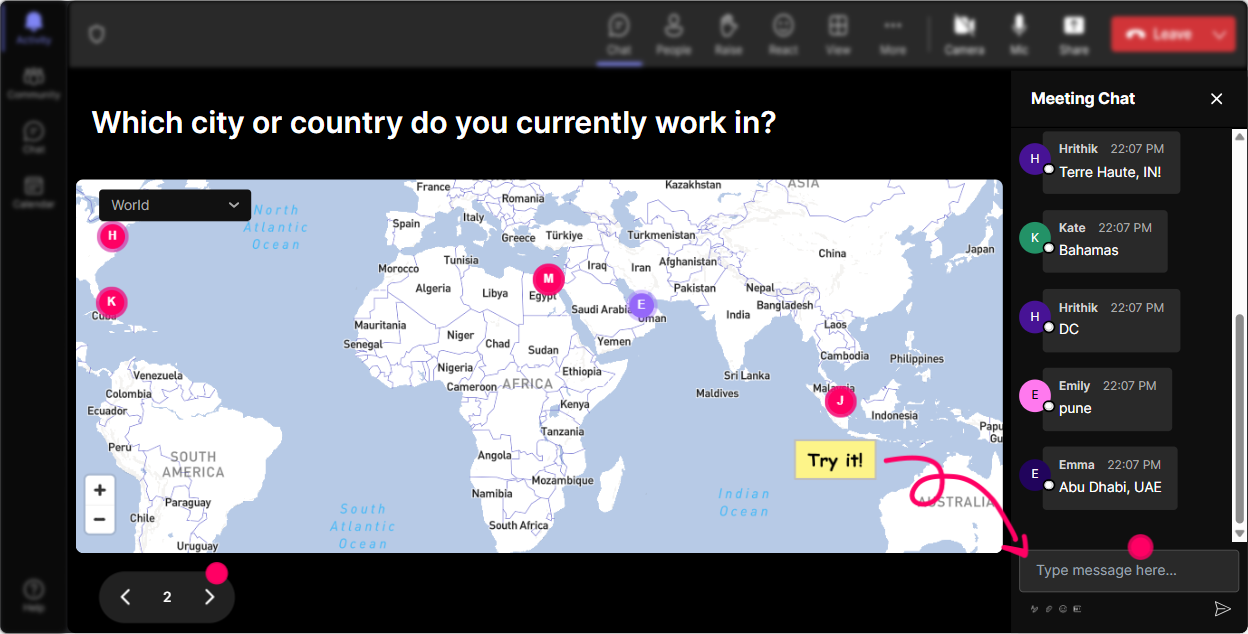
Magic Maps: Invite Your Audience onto the World Stage
Start with a warm, engaging introduction by inviting your attendees to put themselves on the map. Use questions like 'Where is everyone tuning in from today?' or 'Dreaming of traveling? Where would you go right now?' It's a great way to visually connect the team from different locations, fostering a sense of community right from the start.
Gauge AI Knowledge: Set the Scene with Rating Polls
With a quick Rating Poll, get a sense of the audience's familiarity with AI concepts. Questions like 'On a scale of 1-5, how confident are you in your AI knowledge?' help tailor your session to fit their learning level and ensure everyone is on the same page.

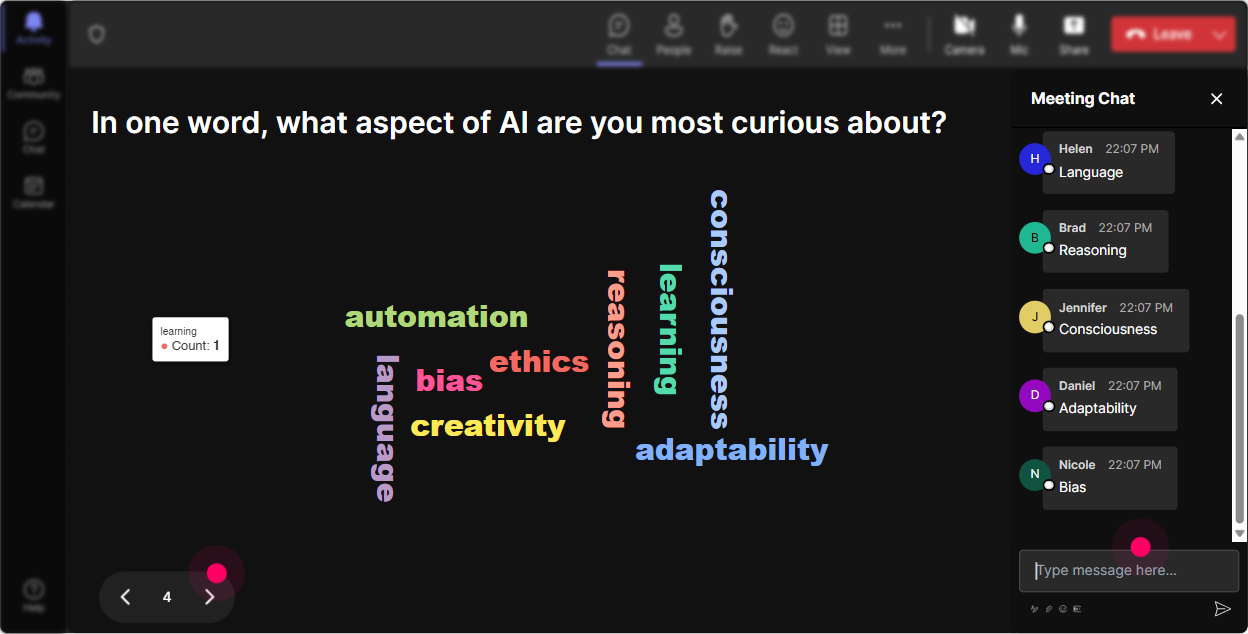
Capture the Vibe: Dive into AI Perceptions with Word Clouds
Ask your audience to summarize their feelings about AI in one word using a Word Cloud. Watch as words like 'Excited,' 'Curious,' or 'Apprehensive' grow before you, giving you instant insight into their mindset and helping you adapt the session to address their emotions directly.
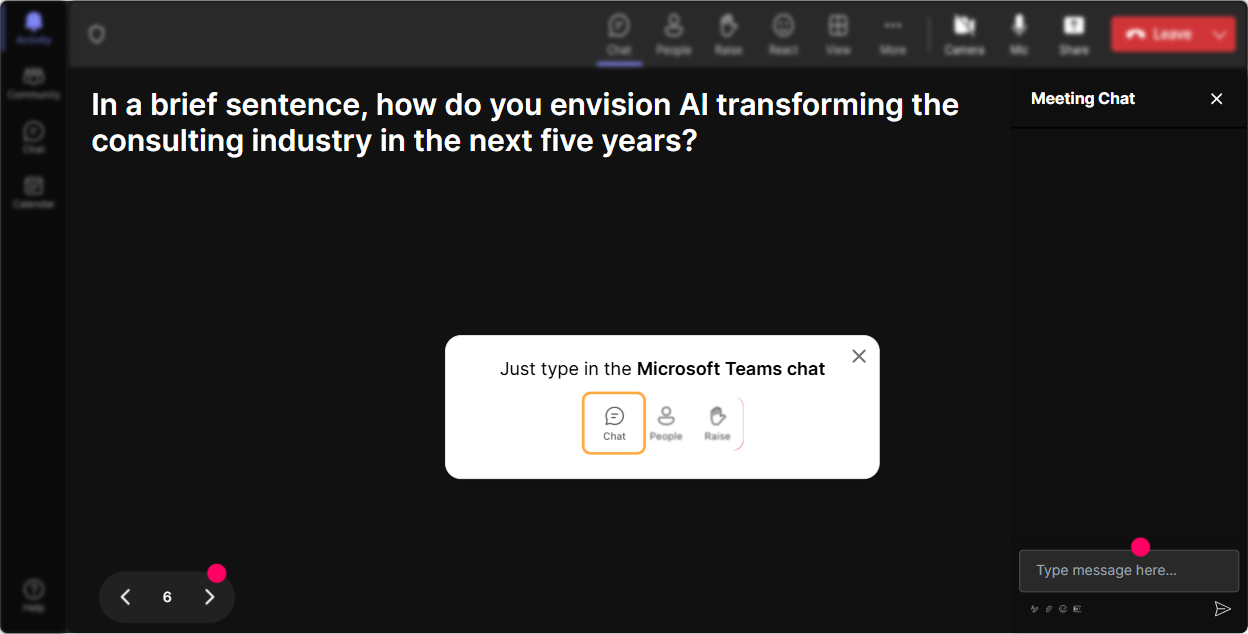
Build a Collective Vision: Talking Tiles for Shared Impact
Use Talking Tiles to ask, 'How does AI impact your role?' as responses fall like Tetris blocks, building a shared understanding of AI's relevance across various job functions. This not only engages participants but also sparks lively discussions.
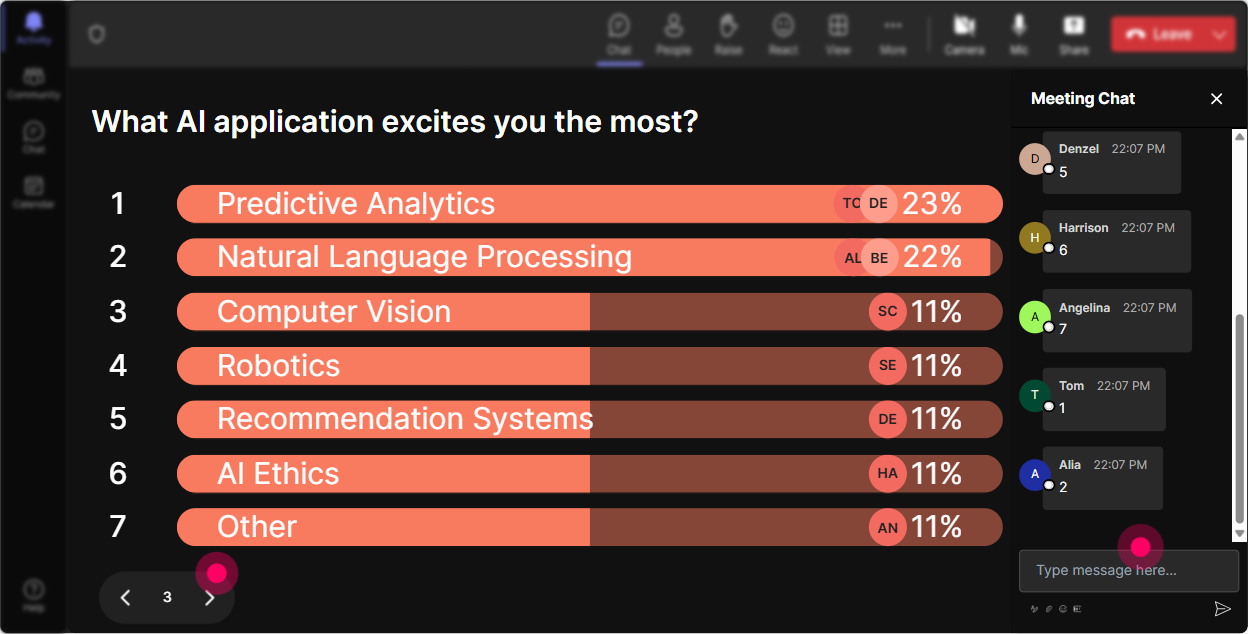
Uncover Interests: Explore the Depths of AI Curiosity with Polls
Find out what aspects of AI your audience is keen to explore with a Poll. Ask, 'Which area of AI excites you the most: Machine Learning, Robotics, Natural Language Processing, or AI Ethics?' This helps guide your session and ensures it hits the mark.
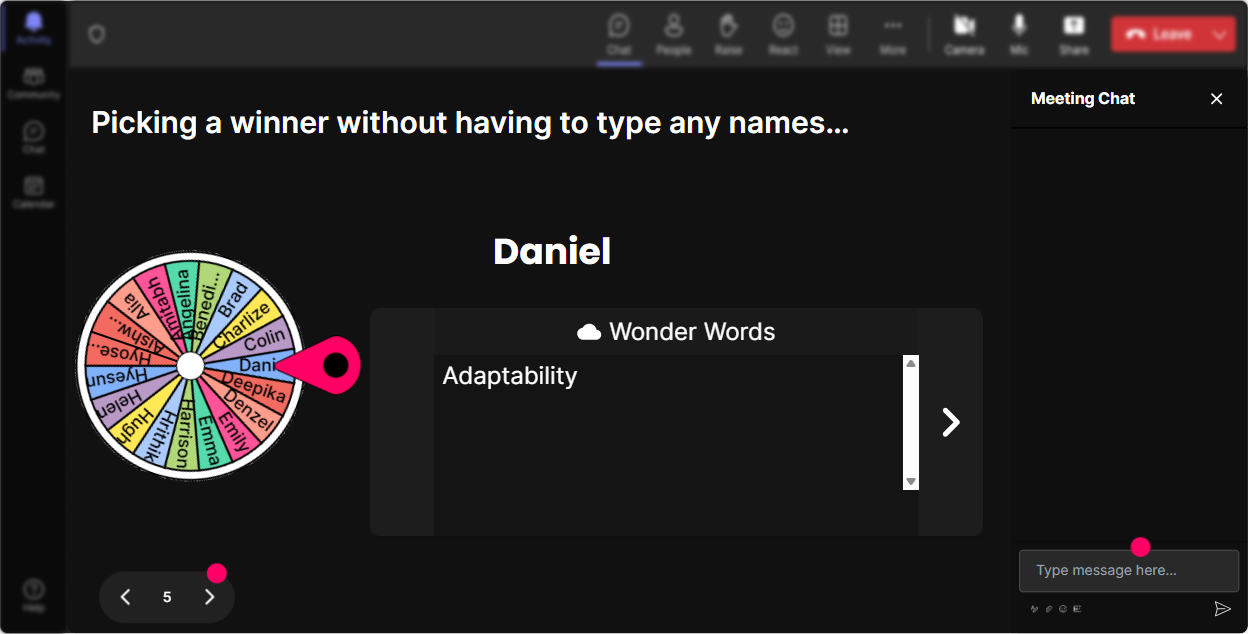
Foster Participation: Let the Spinner Wheel Decide
Add an element of fun by using the Spinner Wheel to choose who answers a question or shares a thought next. It takes the pressure off deciding and keeps everyone on their toes, waiting to see if theyll be picked!
Challenge Understanding: Energize with a Quick Quiz
Use a Quiz feature to ask engaging, AI-related multiple-choice questions. It's a lighthearted way to reinforce learning and correct misconceptions as you go. For example, 'Which of the following is not a key component of AI?'

Gauge AI Knowledge: Set the Scene with Rating Polls
With a quick Rating Poll, get a sense of the audience's familiarity with AI concepts. Questions like 'On a scale of 1-5, how confident are you in your AI knowledge?' help tailor your session to fit their learning level and ensure everyone is on the same page.
Streamlined Curiosity: Simplify Interaction with Q&A
With StreamAlive's integrated Quick Questions, encourage your audience to ask real-time queries without cluttering the chat. This seamless interaction keeps the conversation flowing and ensures everyone's voices are heard.

Reflect and Grow: Transform Insights with Analytics
Dive into StreamAlive's analytics post-session to assess engagement levels, identify standout moments, and recognize your most involved participants. Share these insights easily with your team via email, helping you refine future sessions and celebrate successes.

Use StreamAlive in all your training sessions
StreamAlive isn’t just for
AI literacy
training,
it can also be used for any instructor-led training session
Explore similar traingin ideas: unlocking the potential of StreamAlive
See how StreamAlive transforms live training with engaging events and interactive sessions across industries.

Interactions in action
(it's free)

.svg.png)


