

AI prompt engineering Training for accounts payable
StreamAlive helps 9x the audience engagement in your Virtual Instructor-led Trainings (VILT).
Make your instructor-led AI prompt engineering training more fun with polls, word clouds, spinner wheels and more
Works inside your existing PowerPoint presentation
Install the StreamAlive app for PowerPoint and see your slides come to life as people participate in your interactions
AI generates audience interactions for you
Let our AI scan your presentation and automatically come up with relevant questions based on the content. Or spend two hours coming up with your own questions, your choice!
Built to work with MS Teams and Zoom
Native apps for Teams and Zoom so you never have to leave your existing workflows
No QR Codes
Chat-powered interactions means your audience doesn’t need to scan QR codes or look at another screen to participate. They just type in the chat!

Quickly approved by your IT team
StreamAlive’s apps for Teams and Zoom means that they have been through rigorous quality assurance and client safety reviews. You’ll find everything an IT team needs to approve the app within the organization within your StreamAlive account.

You've been asked to conduct AI prompt engineering training for accounts payable and you want to make the session fun and interesting. Lets see how to make that happen.
Magic Maps: Put Your Audience on the Map
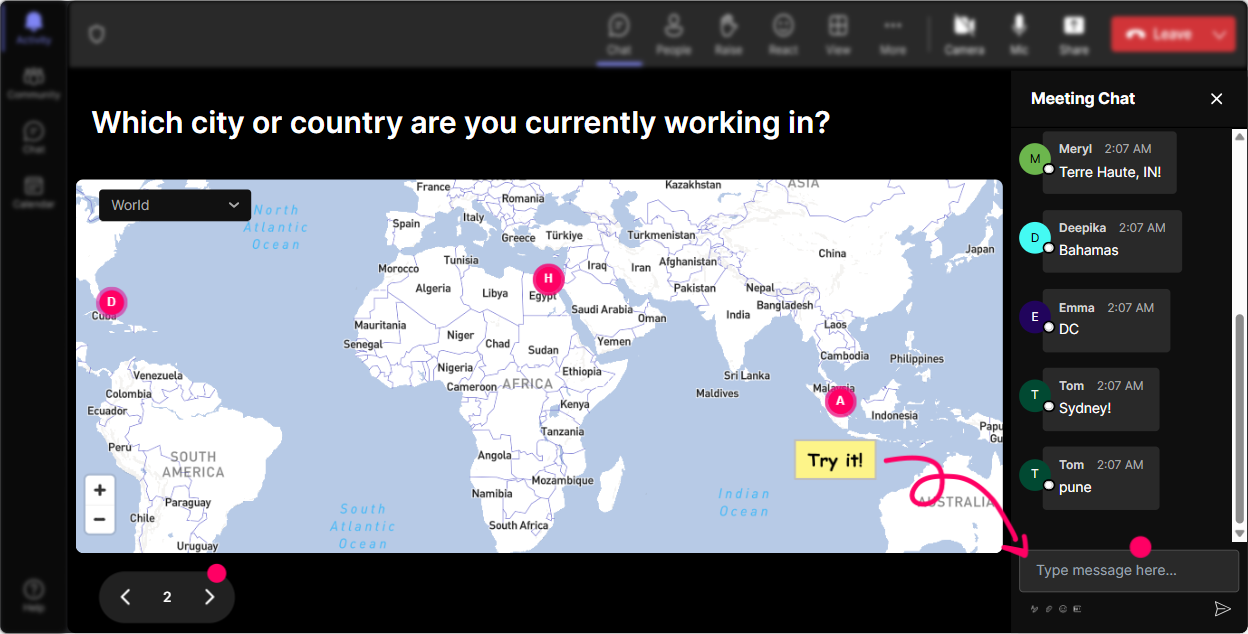
Break the ice with Magic Maps! Start by asking everyone where theyre logging in from and let this cool feature show their locations on the world map. Or how about asking them which city they'd love to visit or which place they link most with AI innovation? Get everyone involved and curious about whos joining from where. This not only helps in the initial bonding but also creates a global perspective in the discussion.
Kick Off with a Rating Poll
Get a quick sense of your audiences expertise on AI prompt engineering with a rating poll. Ask them to rate their understanding from 1 (novice) to 5 (pro). This sets the stage for your session and helps you adjust the depth of your explanation depending on the average score. Plus, everyone loves seeing those participation bars move in real-time!

Create a Buzz with Word Clouds
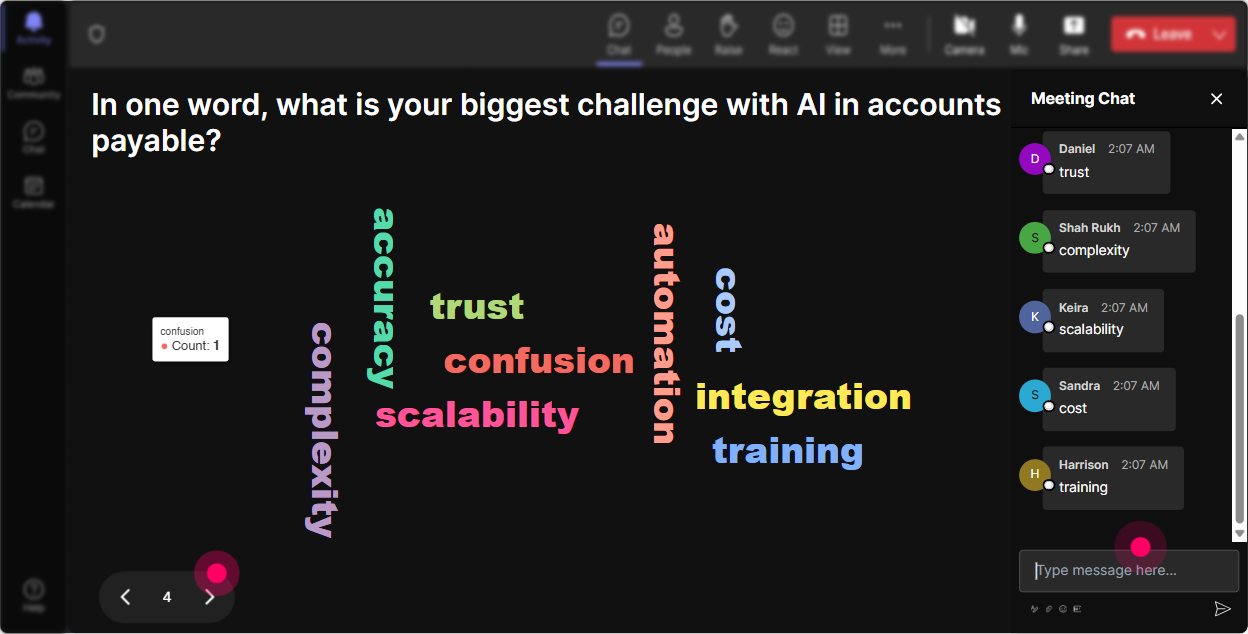
To gauge the mood around AI prompt engineering, ask your participants how they feel about diving into this topic. Let them share words like Excited, Curious, or even Overwhelmed. StreamAlive will create a live, dynamic word cloud that gives you a quick visual of the groups sentiments. Its a great way to tailor your presentation to the crowd!
Talking Tiles for Impact Discussions
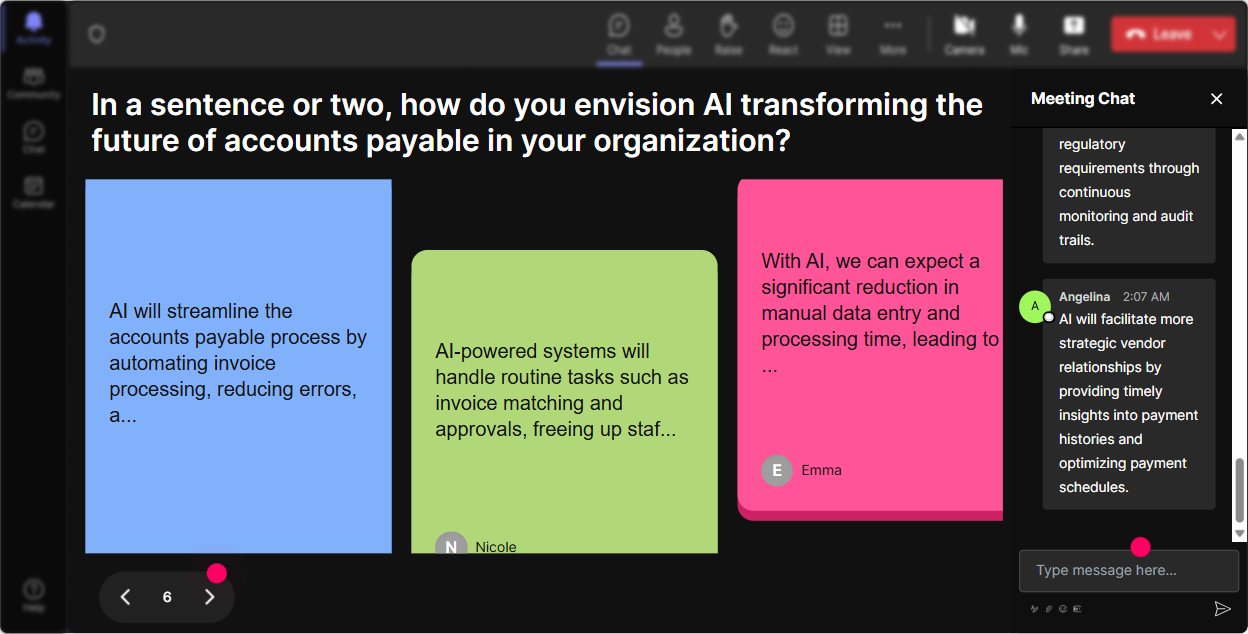
Dive into how AI prompt engineering influences their day-to-day roles. Ask the audience to elaborate on any changes AI might have brought to their jobs. Their responses will cascade on the screen like Tetris tiles, offering a fun and visually stimulating way to track these insights. Its a conversation starter, making the session interactive and visually rewarding.
Start Conversations with Interactive Polls
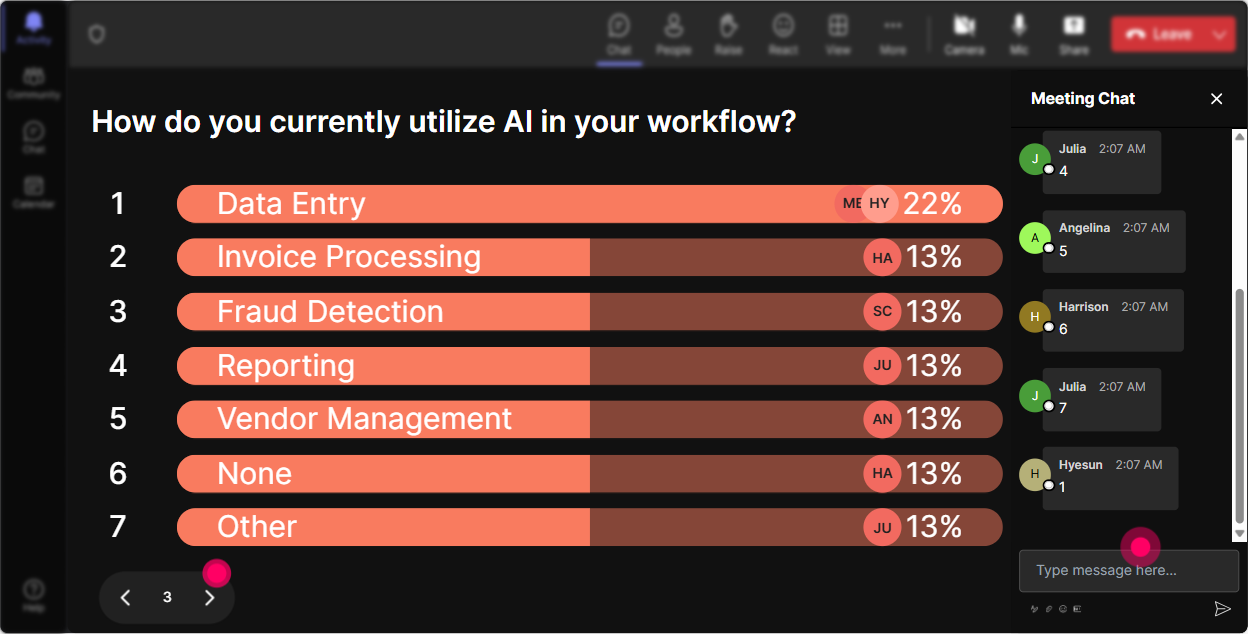
Ignite an interactive segment with Power Polls by asking what aspect of AI prompt engineering they are most intrigued by. Whether its about automating invoices, understanding machine learning, or integrating AI tools, let your audience direct the learning priorities.
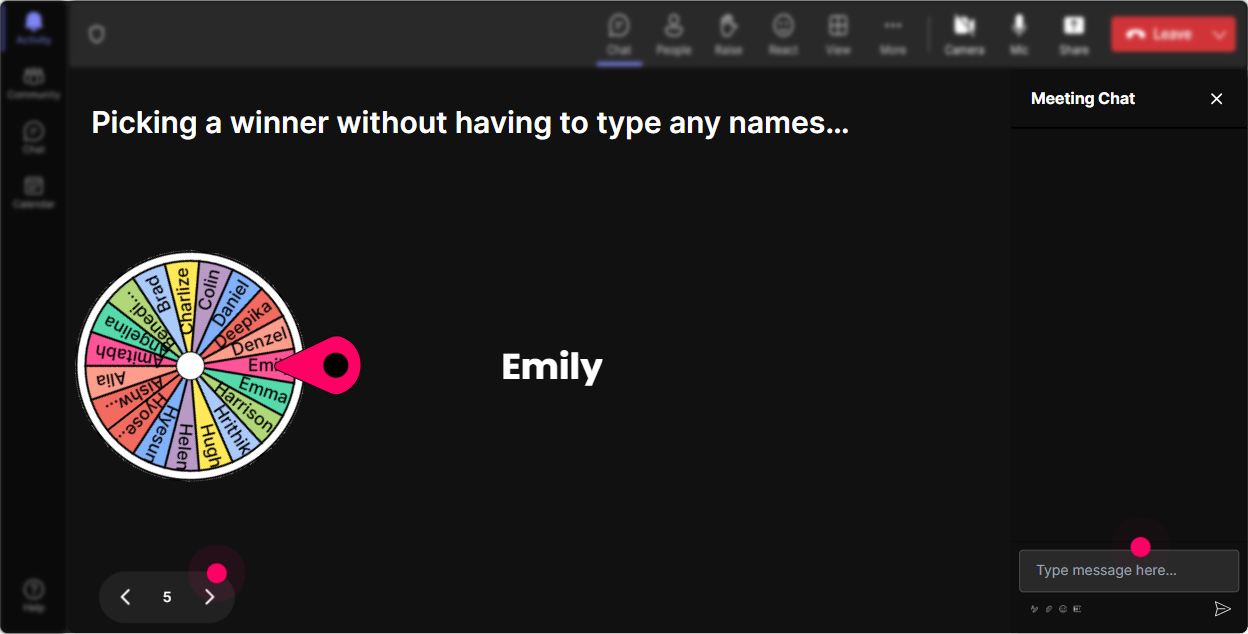
Keep It Spontaneous with the Spinner Wheel
Need someone to share a personal story or insight related to AI prompt tasks? Spin the 'Winner Wheel' and let fate decide who gets the opportunity to shine! It's a fun, interactive way to keep people engaged and lower the pressure by making selection random.
Quiz for Knowledge Checks
Test their knowledge with a quiz on key concepts of AI prompt engineering. Pose a multiple choice question and see who gets it right, then use that as a jumping point for deeper discussion on tricky points. Its learning but disguised as fun!

Kick Off with a Rating Poll
Get a quick sense of your audiences expertise on AI prompt engineering with a rating poll. Ask them to rate their understanding from 1 (novice) to 5 (pro). This sets the stage for your session and helps you adjust the depth of your explanation depending on the average score. Plus, everyone loves seeing those participation bars move in real-time!
Seamless Q&A with Quick Questions
StreamAlives Quick Questions automatically detect audience questions from the chat, so you dont have to hunt them down. Its all up on your presentation board, making it easy to facilitate flowing discussions and ensuring no good question goes unanswered.

Wrap Up with Insightful Analytics
After your session, use StreamAlives analytics to see how well you captivated your audience. Discover who was most engaged and what parts of your presentation drew the most interest. Its not just about finishing the session but learning from it to improve next time. Plus, sharing interaction results via Team or Email keeps the engagement extending beyond your webinar!

Use StreamAlive in all your training sessions
StreamAlive isn’t just for
AI prompt engineering
training,
it can also be used for any instructor-led training session
Explore similar traingin ideas: unlocking the potential of StreamAlive
See how StreamAlive transforms live training with engaging events and interactive sessions across industries.

Interactions in action
(it's free)

.svg.png)


