

AI risk Training for emergency department staff
StreamAlive helps 9x the audience engagement in your Virtual Instructor-led Trainings (VILT).
Make your instructor-led AI risk training more fun with polls, word clouds, spinner wheels and more
Works inside your existing PowerPoint presentation
Install the StreamAlive app for PowerPoint and see your slides come to life as people participate in your interactions
AI generates audience interactions for you
Let our AI scan your presentation and automatically come up with relevant questions based on the content. Or spend two hours coming up with your own questions, your choice!
Built to work with MS Teams and Zoom
Native apps for Teams and Zoom so you never have to leave your existing workflows
No QR Codes
Chat-powered interactions means your audience doesn’t need to scan QR codes or look at another screen to participate. They just type in the chat!

Quickly approved by your IT team
StreamAlive’s apps for Teams and Zoom means that they have been through rigorous quality assurance and client safety reviews. You’ll find everything an IT team needs to approve the app within the organization within your StreamAlive account.

So, you've been tasked with running an AI risk training for emergency department staff and you're wondering how to keep it engaging and fun amidst all those serious topics? Lets dive into how StreamAlive can be your go-to tool to make this happen.
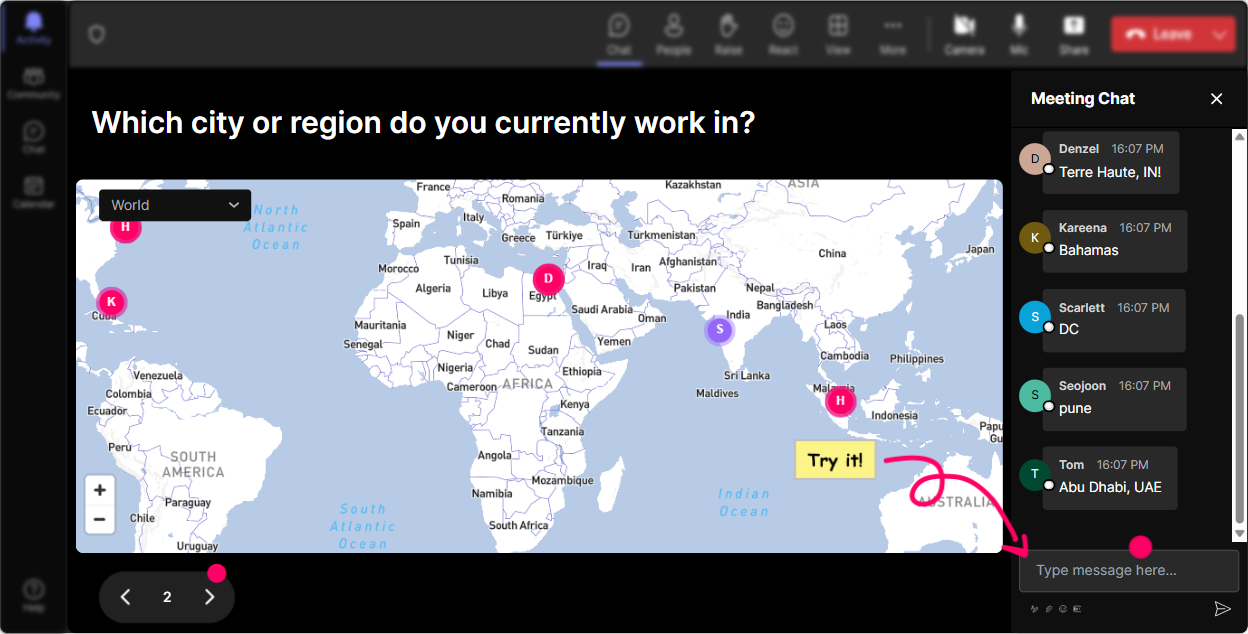
Put Your Audience on the Map - Literally!
Get things rolling by using Magic Maps to plot where everyone is joining from or where they'd like to be. For instance, ask, Where in the world would you like to handle an AI crisis? Its a neat way to break the ice and visualize your audiences footprint.
Gauge Their Initial Pulse
Kick things off by using Rating Polls to see where everyone stands with AI risk. Ask, On a scale of 1 to 10, how prepared do you feel for AI-related risks? Youll get instant feedback and know just how ready your team is.

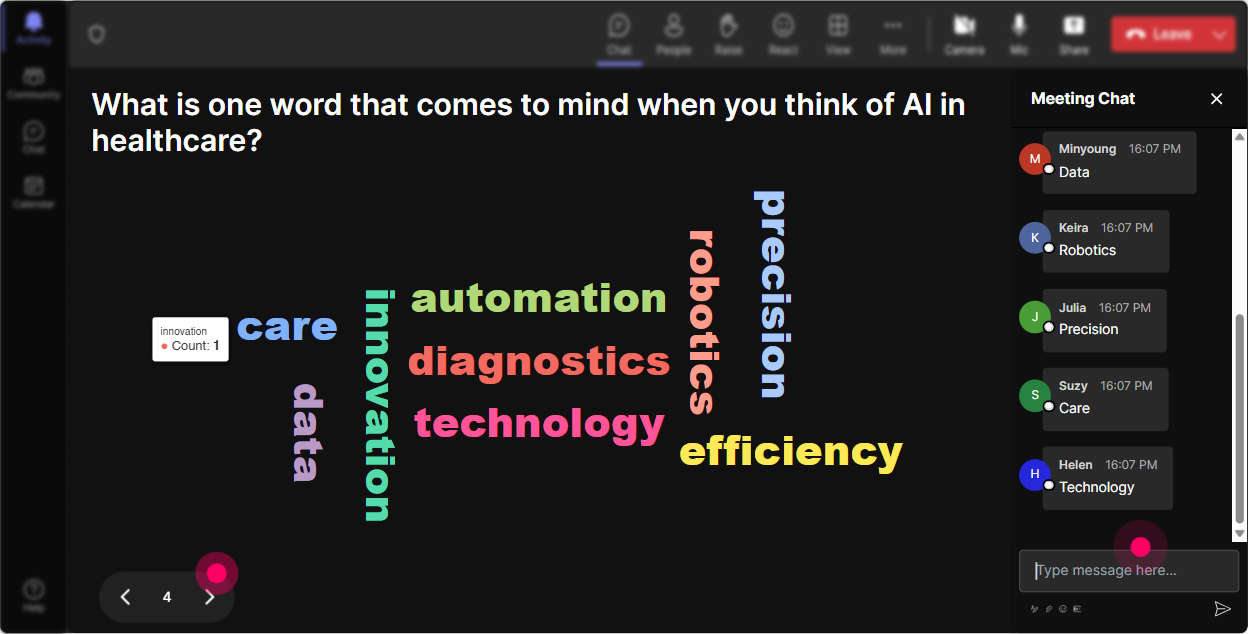
Feelings in a Cloud
Wonder Words can tell you a lot about the rooms vibe. Ask, "What comes to mind when you think of AI in our department?" Watch as words like 'excited', 'nervous', or 'curious' pop up, giving you quick insight into their thoughts.
Let the Ideas Flow
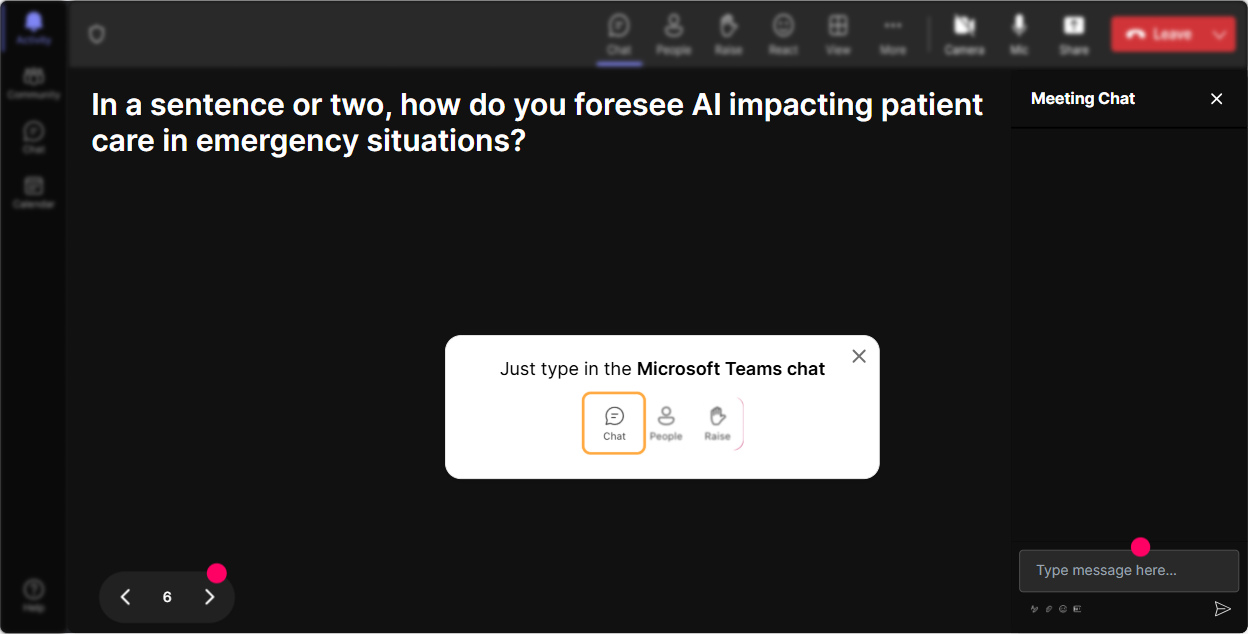
Use Talking Tiles to dive deeper into how AI influences roles. Pose a question like, How do you think AI risk impacts your daily job in the ER? and let their thoughts cascade like a lively Tetris game!
Dive Into Their Curiosities
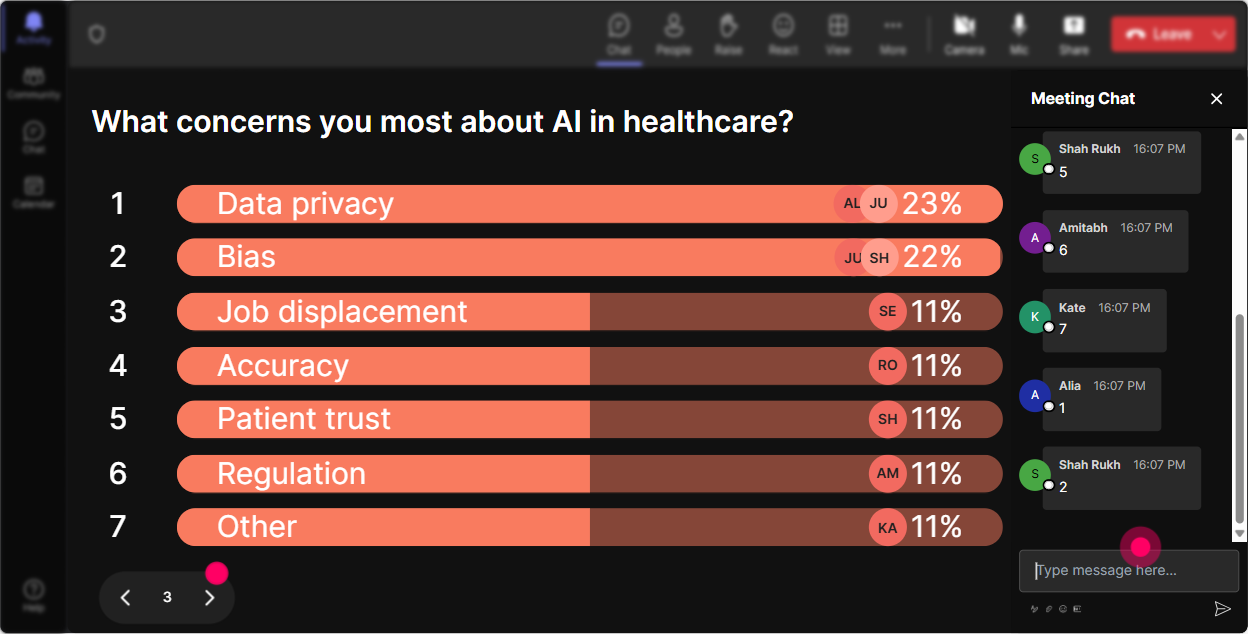
Use Power Polls to pinpoint what aspects of AI risk your team wants more info on. Something like, What AI risk topic should we tackle first? Let them choose and guide your session naturally.
Let Fate Choose the Speaker
Make volunteering a bit more exciting by spinning the Winner Wheel. Toss out a question like, Whos brave enough to discuss their view on AI? and let the wheel pick the next voice to spice things up.

Test Their Knowledge
Engage them with a Quiz by asking a multiple-choice question about AI, like Whats the most significant AI risk we face today? This not only educates but sparks discussion around why the correct answer is what it is.

Gauge Their Initial Pulse
Kick things off by using Rating Polls to see where everyone stands with AI risk. Ask, On a scale of 1 to 10, how prepared do you feel for AI-related risks? Youll get instant feedback and know just how ready your team is.
Keep Questions Flowing Seamlessly
Use Q&A to effortlessly pick up questions from the chat without missing a beat. Ask them to drop their burning questions anytime, letting StreamAlive bundle them up neatly for you to answer in real time.

Recap and Reflect
Once the session wraps up, the analytics feature will help you look back at what gripped your crowd the most. Who were your super engaged champions and how can you tweak future sessions for even better flow? Share these insights with your team via email or Teams to keep the learning going.

Use StreamAlive in all your training sessions
StreamAlive isn’t just for
AI risk
training,
it can also be used for any instructor-led training session
Explore similar traingin ideas: unlocking the potential of StreamAlive
See how StreamAlive transforms live training with engaging events and interactive sessions across industries.

Interactions in action
(it's free)

.svg.png)


