

Domain-specific AI Training for call center agents
StreamAlive helps 9x the audience engagement in your Virtual Instructor-led Trainings (VILT).
Make your instructor-led Domain-specific AI training more fun with polls, word clouds, spinner wheels and more
Works inside your existing PowerPoint presentation
Install the StreamAlive app for PowerPoint and see your slides come to life as people participate in your interactions
AI generates audience interactions for you
Let our AI scan your presentation and automatically come up with relevant questions based on the content. Or spend two hours coming up with your own questions, your choice!
Built to work with MS Teams and Zoom
Native apps for Teams and Zoom so you never have to leave your existing workflows
No QR Codes
Chat-powered interactions means your audience doesn’t need to scan QR codes or look at another screen to participate. They just type in the chat!

Quickly approved by your IT team
StreamAlive’s apps for Teams and Zoom means that they have been through rigorous quality assurance and client safety reviews. You’ll find everything an IT team needs to approve the app within the organization within your StreamAlive account.

You've been asked to conduct Domain-specific AI training for call center agents, and you want to make the session fun and interesting. Lets see how to make that happen!
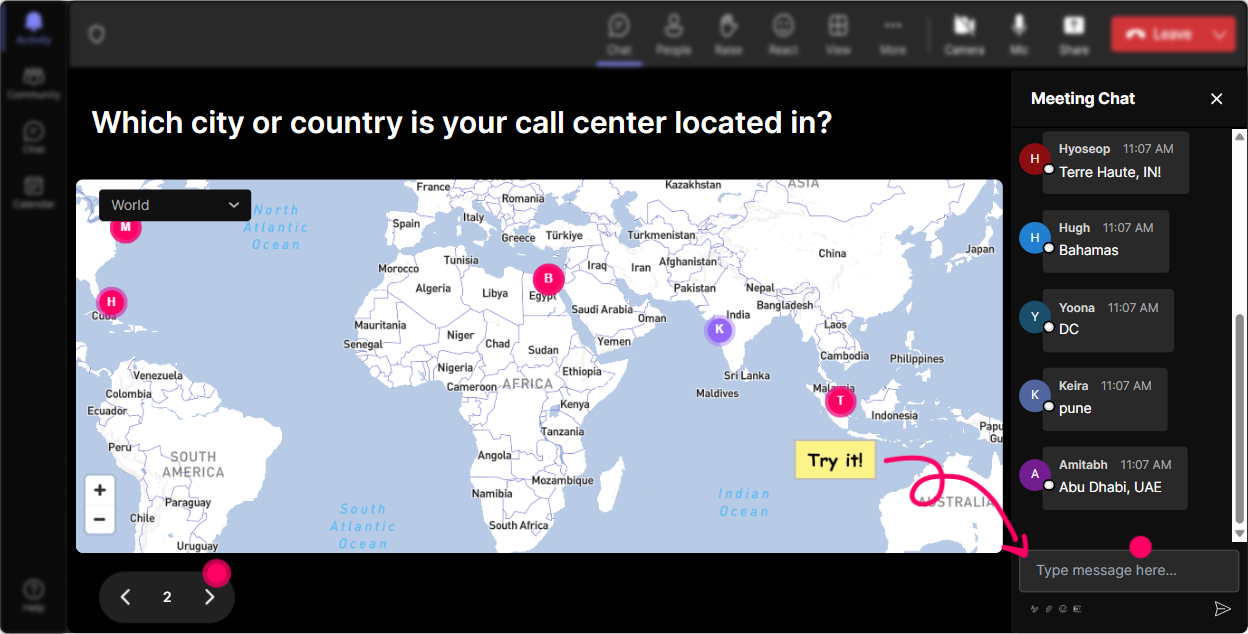
Put Training on the Map
Why not kick things off with a bang and quite literally put your audience on the map? Use StreamAlives Magic Maps to see where everyones tuning in from. Ask your agents fun location-based questions, like, "Where in the world are AI advancements impacting your work the most?" or "Share a dream destination where AI might revolutionize call centers." Watch the magic unfold as responses plot onto the world map!
Gauge the Know-How
Get a feel for the room using the Rating Poll feature. Kick off your session by asking your agents, "On a scale of 1-10, how familiar are you with Domain-specific AI?" This will help you tailor your training depth. Whether theyre AI novices or seasoned experts, youll know just the right touch to make your session impactful.

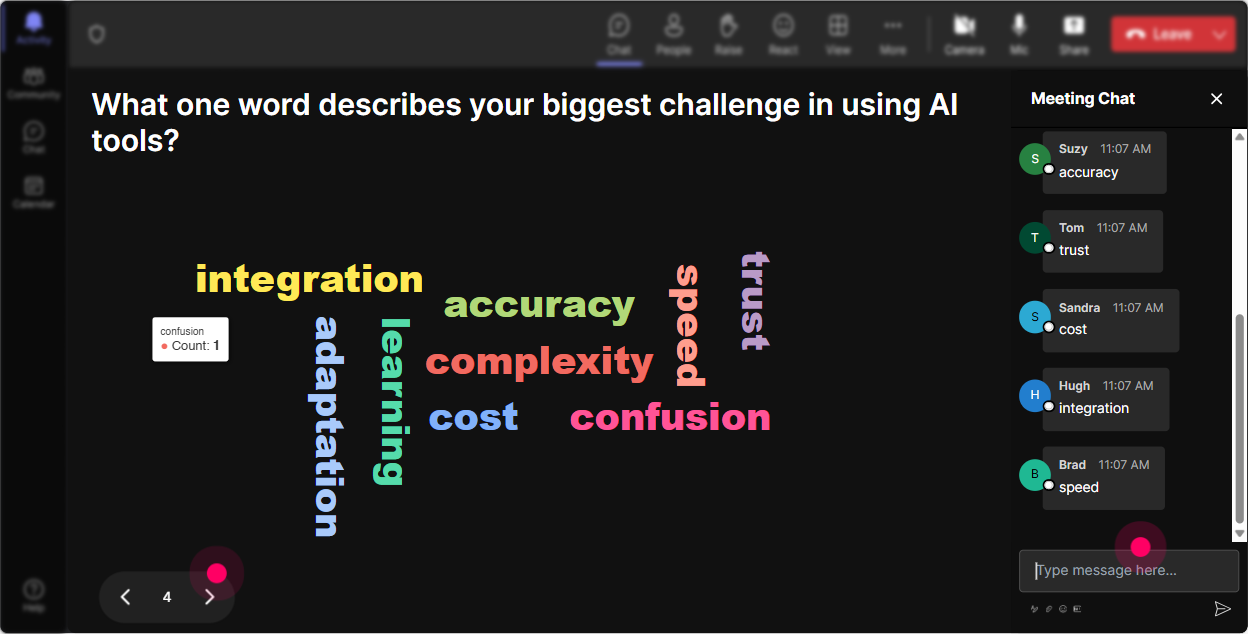
Capture the Vibe
To really get a sense of your audience's feelings towards the training, ask them to shoot a quick response to "How do you feel about this Domain-specific AI training?" Are they excited, intimidated, or curious? StreamAlives Word Cloud feature turns these vibes into a colorful visual-bigger words for common emotions, smaller ones for the unique feelings. Its like reading the room, only more artistically!
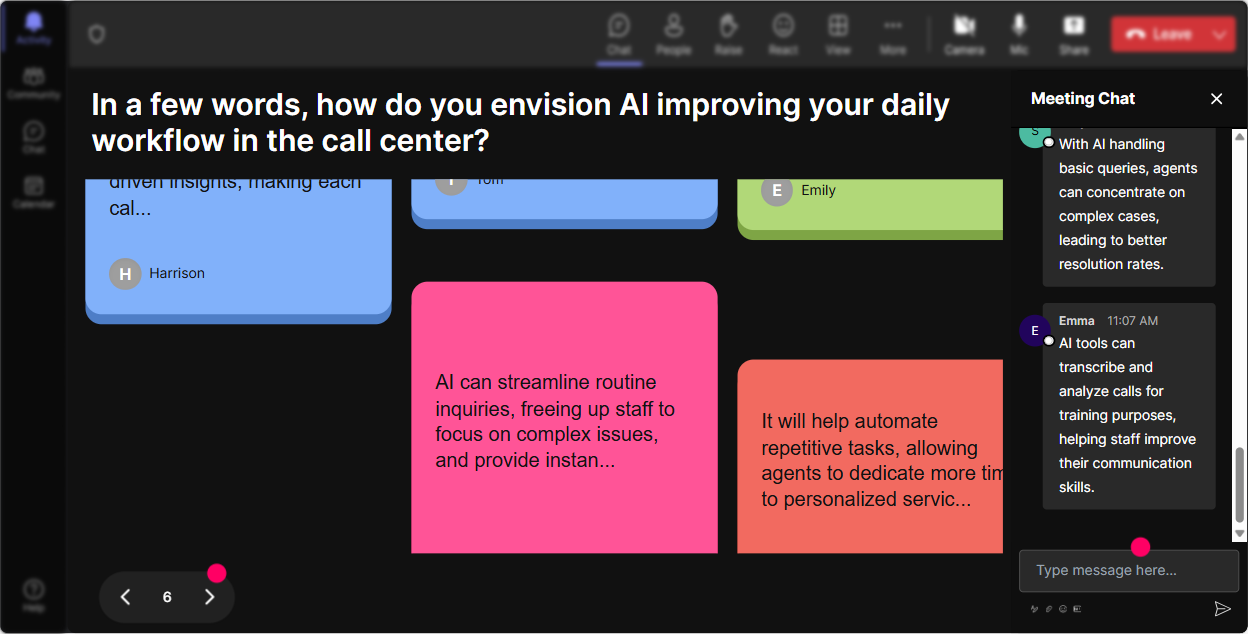
Talking Tiles of Impact
Get your call center agents reflecting and engaging by asking them, "How does Domain-specific AI impact your daily job role?" With StreamAlive's Talking Tiles, their responses will cascade like Tetris pieces on the screen, creating a dynamic and interactive discussion. It's a great way to visualize thoughts and spark insightful conversations.
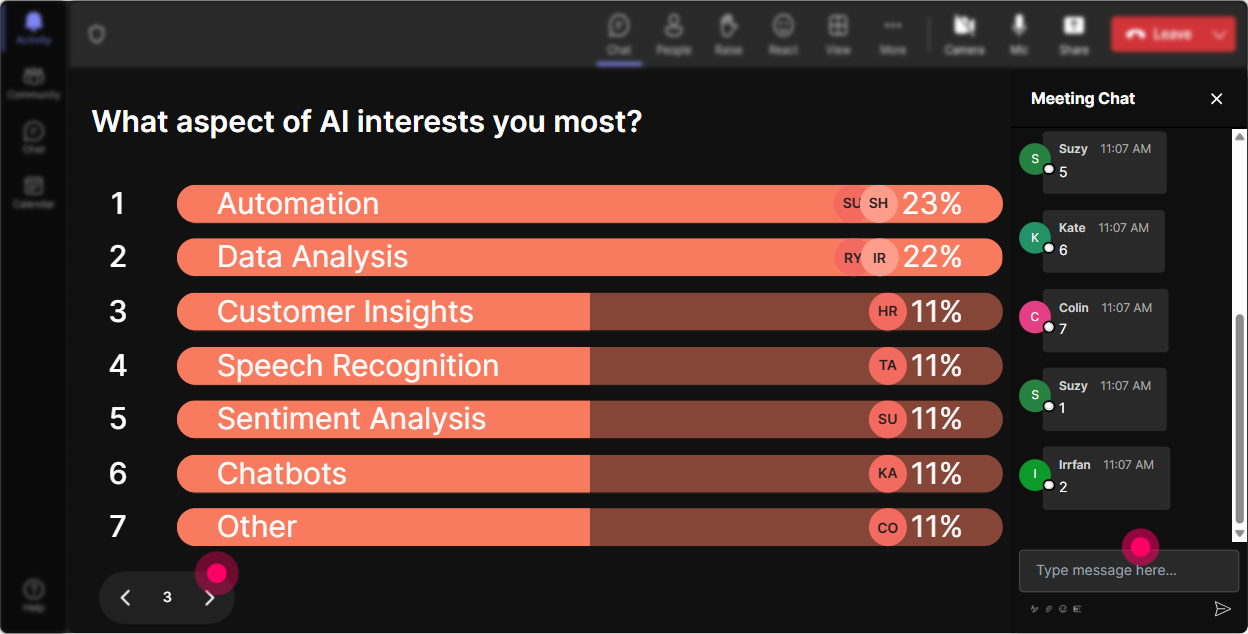
Pinpoint AI Interests
Use StreamAlive's Power Polls to discover what aspects of Domain-specific AI intrigue your agents the most. Questions like "What part of AI could transform your call handling skills chatbots, predictive analytics, or natural language processing?" will work wonders. Their choices will pop up in real-time, allowing you to focus on the most sought-after subjects.
Win at Volunteering
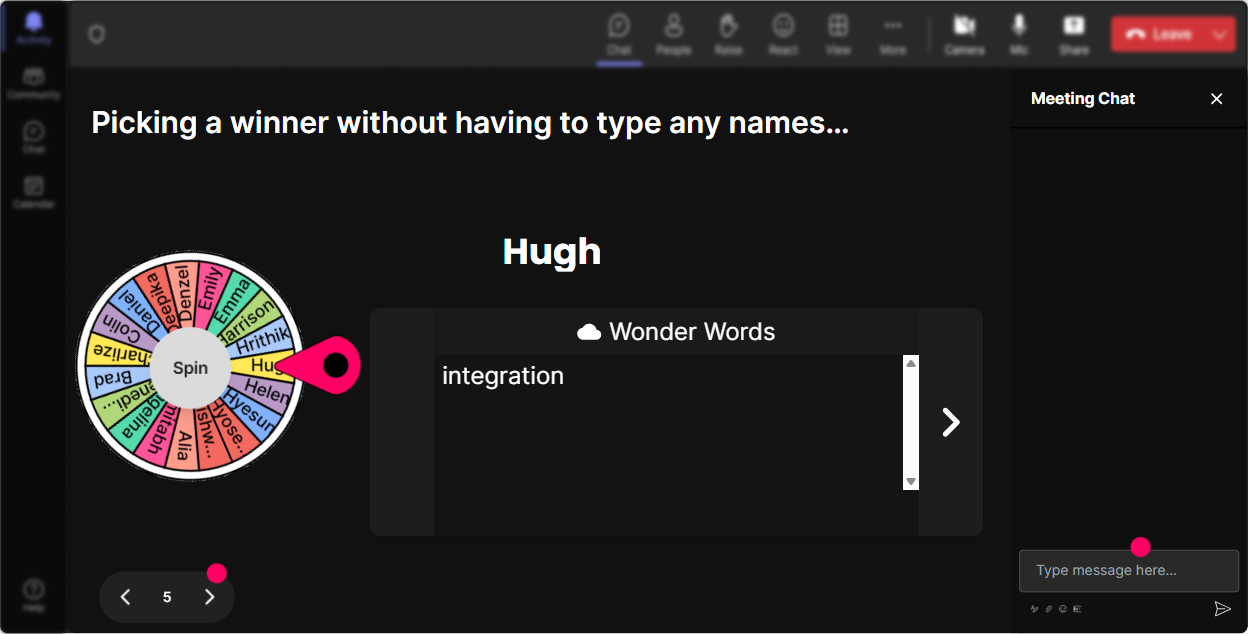
Encourage participation by letting the Spinner Wheel pick a brave volunteer to share thoughts or answer a question. You might ask, "Whos up to share how AI solutions have improved their work-life?" and let fate decide the spokesperson. Its a fun, random way to encourage speaking up without putting anyone on the spot.
Quiz the Smarts
Time to bring in a bit of a brain workout with a Quiz! Ask a multiple-choice question that sheds light on a tricky concept of Domain-specific AI, like "Which of these is a key feature of AI in call centers? Natural language processing, Historical data analysis, or Virtual assistance? This keeps the session engaging and educational simultaneously.

Gauge the Know-How
Get a feel for the room using the Rating Poll feature. Kick off your session by asking your agents, "On a scale of 1-10, how familiar are you with Domain-specific AI?" This will help you tailor your training depth. Whether theyre AI novices or seasoned experts, youll know just the right touch to make your session impactful.
Smooth Sailing with Q&A
Leave no question unanswered by using StreamAlives Q&A feature. It automatically gathers queries from the chat, so you don't miss a beat. Just say, "Feel free to ask anything about Domain-specific AI and how it shapes our future in customer service," and watch the Seamless Q&A pick up pace.

Dissect the Data, Delight the Audience
Once your session wraps up, use StreamAlives analytics to see what sections kept everyone on the edge of their seats. Track the engagement levels minute by minute, identify your top contributors, and share interaction results with your team. This not only improves your next session but also shows your call center agents the value of their active involvement.

Use StreamAlive in all your training sessions
StreamAlive isn’t just for
Domain-specific AI
training,
it can also be used for any instructor-led training session
Explore similar traingin ideas: unlocking the potential of StreamAlive
See how StreamAlive transforms live training with engaging events and interactive sessions across industries.

Interactions in action
(it's free)

.svg.png)


