

Industry-specific AI Training for tax advisory teams
StreamAlive helps 9x the audience engagement in your Virtual Instructor-led Trainings (VILT).
Make your instructor-led Industry-specific AI training more fun with polls, word clouds, spinner wheels and more
Works inside your existing PowerPoint presentation
Install the StreamAlive app for PowerPoint and see your slides come to life as people participate in your interactions
AI generates audience interactions for you
Let our AI scan your presentation and automatically come up with relevant questions based on the content. Or spend two hours coming up with your own questions, your choice!
Built to work with MS Teams and Zoom
Native apps for Teams and Zoom so you never have to leave your existing workflows
No QR Codes
Chat-powered interactions means your audience doesn’t need to scan QR codes or look at another screen to participate. They just type in the chat!

Quickly approved by your IT team
StreamAlive’s apps for Teams and Zoom means that they have been through rigorous quality assurance and client safety reviews. You’ll find everything an IT team needs to approve the app within the organization within your StreamAlive account.

So, youve been asked to conduct Industry-specific AI training for tax advisory teams and you want to make the session fun and interesting. Lets see how to make that happen!
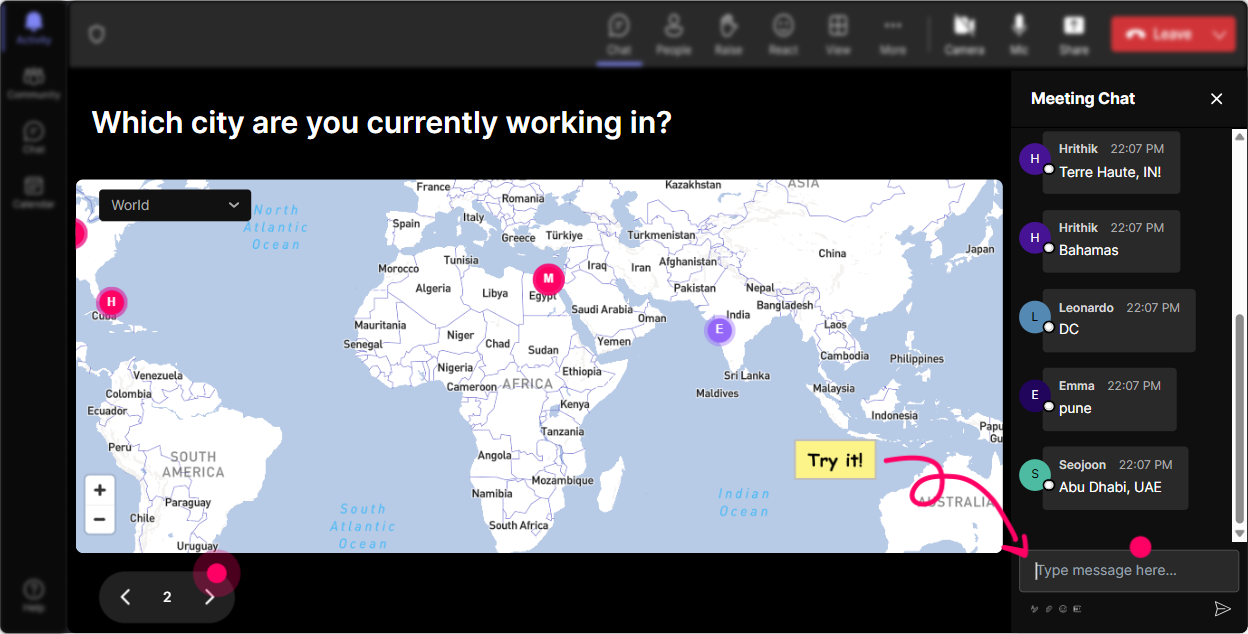
Magic Maps: Map Your Audience
Kick things off with Magic Maps by asking "Where in the world are you joining us from?" This not only warms up the chat but visually puts every participant on our virtual map, bridging their physical distance in an engaging way!
Gauge Learning with Rating Polls
Use these polls to see how familiar everyone is with Industry-specific AI. Ask them to rate their knowledge on a scale from 1 to 10. This sets the stage for tailoring the depth of your content.

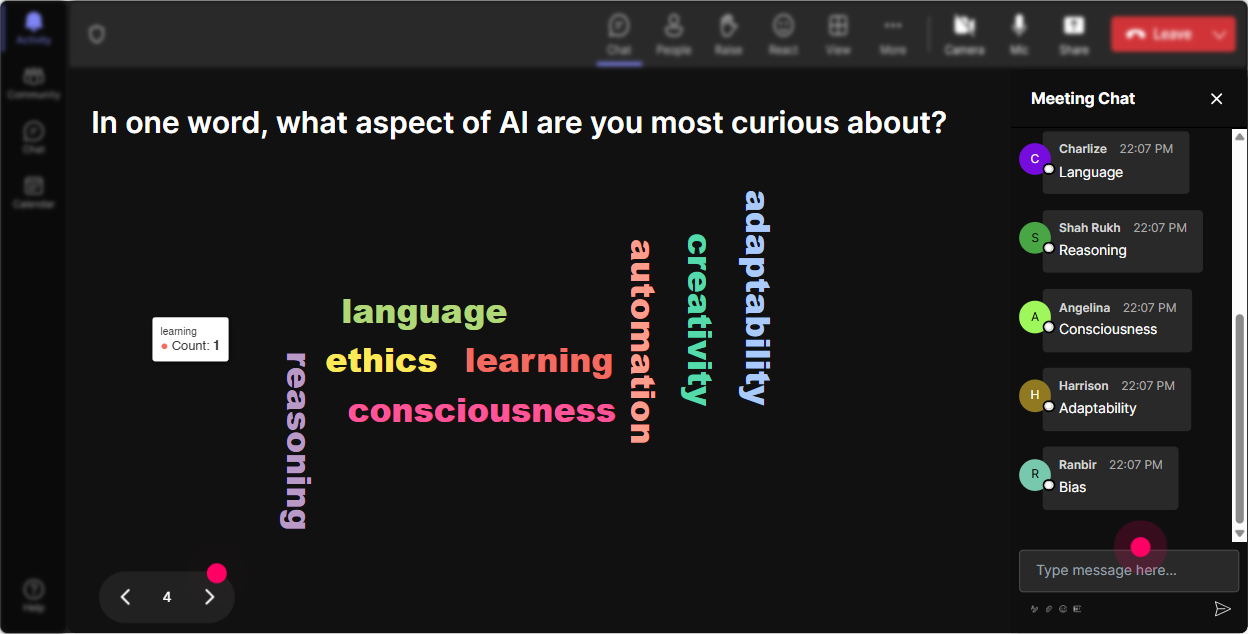
Create Buzz with Word Clouds
Ask "What word comes to mind when you think about AI in taxation?" and watch the rooms vibe unfold live-a great pulse check!
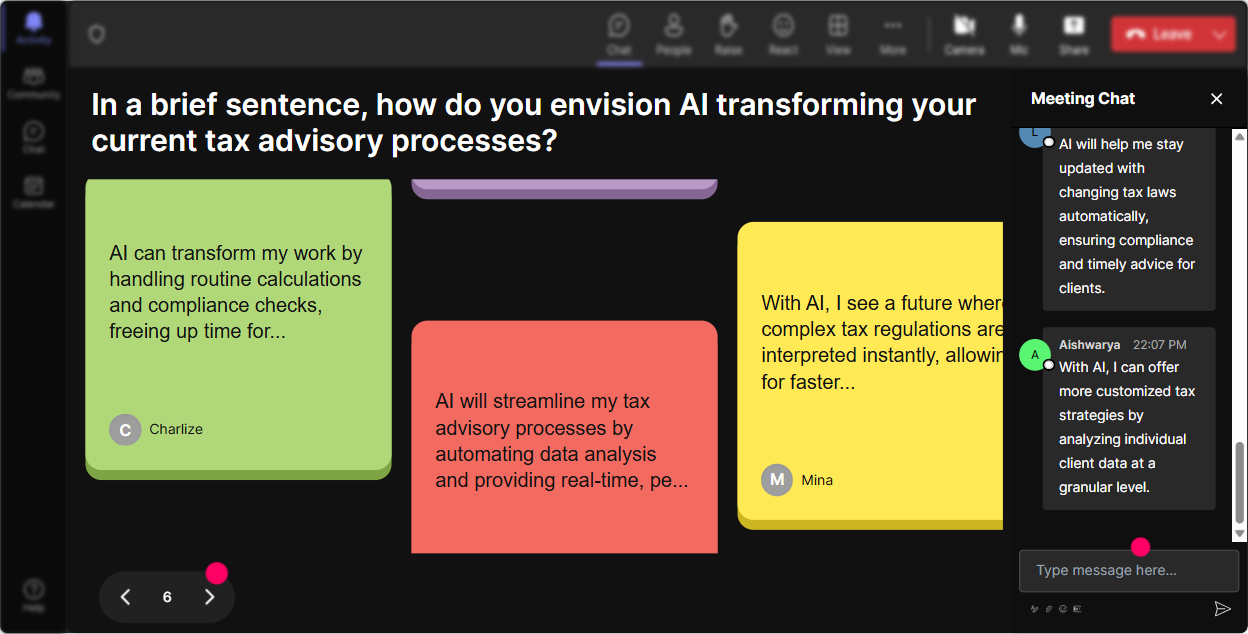
Talking Tiles for Impactful Expressions
Wondering how AI might impact roles? Turn responses into a visual Tetris-like experience with Talking Tiles. Witness the words fall on your screen as your audience crafts the narrative.
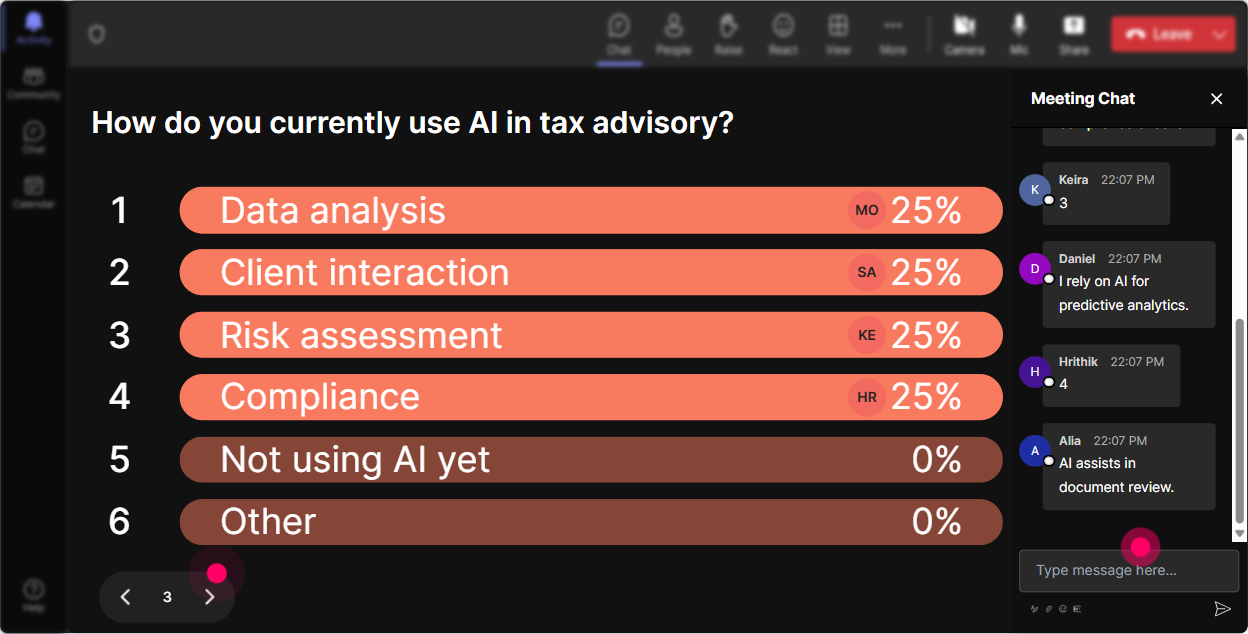
Curiosity Peaks with Polls
Fuel curiosity and dig deeper into what specific AI tool or process theyre interested in. Let them vote so you can highlight popular topics.
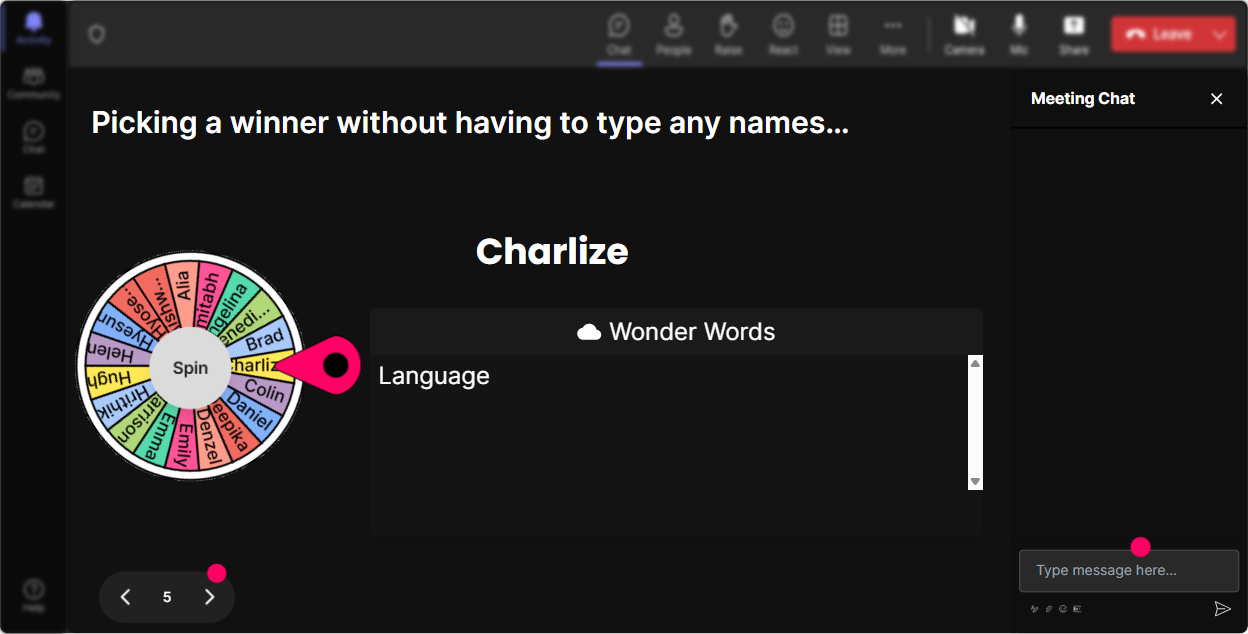
Fate-Driven Participation with Spinner Wheel
Add spontaneity by spinning the wheel to select wholl unmute and share thoughts, making volunteer moments exciting and random!
Interactive Fun with Quiz
Throw in a pop quiz: "Which AI application fits best with tax advisory services?" Turn learning into a fun, competitive game where participants can guess and discover.

Gauge Learning with Rating Polls
Use these polls to see how familiar everyone is with Industry-specific AI. Ask them to rate their knowledge on a scale from 1 to 10. This sets the stage for tailoring the depth of your content.
Seamless Q&A with StreamAlive
Capture every curious question straight from the chat with no need for extra Q&A setups, ensuring you dont miss a beat.

Insights with StreamAlive Analytics
Dive into who was most engaged and when. See what resonated best across your audience and quickly share session takeaways with your team via Teams or Email.

Use StreamAlive in all your training sessions
StreamAlive isn’t just for
Industry-specific AI
training,
it can also be used for any instructor-led training session
Explore similar traingin ideas: unlocking the potential of StreamAlive
See how StreamAlive transforms live training with engaging events and interactive sessions across industries.

Interactions in action
(it's free)

.svg.png)


