

Third party risk management Training for credit providers
StreamAlive helps 9x the audience engagement in your Virtual Instructor-led Trainings (VILT).
Make your instructor-led Third party risk management training more fun with polls, word clouds, spinner wheels and more
Works inside your existing PowerPoint presentation
Install the StreamAlive app for PowerPoint and see your slides come to life as people participate in your interactions
AI generates audience interactions for you
Let our AI scan your presentation and automatically come up with relevant questions based on the content. Or spend two hours coming up with your own questions, your choice!
Built to work with MS Teams and Zoom
Native apps for Teams and Zoom so you never have to leave your existing workflows
No QR Codes
Chat-powered interactions means your audience doesn’t need to scan QR codes or look at another screen to participate. They just type in the chat!

Quickly approved by your IT team
StreamAlive’s apps for Teams and Zoom means that they have been through rigorous quality assurance and client safety reviews. You’ll find everything an IT team needs to approve the app within the organization within your StreamAlive account.

Youve been asked to conduct Third party risk management training for credit providers and you want to make the session fun and interesting. Lets see how to make that happen.
Put Your Audience on the Map
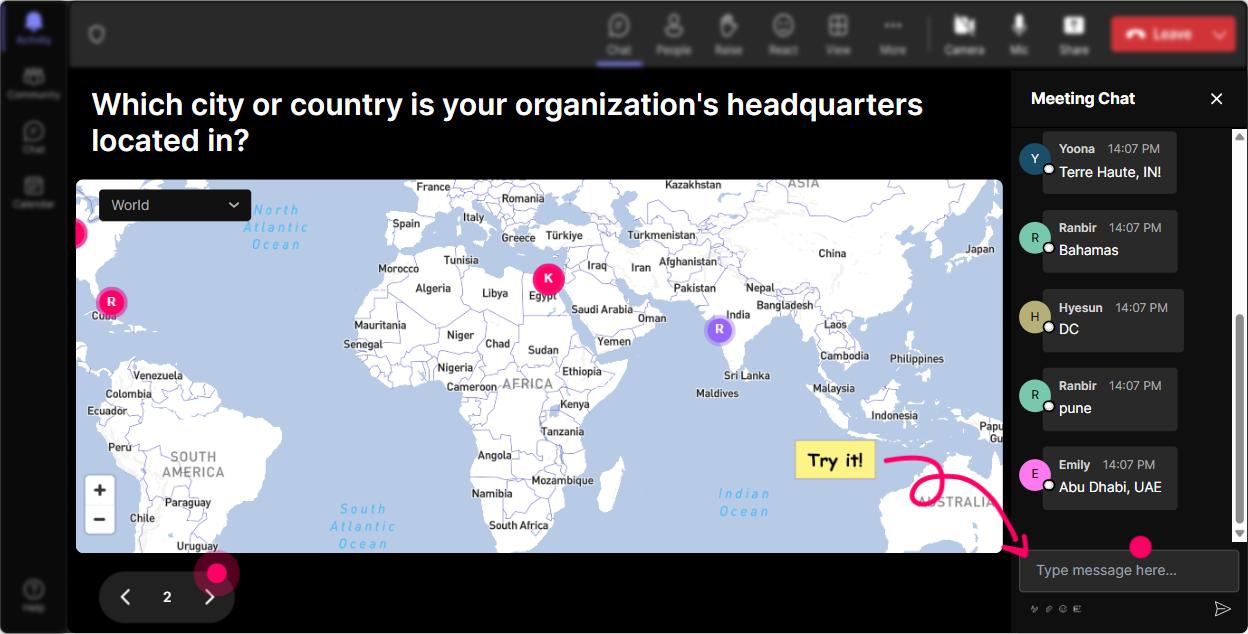
Kick things off by asking your audience where they're tuning in from. Use Magic Maps to plot their responses on a world map-its a great icebreaker. To make it relevant to your training, you could ask, Where is your companys biggest third-party partnership located? or "Which region do you find has the most third-party compliance challenges?" This not only warms up the crowd but starts conversations around geographical trends in risk management.
Gauge the Rooms Knowledge
Want to get a sense of your audience's familiarity with Third Party Risk Management? Use Rating Polls to have them score their understanding from 1 to 10. This helps you tailor your presentation to their needs and sprinkle in some much-needed clarity where its lacking. You could start with, Rate your confidence in managing third-party risks," and adjust your content based on their responses.

Feel the Rooms Vibes
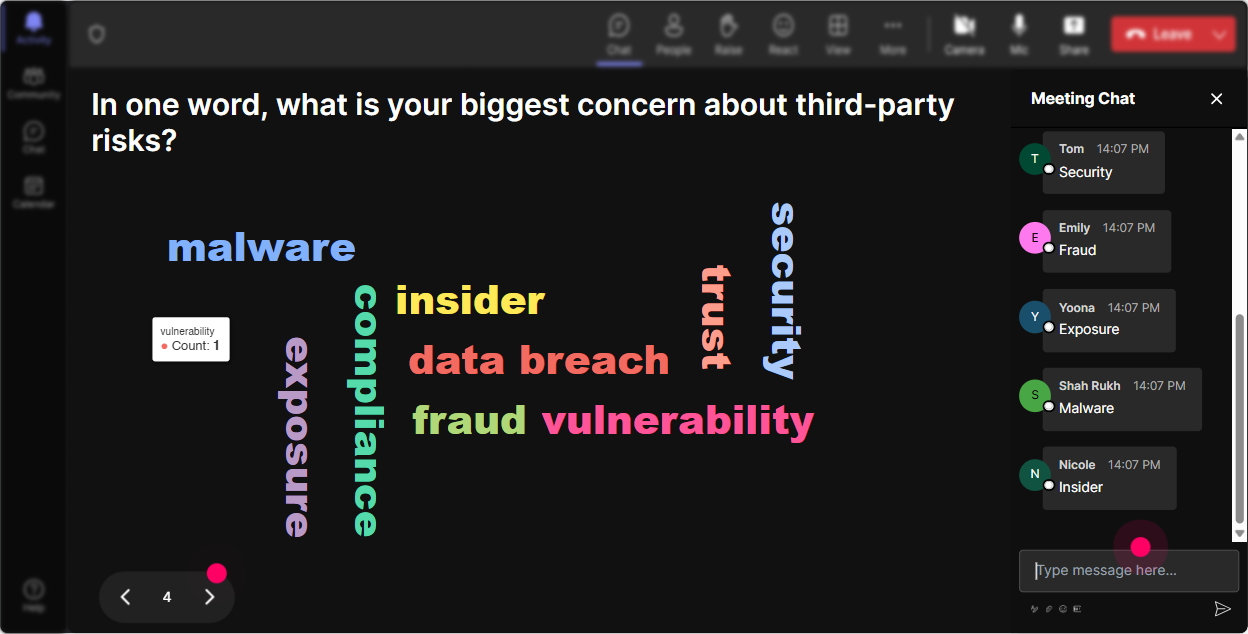
Use Word Clouds to get a pulse on how your audience feels about Third Party Risk Management. Are they nervous? Excited? Ask them, In one word, how does Third Party Risk Management make you feel? As they submit their responses, youll see which sentiments are most common. This can lead to a discussion around those feelings-because lets be honest, its more than just cold hard facts, its human emotions too!
Open the Floor with Talking Tiles
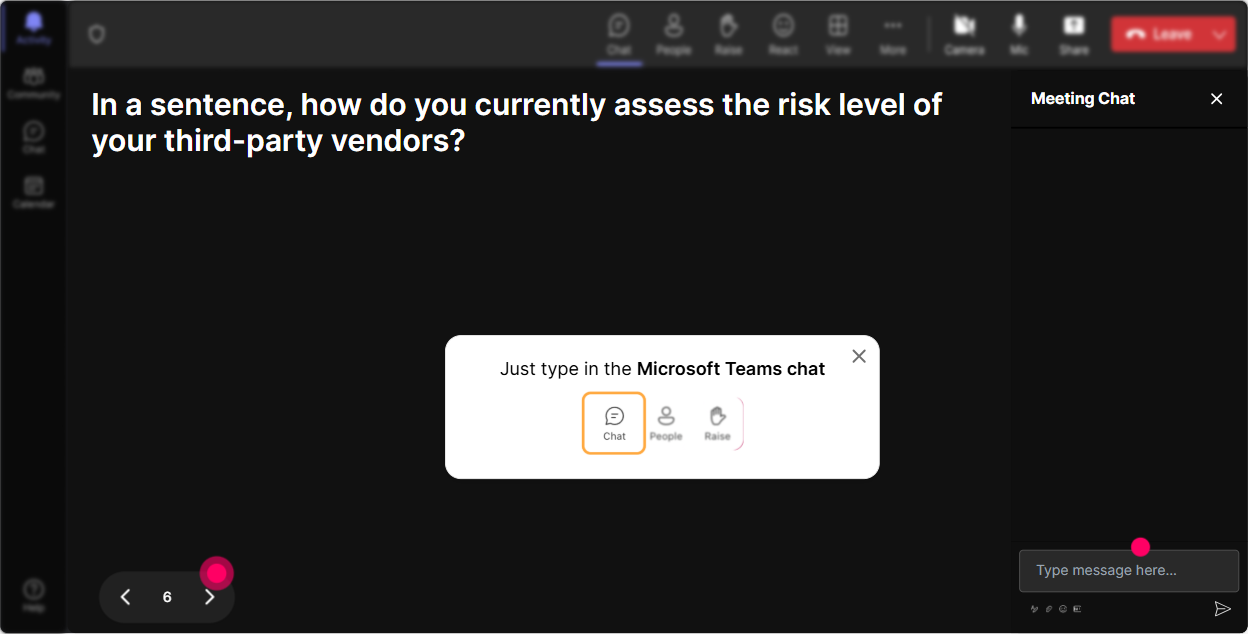
Talking Tiles will allow your audience to express detailed opinions. Ask them how third-party risk impacts their roles, what they find challenging, or even success stories they want to share. Watch as their thoughts cascade down the screen like a visual conversation-this can add a dynamic element to your session.
Uncover Training Preferences
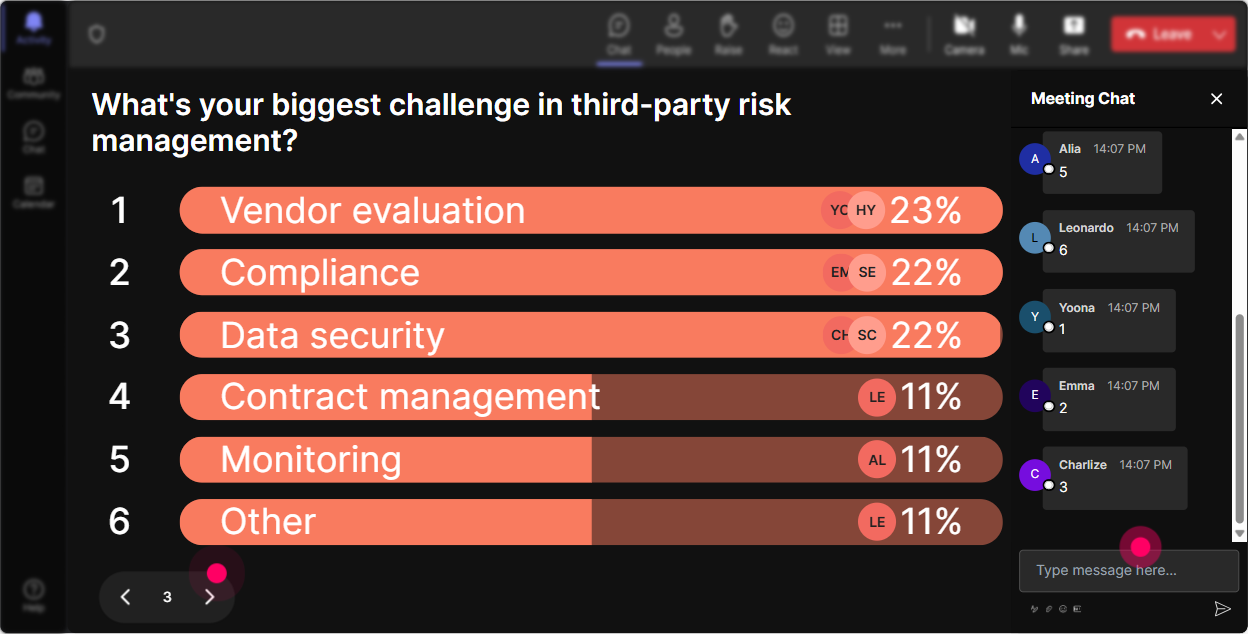
Run a Power Poll to find out which aspect of Third Party Risk Management your audience is itching to learn more about. Is it risk assessment, compliance strategies, or something else entirely? Frame a poll like, Which Third Party Risk Management topic should we dive deeper into? and tailor your session to what your audience finds most pressing.
Fate's Hand in Discussions
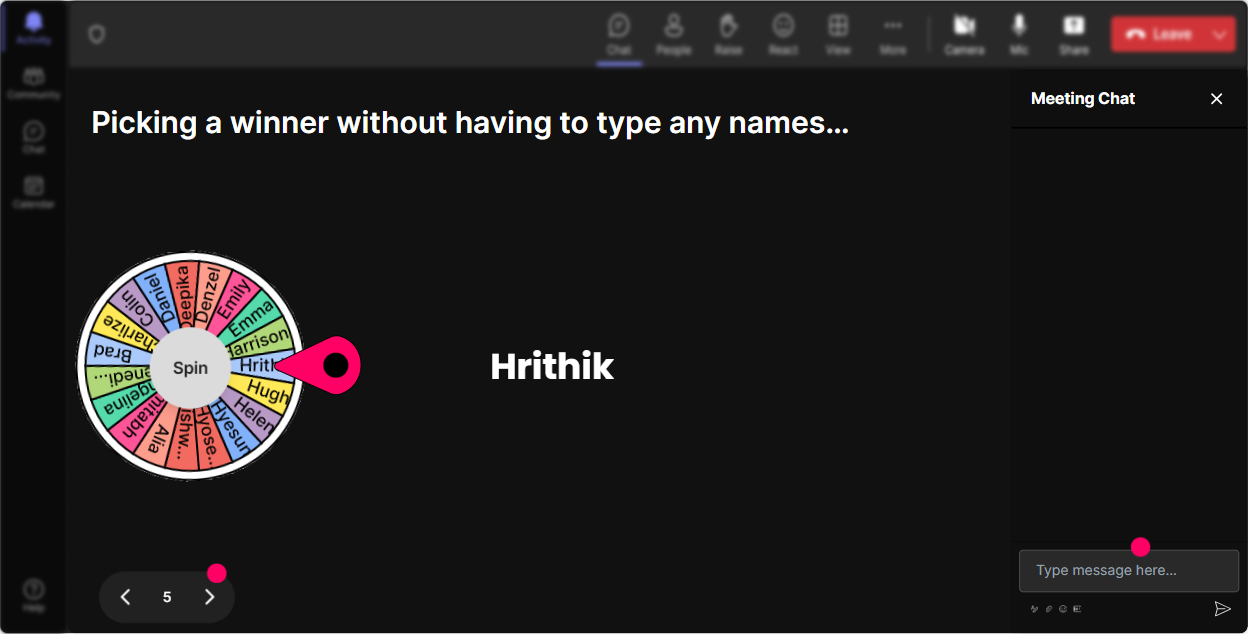
Keeping everyone engaged can be a challenge, so why not add an element of surprise with a Spinner Wheel? Ask for volunteers who'd like to share insights and use the spinner to choose someone randomly. Its a fun way to ensure everyone stays on their toes and ready to participate-youll see your audience sit up straighter, I promise!
Knowledge Check with a Twist
Interject your training with quick quizzes to test your audiences grasp of key points. Use the Quiz feature for a multiple-choice question, like Which factor is not part of third-party risk assessment? Then, reveal the correct answer and provide clarity if needed. Its an engaging way to reinforce learning!

Gauge the Rooms Knowledge
Want to get a sense of your audience's familiarity with Third Party Risk Management? Use Rating Polls to have them score their understanding from 1 to 10. This helps you tailor your presentation to their needs and sprinkle in some much-needed clarity where its lacking. You could start with, Rate your confidence in managing third-party risks," and adjust your content based on their responses.
Seamless Q&A Interactions
Dont let important questions slip through the cracks with StreamAlives Q&A feature. Let your audience type questions into the chat and have them automatically compiled for review. Its perfect for addressing concerns real-time without missing a beat-everyone gets heard and you dont need to juggle multiple screens!

Analyze to Improve
After your session, dive into StreamAlives analytics to understand what clicked with your audience. See which parts of your presentation resonated the most, who participated actively, and tweak your future sessions accordingly. Sharing these insights with your team via email or Teams is a great way to refine your approach, so you crush it every time!

Use StreamAlive in all your training sessions
StreamAlive isn’t just for
Third party risk management
training,
it can also be used for any instructor-led training session
Explore similar traingin ideas: unlocking the potential of StreamAlive
See how StreamAlive transforms live training with engaging events and interactive sessions across industries.

Interactions in action
(it's free)

.svg.png)


