

AI governance Training for software development teams
StreamAlive helps 9x the audience engagement in your Virtual Instructor-led Trainings (VILT).
Make your instructor-led AI governance training more fun with polls, word clouds, spinner wheels and more
Works inside your existing PowerPoint presentation
Install the StreamAlive app for PowerPoint and see your slides come to life as people participate in your interactions
AI generates audience interactions for you
Let our AI scan your presentation and automatically come up with relevant questions based on the content. Or spend two hours coming up with your own questions, your choice!
Built to work with MS Teams and Zoom
Native apps for Teams and Zoom so you never have to leave your existing workflows
No QR Codes
Chat-powered interactions means your audience doesn’t need to scan QR codes or look at another screen to participate. They just type in the chat!

Quickly approved by your IT team
StreamAlive’s apps for Teams and Zoom means that they have been through rigorous quality assurance and client safety reviews. You’ll find everything an IT team needs to approve the app within the organization within your StreamAlive account.

You've been asked to conduct AI governance training for software development teams and want to make the session fun and interesting. Lets see how to make that happen.
Mapping Magic
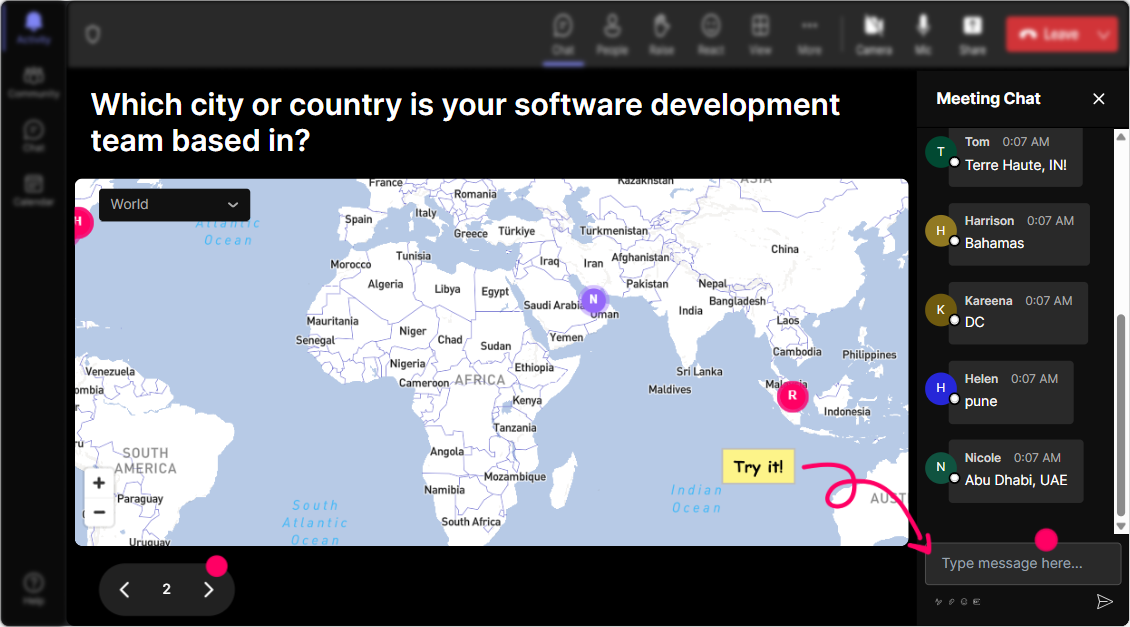
Break the ice and get everyone involved right from the start by literally putting them on the map. As you kick off your session, ask participants where they are dialing in from using Magic Maps. Imagine a global collage of your audiences locations populating on a real-time map. Its not just about geography; its about building that initial connection. Plus, it sets the stage for showing how AI ties into our interconnected world.
Gauge the Ground
Find out where everyone stands when it comes to AI governance. Is it a new concept to them, or are they already neck-deep in AI models? A quick Rating Poll can give you a pulse on the rooms current knowledge or confidence levels. For instance, ask them to rate their understanding of AI governance on a scale of 1-5. Itll not only tailor your content to their needs but also make them feel heard from the get-go.

Feelings in the Cloud
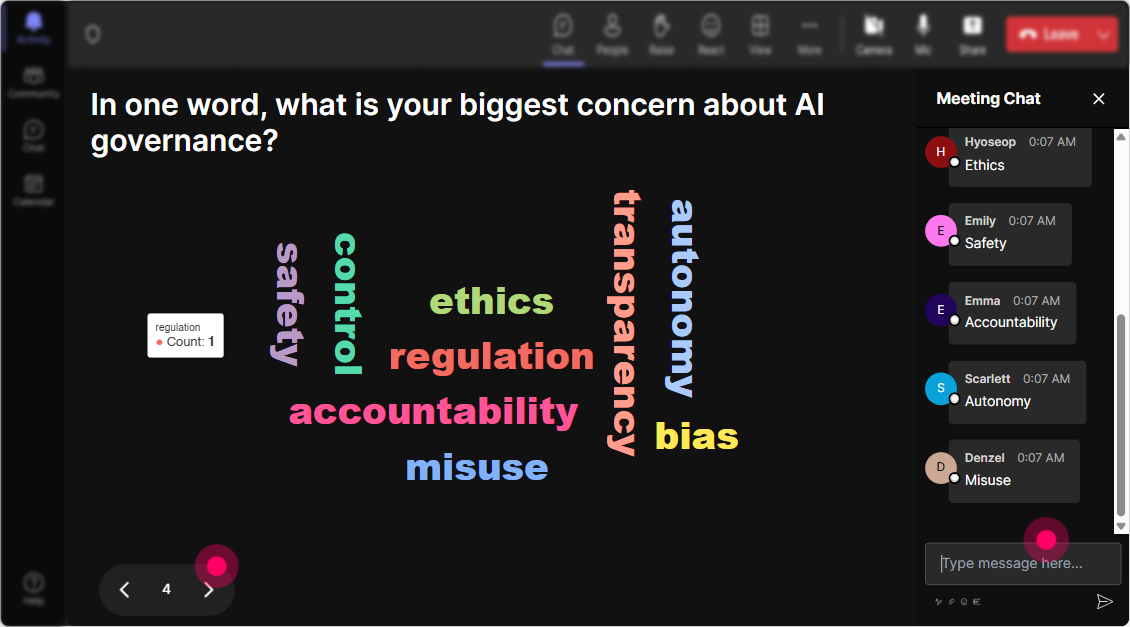
Ask your team to share one word that describes how they feel about AI governance. Are they excited, scared, or curious? Watching their responses form a Word Cloud in real-time as keywords like 'excited' or 'challenge' grow larger will visually summarize the group's emotions and help you address any apprehensions right off the bat.
Tile Talk Time
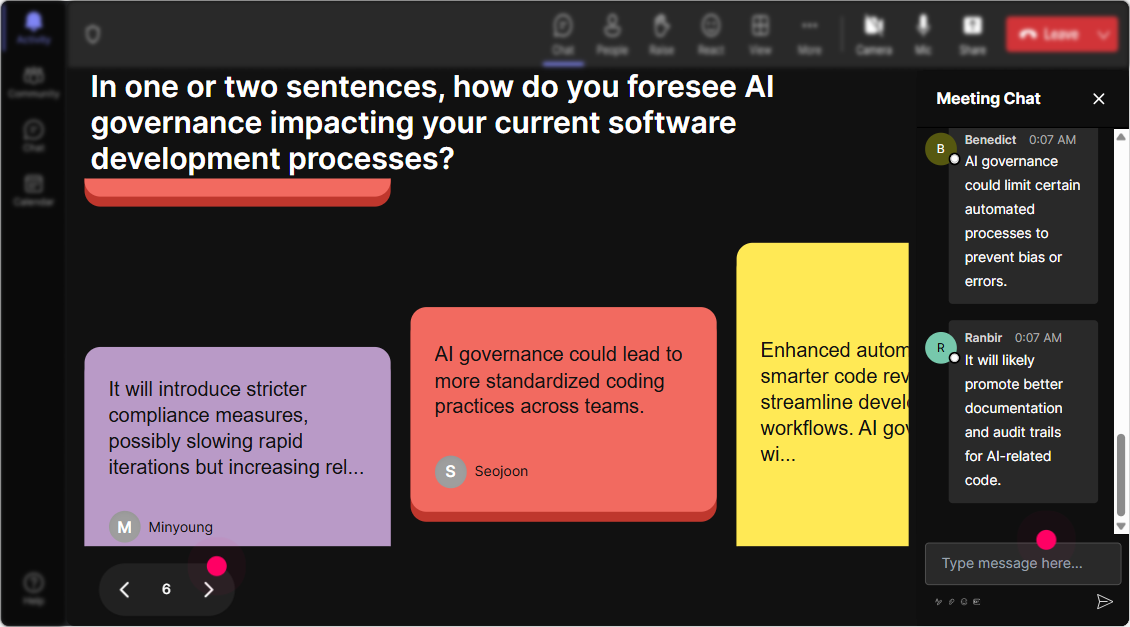
Heres a cool way to engage with your team-asking them how AI governance impacts their specific job roles and displaying their responses as falling Talking Tiles. This not only prompts them to think critically but also adds a visual flair and dynamism that keeps the interaction lively and engaging. Its like seeing your conversation come to life.
Prioritize with Polls
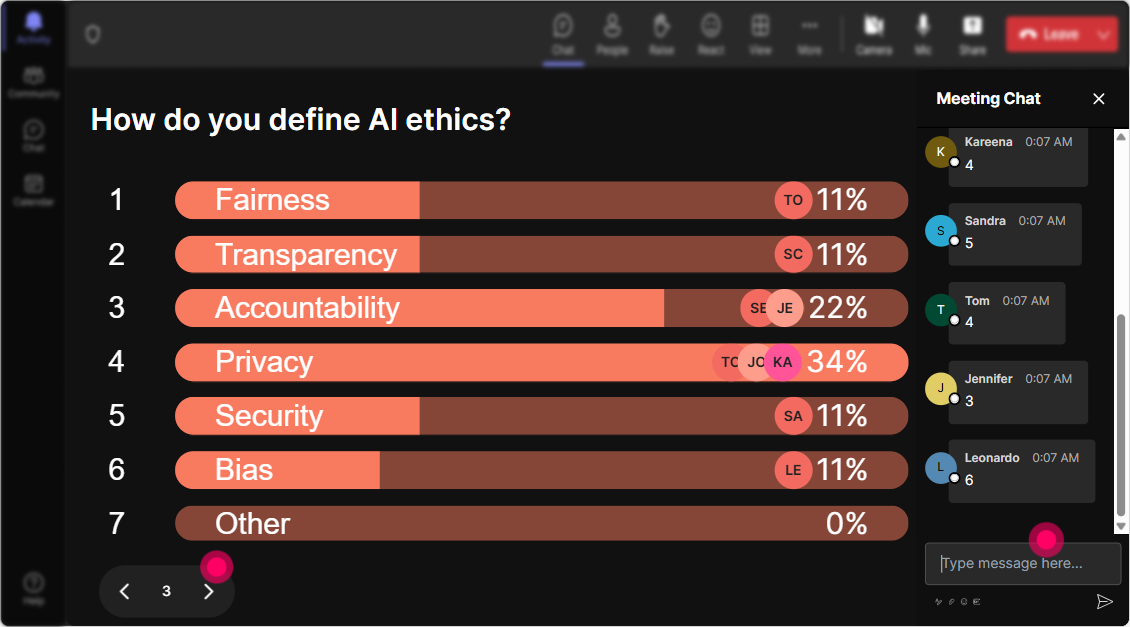
Use Power Polls to dig deeper into what your team wants to learn. Maybe a simple, Which aspect of AI Governance are you most curious about? will do the trick. Whether it's compliance, ethics, or risk management, the results will help you steer the session in a direction thats valuable to your audience.
Spin to Speak
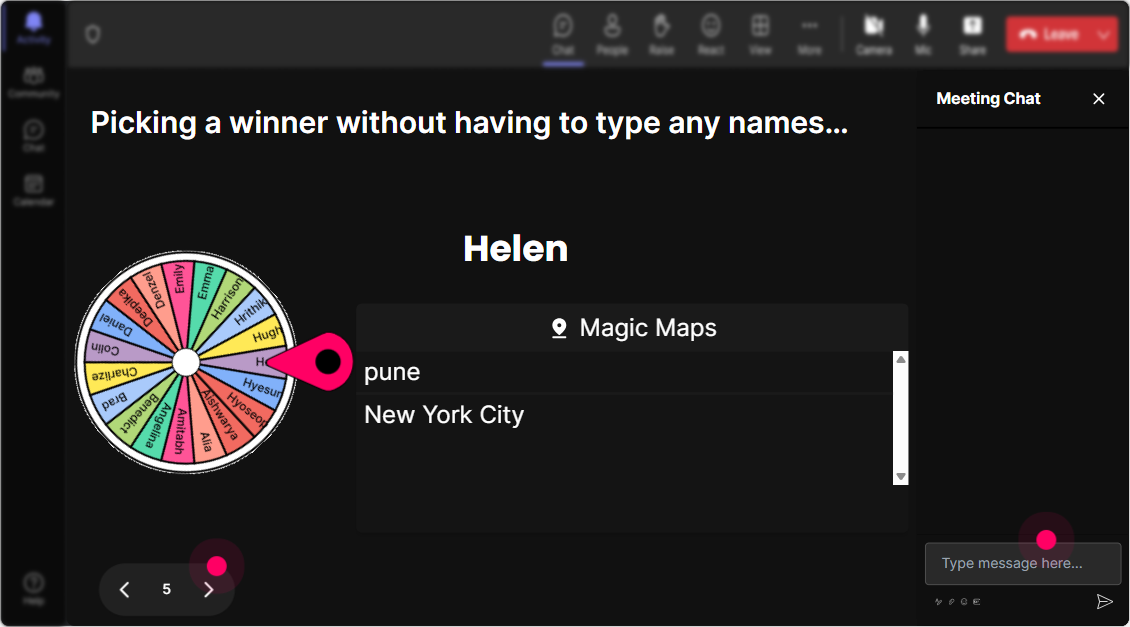
Inject a bit of spontaneity into your session with the Spinner Wheel. Instead of the dreaded Anyone want to volunteer?, let the wheel decide which lucky participant will unmute. It's a fun, unbiased way to get people involved, and who knows, the wheel might pick someone whod never have volunteered otherwise.
Quickfire Knowledge Check
A mini Quiz about AI governance concepts can make your session interactive and check for understanding along the way. Pose multiple-choice questions and let participants submit their answers via chat. Then reveal the correct answer to spice up the learning experience and spark some healthy competition.

Gauge the Ground
Find out where everyone stands when it comes to AI governance. Is it a new concept to them, or are they already neck-deep in AI models? A quick Rating Poll can give you a pulse on the rooms current knowledge or confidence levels. For instance, ask them to rate their understanding of AI governance on a scale of 1-5. Itll not only tailor your content to their needs but also make them feel heard from the get-go.
Questions on the Fly
Stay on top of audience inquiries with StreamAlives seamless Q&A feature. No need for separate tools-questions get picked up directly from the chat. This ensures audience questions dont get lost and fosters a space where engaging in dialogue and clarifying doubts feels effortless.

Insightful Analytics
Keep track of how engaged your audience was during your presentation. See which topics sparked the most interest with StreamAlives analytics. Discover your top fans-those who were most active during the session-and easily share the highlights and interaction results with your team via Teams or Email. Its all about learning what works and making each session better than the last.

Use StreamAlive in all your training sessions
StreamAlive isn’t just for
AI governance
training,
it can also be used for any instructor-led training session
Explore similar traingin ideas: unlocking the potential of StreamAlive
See how StreamAlive transforms live training with engaging events and interactive sessions across industries.

Interactions in action
(it's free)

.svg.png)


