

Applied AI Training for care coordination teams
StreamAlive helps 9x the audience engagement in your Virtual Instructor-led Trainings (VILT).
Make your instructor-led Applied AI training more fun with polls, word clouds, spinner wheels and more
Works inside your existing PowerPoint presentation
Install the StreamAlive app for PowerPoint and see your slides come to life as people participate in your interactions
AI generates audience interactions for you
Let our AI scan your presentation and automatically come up with relevant questions based on the content. Or spend two hours coming up with your own questions, your choice!
Built to work with MS Teams and Zoom
Native apps for Teams and Zoom so you never have to leave your existing workflows
No QR Codes
Chat-powered interactions means your audience doesn’t need to scan QR codes or look at another screen to participate. They just type in the chat!

Quickly approved by your IT team
StreamAlive’s apps for Teams and Zoom means that they have been through rigorous quality assurance and client safety reviews. You’ll find everything an IT team needs to approve the app within the organization within your StreamAlive account.

So, you've got the amazing task of leading an Applied AI training session for care coordination teams, and you want to make it engaging and memorable. Well, let's dive into how we can sprinkle some fun and energy into your training with StreamAlive's interaction features.
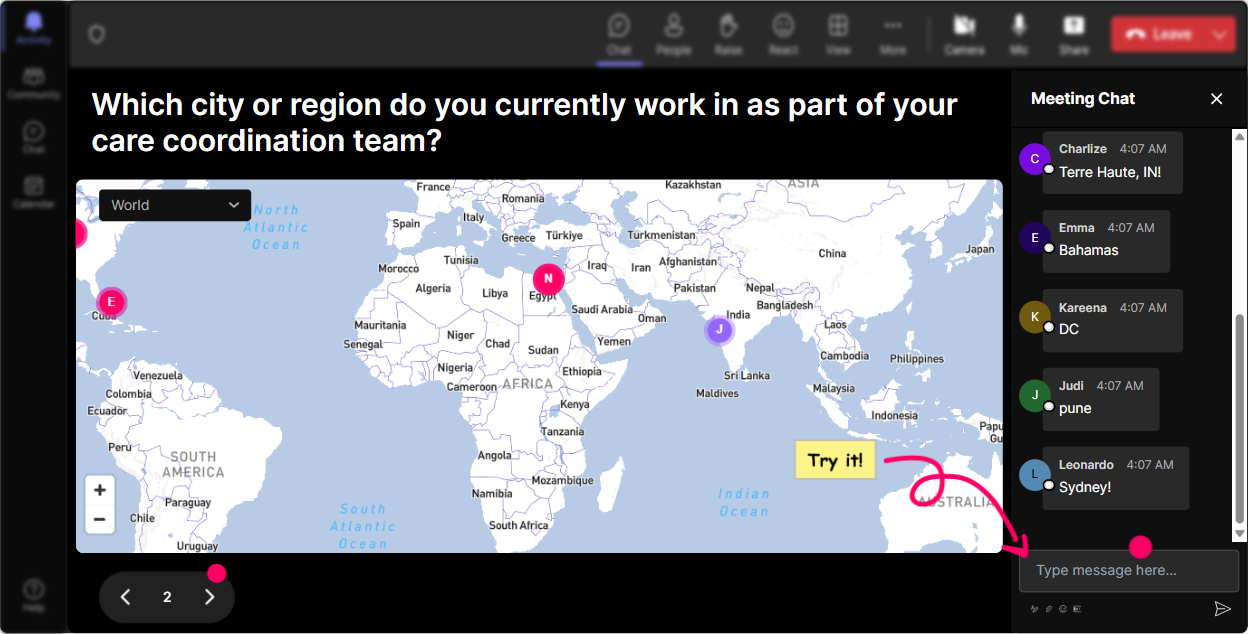
Magic Maps: Show The World Where You Are
Let's break the ice! Get your trainees to pin their spots on the globe using Magic Maps. Start your session by asking where everyone is joining from or where they'd love to go post-pandemic. You'll instantly create a sense of community as everyone's earth locations pop up live on a map.
Assess AI Knowledge with Rating Polls
Want to gauge the baseline understanding of Applied AI in your group? Use a Rating Poll. Pose a question like, "How comfortable are you with AI terms and concepts?" and get real-time feedback to tailor your session accordingly.

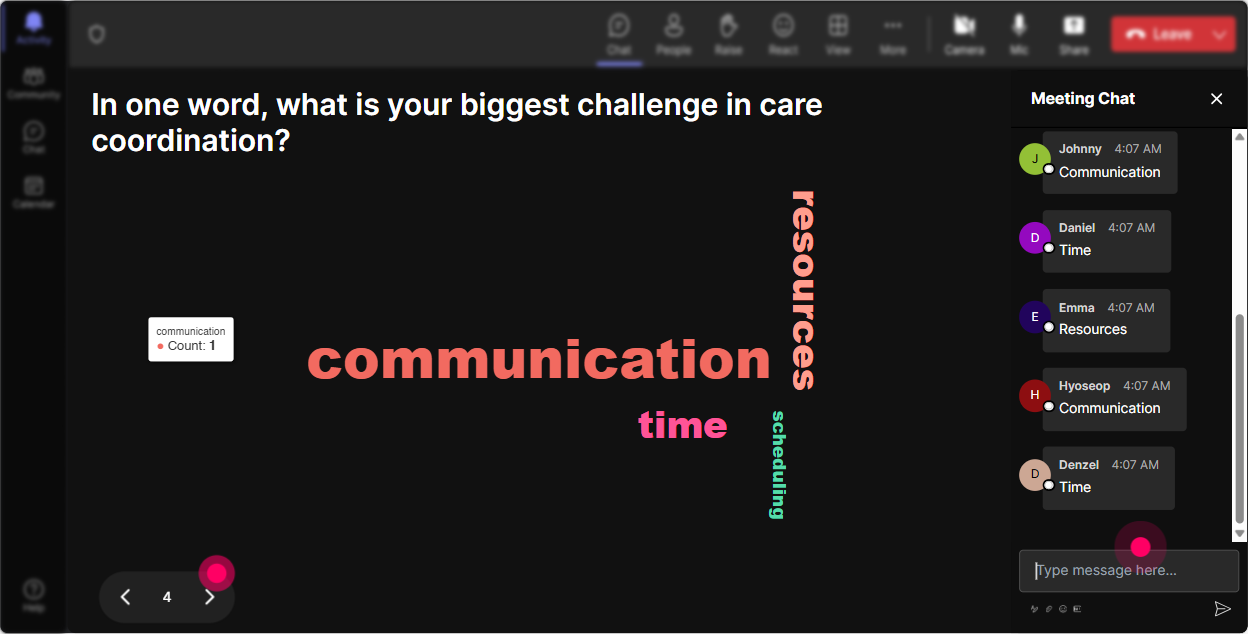
Feeling the Pulse: Word Cloud
How is everyone feeling about diving into AI? Eager, curious, anxious? Create a Word Cloud to visualize these sentiments. Not only does it help you understand your audience better, but it also sets the tone for a supportive learning environment.
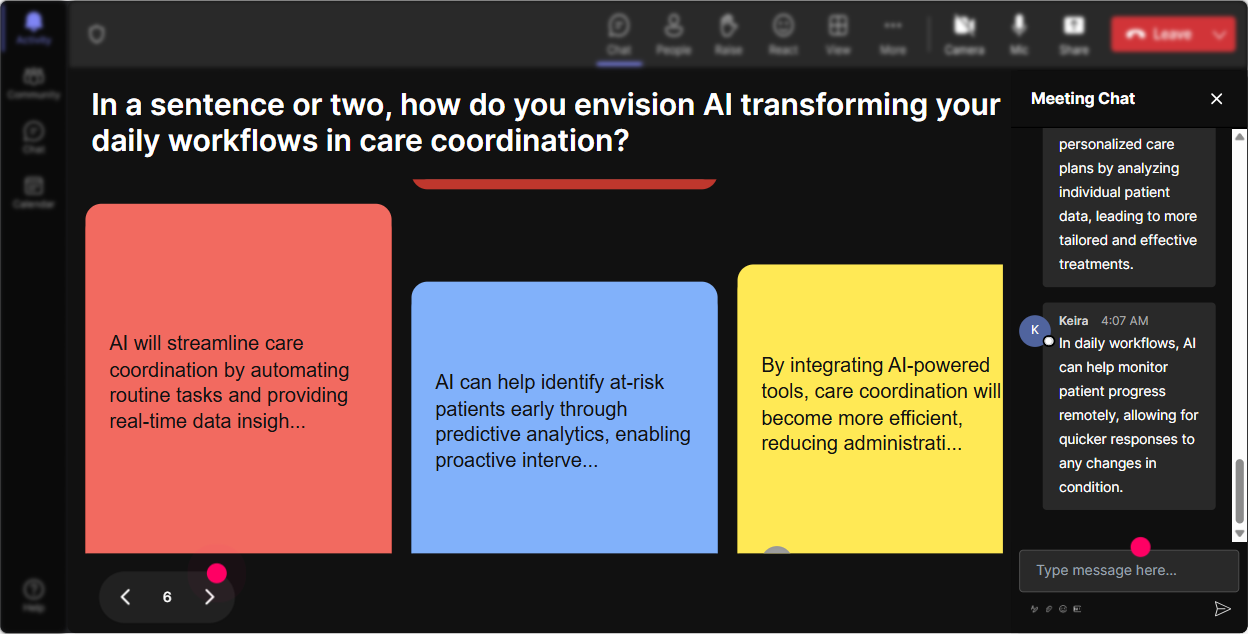
Impact Chat with Talking Tiles
Get interactive by asking attendees how they see AI influencing their roles. As their thoughts flow in, watch them stack up like Tetris with Talking Tiles, bringing life to their ideas! Its a neat way to keep everyone on their toes, sharing and building upon each other's insights.
Interest Check: Power Polls
Curious about what your team is most eager to learn? Ask them to vote on topics like AI in patient care, data handling, or predictive algorithms using polls. This ensures you're focusing on what they find most intriguing or beneficial.

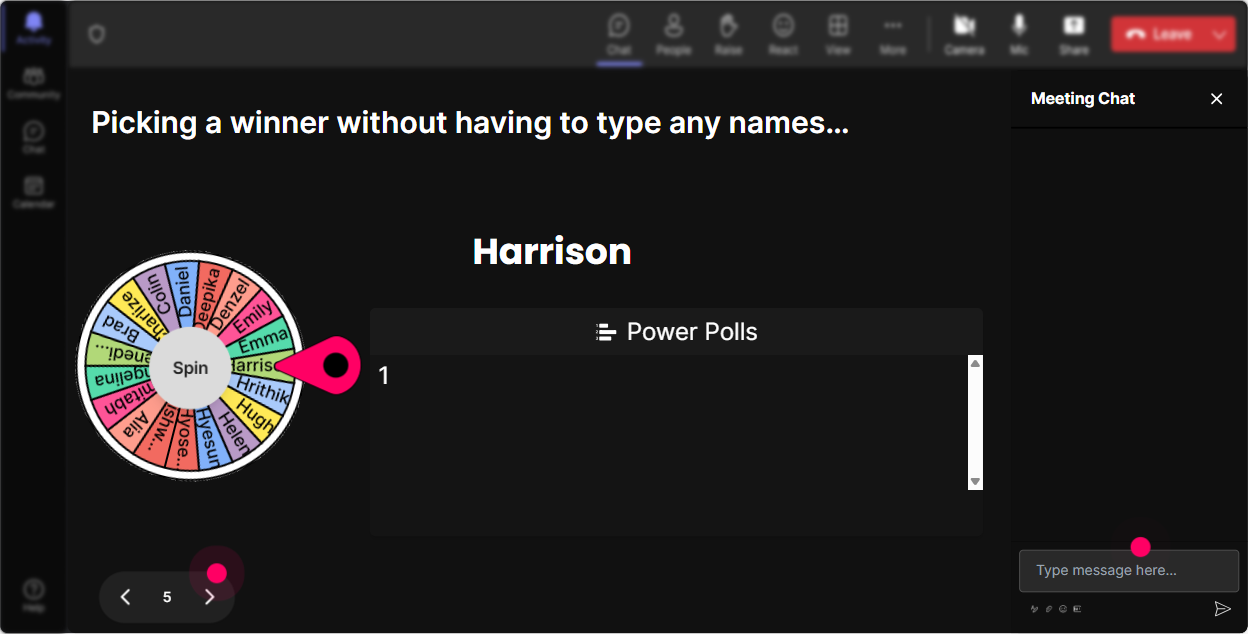
Volunteer Roulette: Spinner Wheel
Need a volunteer but want to keep it exciting? Use the Spinner Wheel to let fate decide who will volunteer for a role-play or discussion. Its a fun way to gently encourage participation without putting anyone on the spot.
Knowledge Check: Quiz Time
Inject some excitement by throwing in a quick quiz about AI basics. Maybe tease with a question like, "Which algorithm is mainly used in predictive modeling?" Adding a layer of gamification gets everyone invested and keeps the energy high!

Assess AI Knowledge with Rating Polls
Want to gauge the baseline understanding of Applied AI in your group? Use a Rating Poll. Pose a question like, "How comfortable are you with AI terms and concepts?" and get real-time feedback to tailor your session accordingly.
Seamless Inquiry: Q&A
StreamAlive makes handling questions a breeze by auto-detecting queries straight from chat. No separate boxes needed! It helps ensure no question is left unanswered, keeping your content flowing smoothly and making sure your trainees are always in the loop.

Dive Deeper with Analytics
Post-session, unravel insights with StreamAlive's detailed analytics. Discover which parts of your session hit home, identify your top fans, and effortlessly share these findings with your team via Teams or Email to continually refine your training approach.

Use StreamAlive in all your training sessions
StreamAlive isn’t just for
Applied AI
training,
it can also be used for any instructor-led training session
Explore similar traingin ideas: unlocking the potential of StreamAlive
See how StreamAlive transforms live training with engaging events and interactive sessions across industries.

Interactions in action
(it's free)

.svg.png)


