

Responsible AI Training for content teams
StreamAlive helps 9x the audience engagement in your Virtual Instructor-led Trainings (VILT).
Make your instructor-led Responsible AI training more fun with polls, word clouds, spinner wheels and more
Works inside your existing PowerPoint presentation
Install the StreamAlive app for PowerPoint and see your slides come to life as people participate in your interactions
AI generates audience interactions for you
Let our AI scan your presentation and automatically come up with relevant questions based on the content. Or spend two hours coming up with your own questions, your choice!
Built to work with MS Teams and Zoom
Native apps for Teams and Zoom so you never have to leave your existing workflows
No QR Codes
Chat-powered interactions means your audience doesn’t need to scan QR codes or look at another screen to participate. They just type in the chat!

Quickly approved by your IT team
StreamAlive’s apps for Teams and Zoom means that they have been through rigorous quality assurance and client safety reviews. You’ll find everything an IT team needs to approve the app within the organization within your StreamAlive account.

So, you've been tasked with leading a Responsible AI session for your content team, and you're eager to make it as engaging as possible. Luckily, I've got some awesome tips to make your session both informative and interactive!
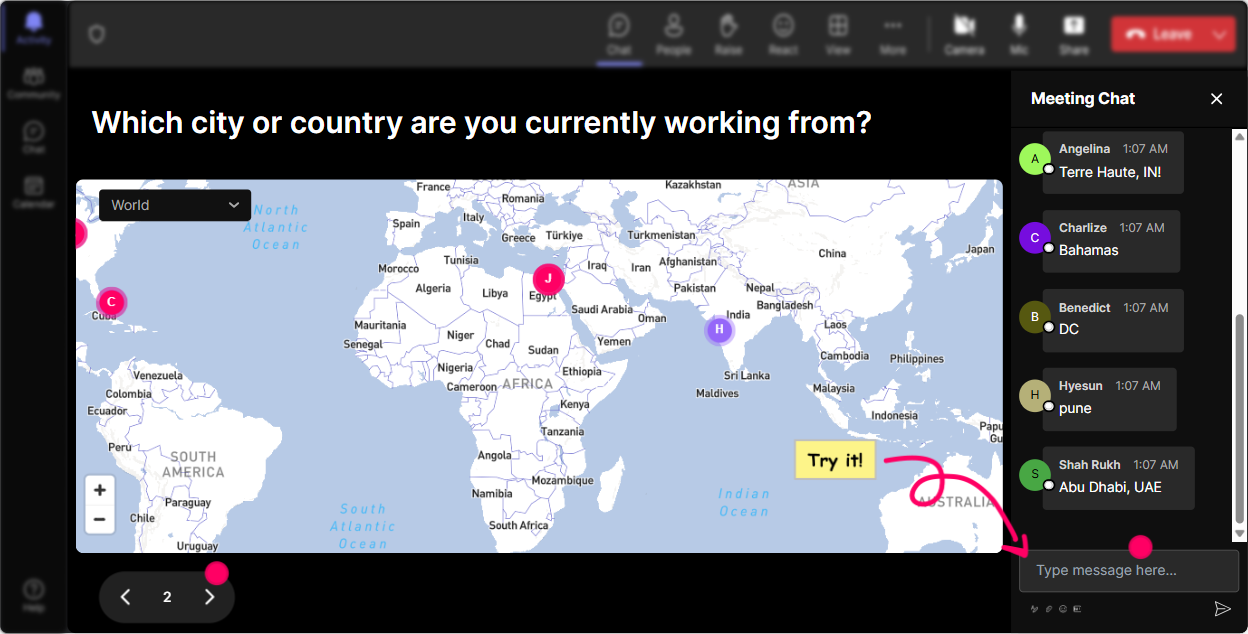
Put Everyone On The Map
Break the ice and start your session with Magic Maps. Ask your attendees where they're joining from or their dream travel destination. It's a great way to create a visual connection and see your global audience in real time.
Get A Pulse On AI Knowledge
Start with a Rating Poll to gauge everyones current understanding of Responsible AI. Ask on a scale, say 1 to 5, how familiar they are with the concept. This gives you an idea of how deep to dive.

Feelings About AI
Use the Wonder Words feature to create a word cloud about how your attendees feel about Responsible AI. Are they excited, nervous, or curious? Its a fun way to capture the groups vibe.

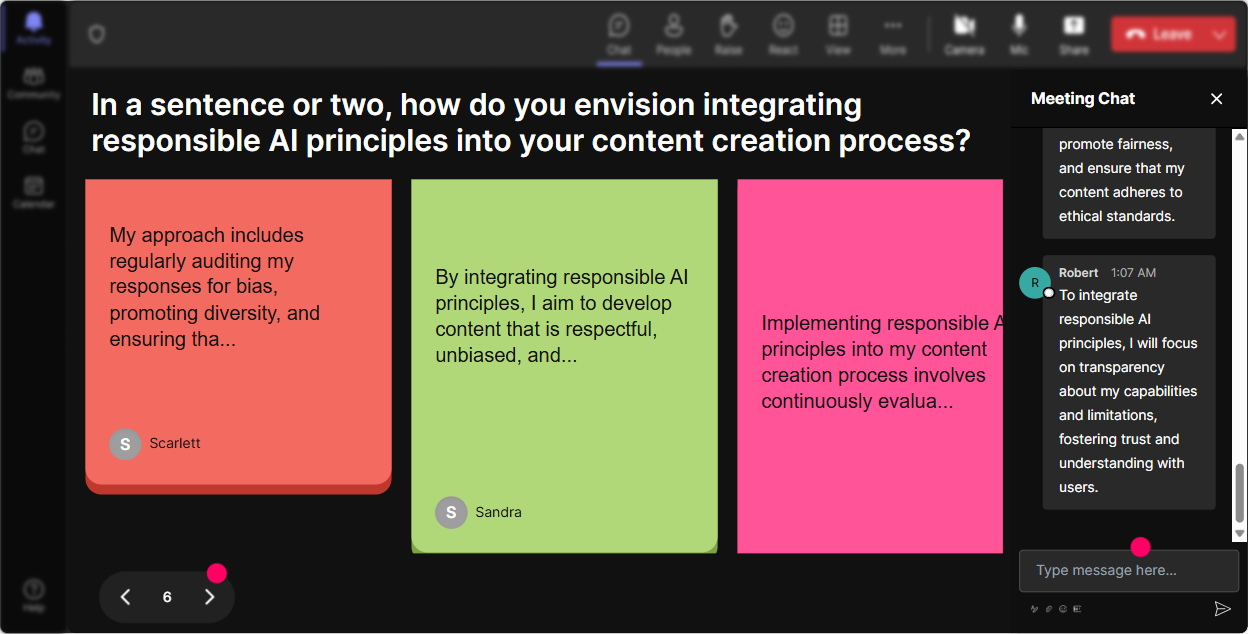
Impact On Roles
With Talking Tiles, ask your team to describe in a sentence how Responsible AI impacts their job roles. Watch their responses cascade down the screen, adding a lively touch to the discussion.
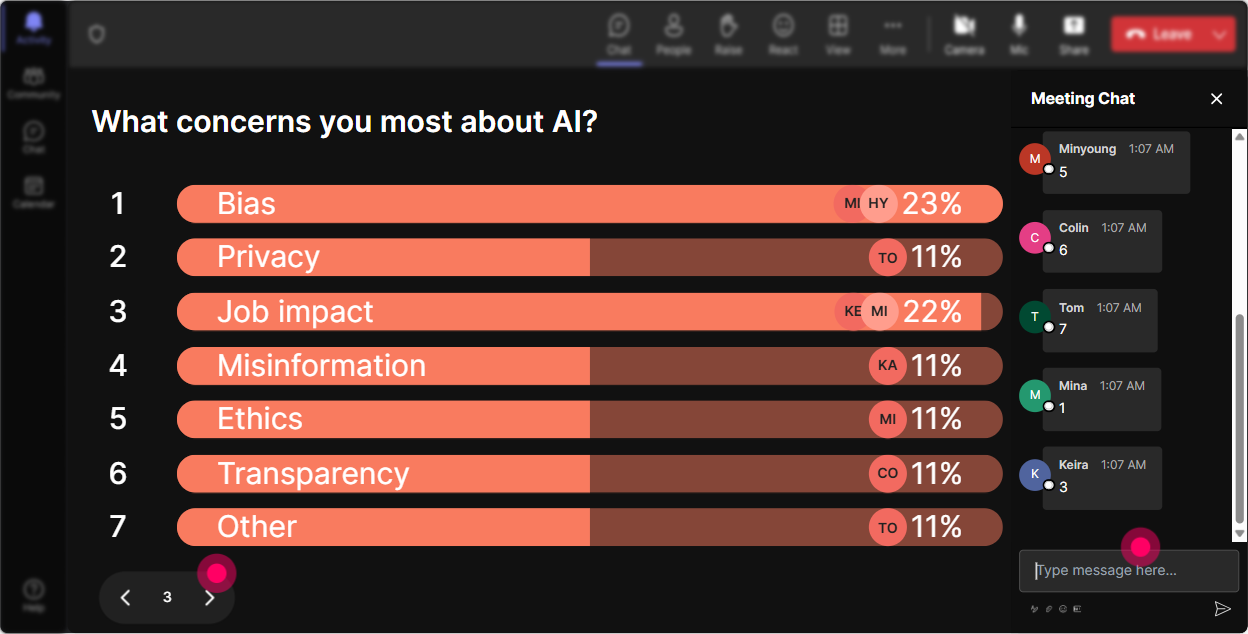
What Topics Matter Most?
Power Polls are perfect for finding out what part of Responsible AI intrigues your content team the most. Let them vote on topics they want to dive deeper into.
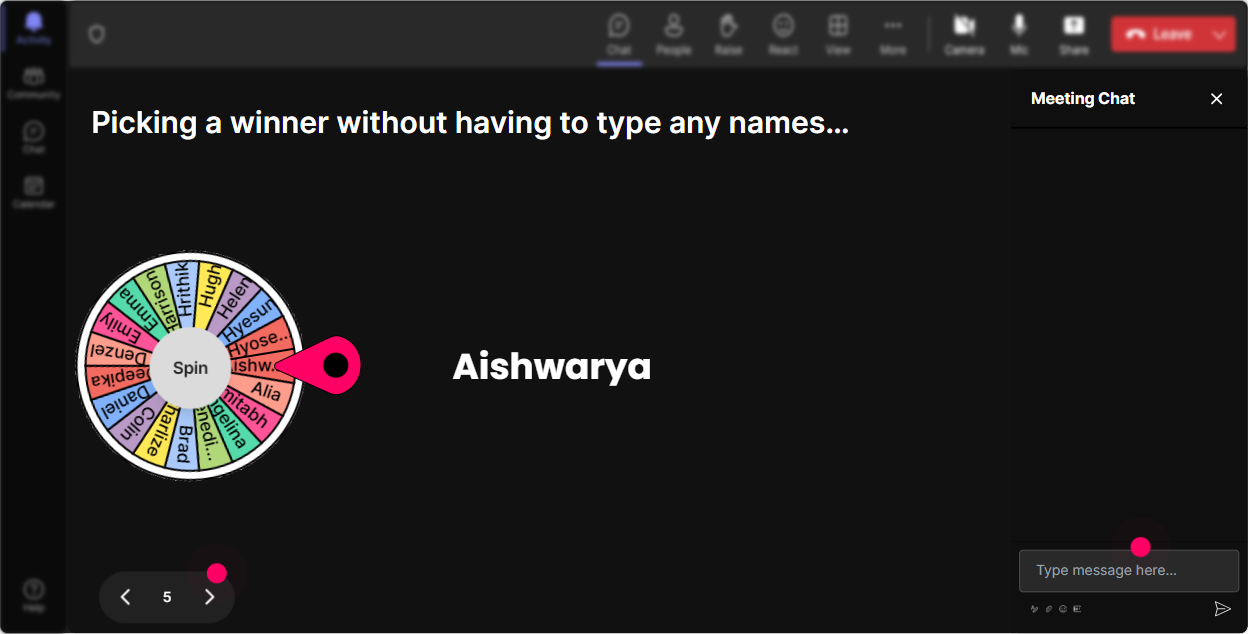
The Volunteer Game
Wondering how to pick a volunteer to speak without the awkward silence? Spin the Winner Wheel and let it choose someone to share their story or answer a question on the spot.
Test AI Knowledge
Engage your team with a fun Quiz. Pose a multiple-choice question about a key AI principle and see who gets it right. Its a great way to reinforce learning.

Get A Pulse On AI Knowledge
Start with a Rating Poll to gauge everyones current understanding of Responsible AI. Ask on a scale, say 1 to 5, how familiar they are with the concept. This gives you an idea of how deep to dive.
Questions Made Easy
Use StreamAlives Q&A feature to capture questions from the chat seamlessly. It organizes queries so you can address concerns without missing a beat.

Review and Reflect
After your session, use StreamAlives analytics to find out how your content resonated. See engagement levels, identify top participants, and easily share insights via Teams or Email.

Use StreamAlive in all your training sessions
StreamAlive isn’t just for
Responsible AI
training,
it can also be used for any instructor-led training session
Explore similar traingin ideas: unlocking the potential of StreamAlive
See how StreamAlive transforms live training with engaging events and interactive sessions across industries.

Interactions in action
(it's free)

.svg.png)


