

AI safety Training for laboratory staff
StreamAlive helps 9x the audience engagement in your Virtual Instructor-led Trainings (VILT).
Make your instructor-led AI safety training more fun with polls, word clouds, spinner wheels and more
Works inside your existing PowerPoint presentation
Install the StreamAlive app for PowerPoint and see your slides come to life as people participate in your interactions
AI generates audience interactions for you
Let our AI scan your presentation and automatically come up with relevant questions based on the content. Or spend two hours coming up with your own questions, your choice!
Built to work with MS Teams and Zoom
Native apps for Teams and Zoom so you never have to leave your existing workflows
No QR Codes
Chat-powered interactions means your audience doesn’t need to scan QR codes or look at another screen to participate. They just type in the chat!

Quickly approved by your IT team
StreamAlive’s apps for Teams and Zoom means that they have been through rigorous quality assurance and client safety reviews. You’ll find everything an IT team needs to approve the app within the organization within your StreamAlive account.

You've been tasked with conducting a riveting AI safety training for your team of laboratory staff, and you want to make it as engaging as it is informative. Let's see how StreamAlive can help you achieve just that!
Mapping AI Safety: Recruit Your Global Team
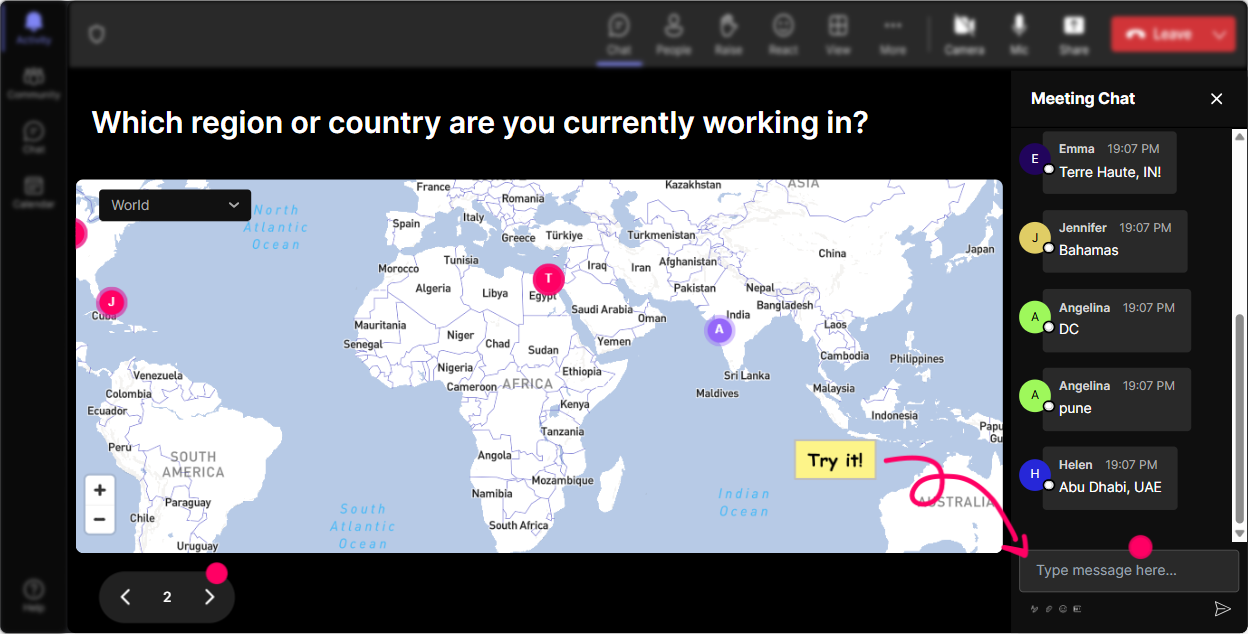
Start with StreamAlive's Magic Maps to break the ice: Ask your audience, "Where in the world are you tuning in from to become AI safety superheroes?" Watch as locations light up your screen and get everyone involved from the get-go. This tool warms up the room and gives everyone a chance to mark their spot on this AI revolution.
Gauge the AI Safety Barometer
Begin with a Rating Poll to assess your teams current knowledge on AI safety. Ask them to rate their comfort level with AI safety protocols on a scale of 1-5. This instantly helps you tailor your session to fit their collective starting point.

Craft a Cloud of Words: Collective AI Thoughts
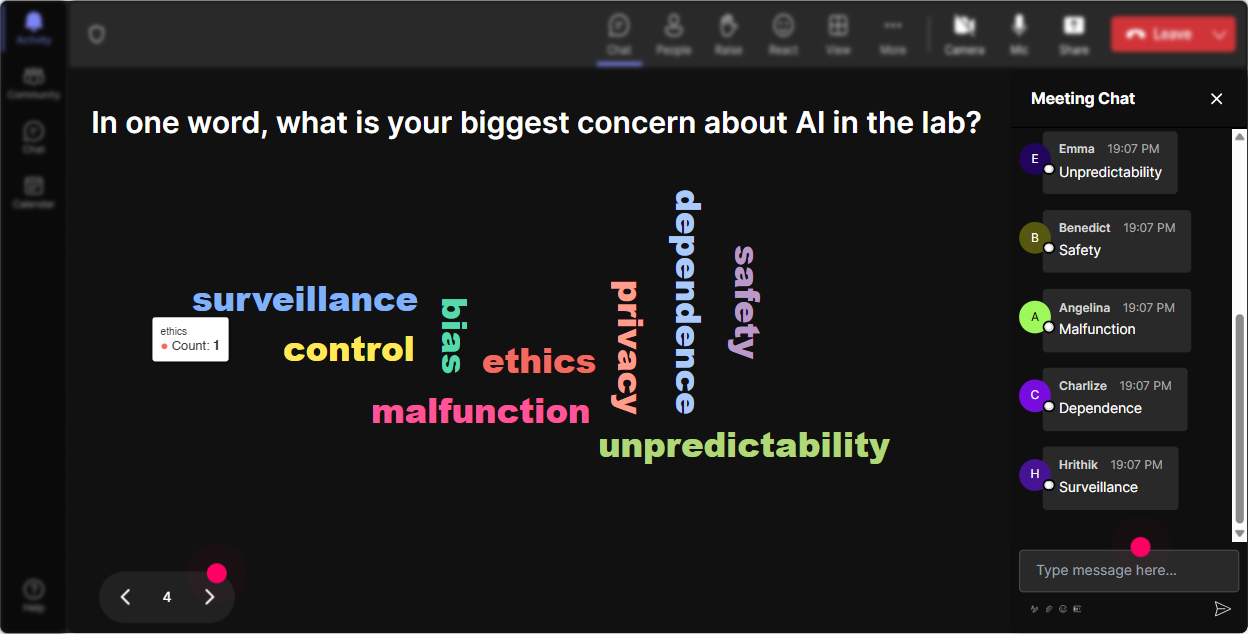
Kick-off a playful yet poignant dialogue by using the Word Cloud feature. Pose the question: "How do you feel about AI safety training?" and see which words grow larger. This visual mood board instantly reveals the pulse of the room whether it's intrigue, nervousness, or enthusiasm.
Tetris of Thoughts: Job Impact
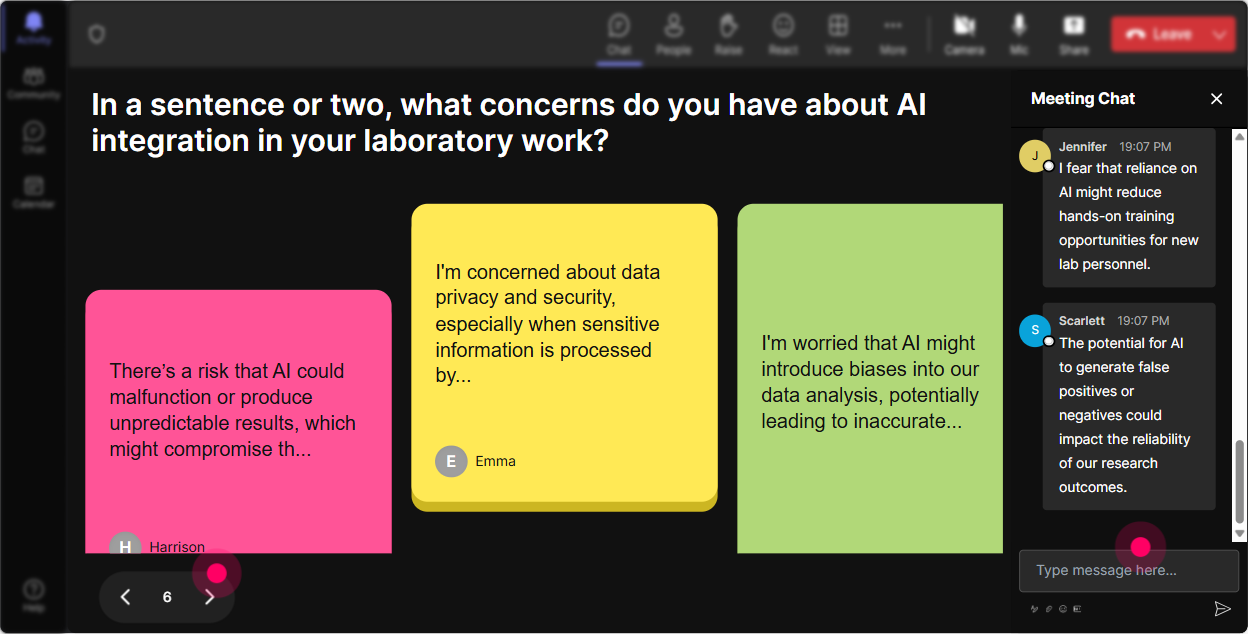
Spice up the training by asking participants how AI safety impacts their job roles using Talking Tiles. Watch their responses fall like Tetris tiles-a fun and insightful way to visualize how much AI intertwines with their professional lives.
Decode AI Curiosities with a Poll
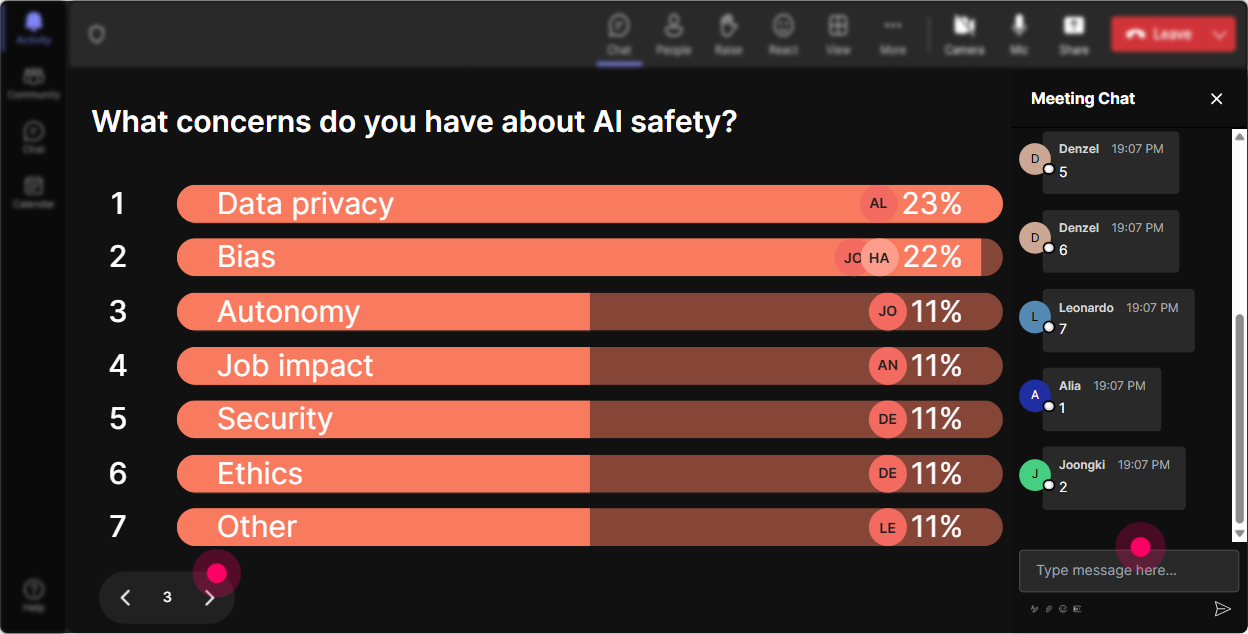
Use Power Polls to discover what aspect of AI safety your audience craves knowledge about. Is it data privacy, robot ethics, or security protocols? This keeps content relevant and insightful, addressing the key interests of your laboratory staff.
Spin the Wheel of Participation
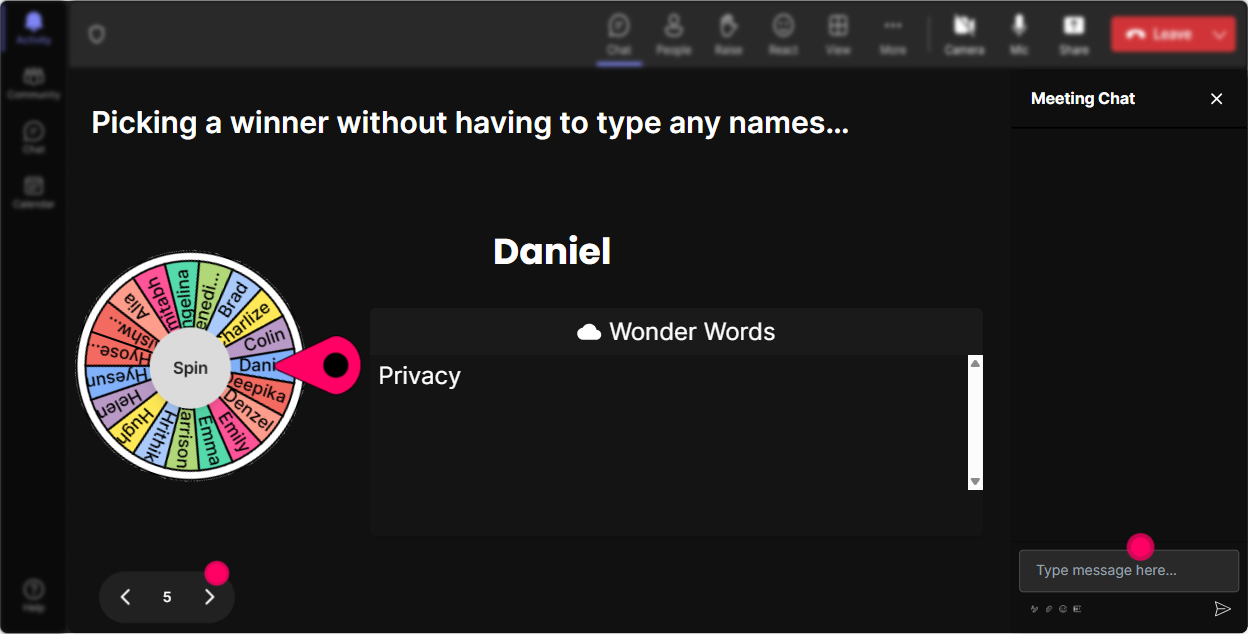
Energize your session by using the Spinner Wheel to randomly select a volunteer wholl unmute and share insights or answer questions. Its a fun, roulette-like way to ensure everyone stays on their toes-and keeps voices diverse and fresh!
Challenge with an AI Safety Quiz
Engage your audience with a quick Quiz Interaction. Pose a multiple-choice question on AI safety best practices with one correct answer, like: "What is the most common AI safety breach in labs?" Its educational and a bit of lighthearted competition.

Gauge the AI Safety Barometer
Begin with a Rating Poll to assess your teams current knowledge on AI safety. Ask them to rate their comfort level with AI safety protocols on a scale of 1-5. This instantly helps you tailor your session to fit their collective starting point.
Seamless Inquisitions: Q&A
StreamAlive's Q&A feature makes sure no burning question goes unnoticed. It automatically detects questions in the chat, so you dont miss any chance to clarify doubts during your live AI safety training.

Refine and Reflect with Analytics
After your session, leverage StreamAlive's analytics to review audience engagement. See which parts of your training captivated the audience most, identify the most enthusiastic participants, and share insightful results with your team effortlessly via Teams or Email.

Use StreamAlive in all your training sessions
StreamAlive isn’t just for
AI safety
training,
it can also be used for any instructor-led training session
Explore similar traingin ideas: unlocking the potential of StreamAlive
See how StreamAlive transforms live training with engaging events and interactive sessions across industries.

Interactions in action
(it's free)

.svg.png)


